Remesh
Panel: Sidebar ‣ QuadGuide
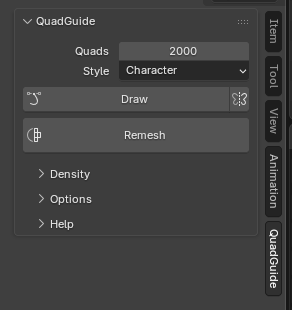
- Select a mesh.
- Set Quads and Style.
- Press Remesh. Esc cancels.
The original is hidden and never changed. Shift+Q switches between it and the result.
Options
- Quads
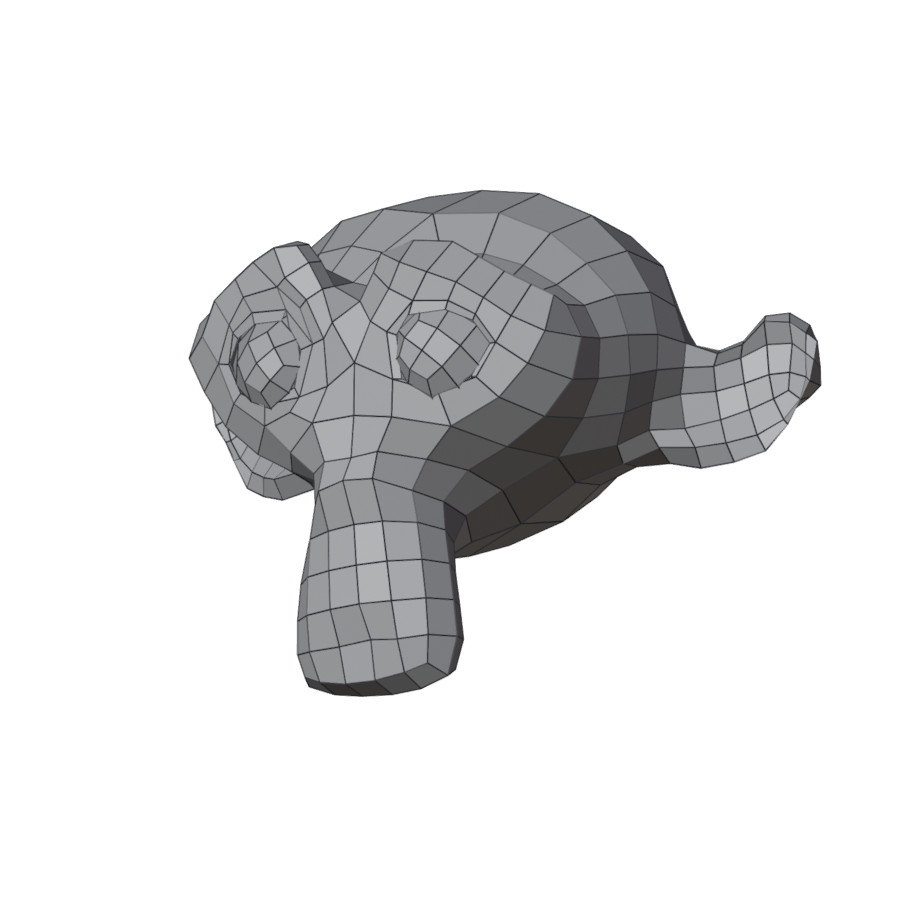
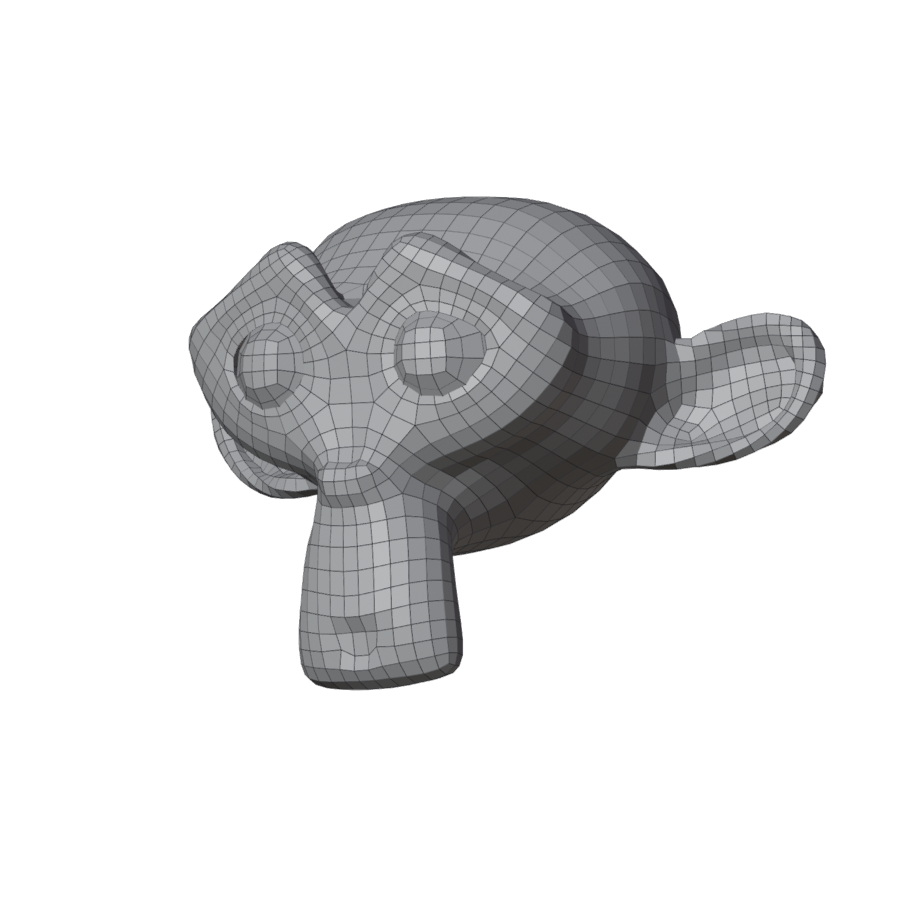
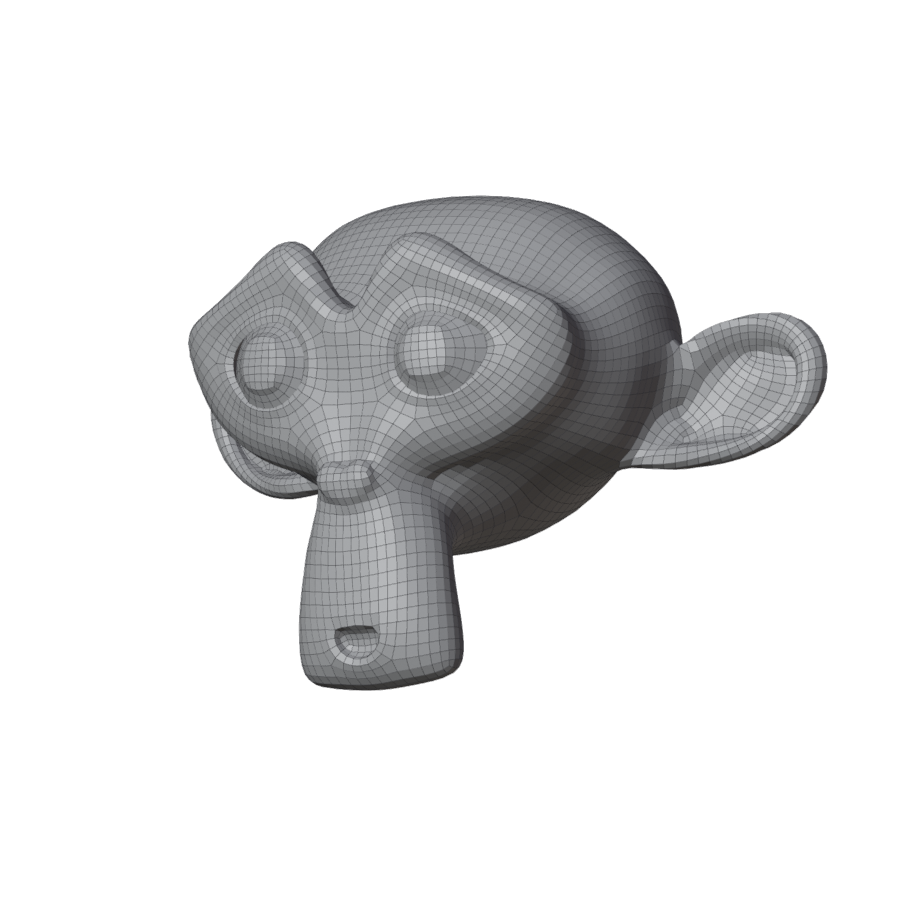
- About how many quads the result has.
- Style
-
Guessed from the mesh; change it any time.
- Character
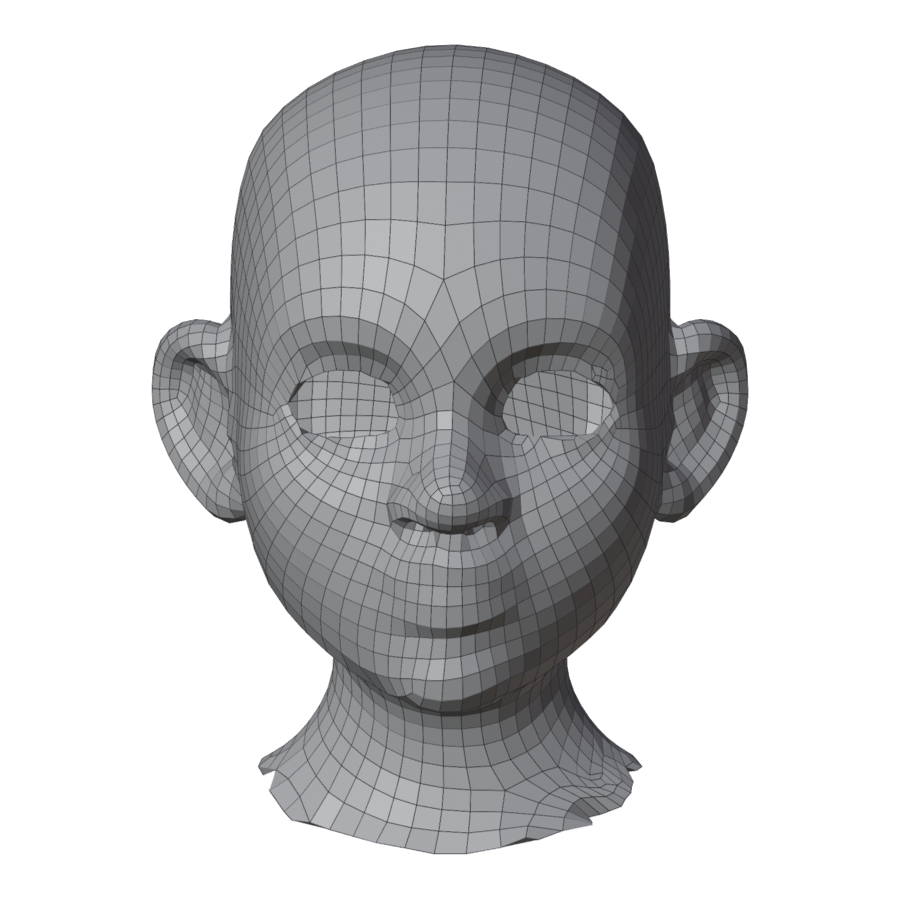
- Characters, creatures, stylized sculpts. The usual choice.
- Sculpt / Scan
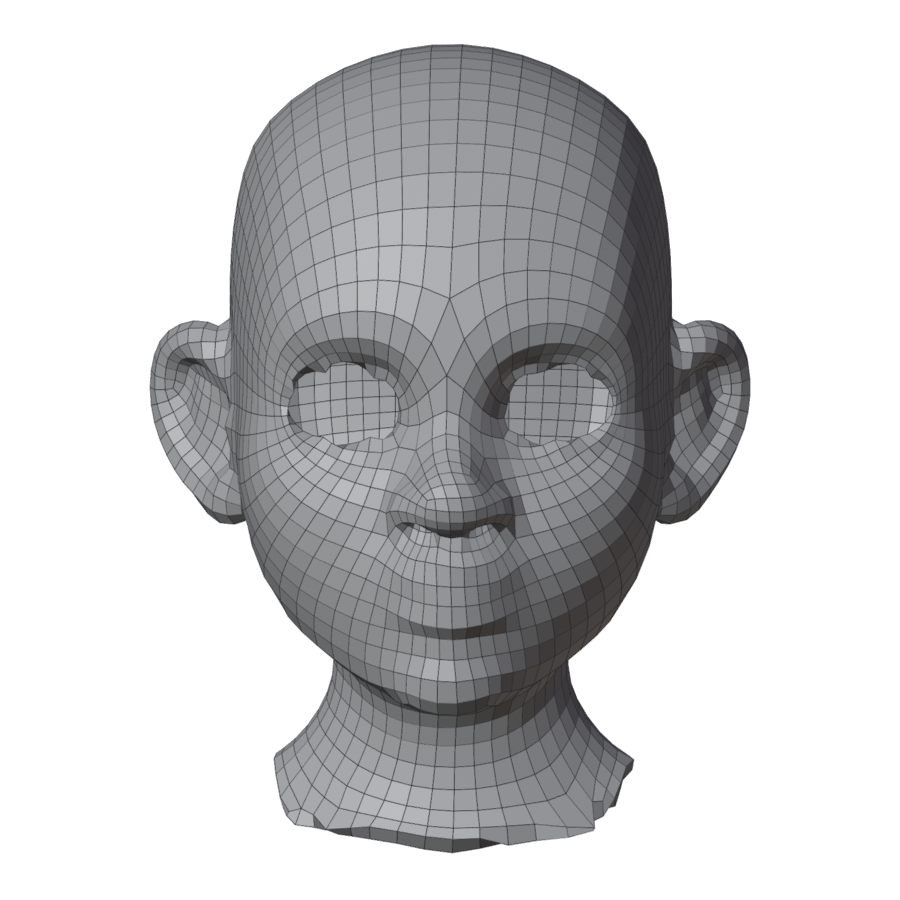
- Noisy or very dense surfaces: scans, dyntopo sculpts.
- Hard Surface
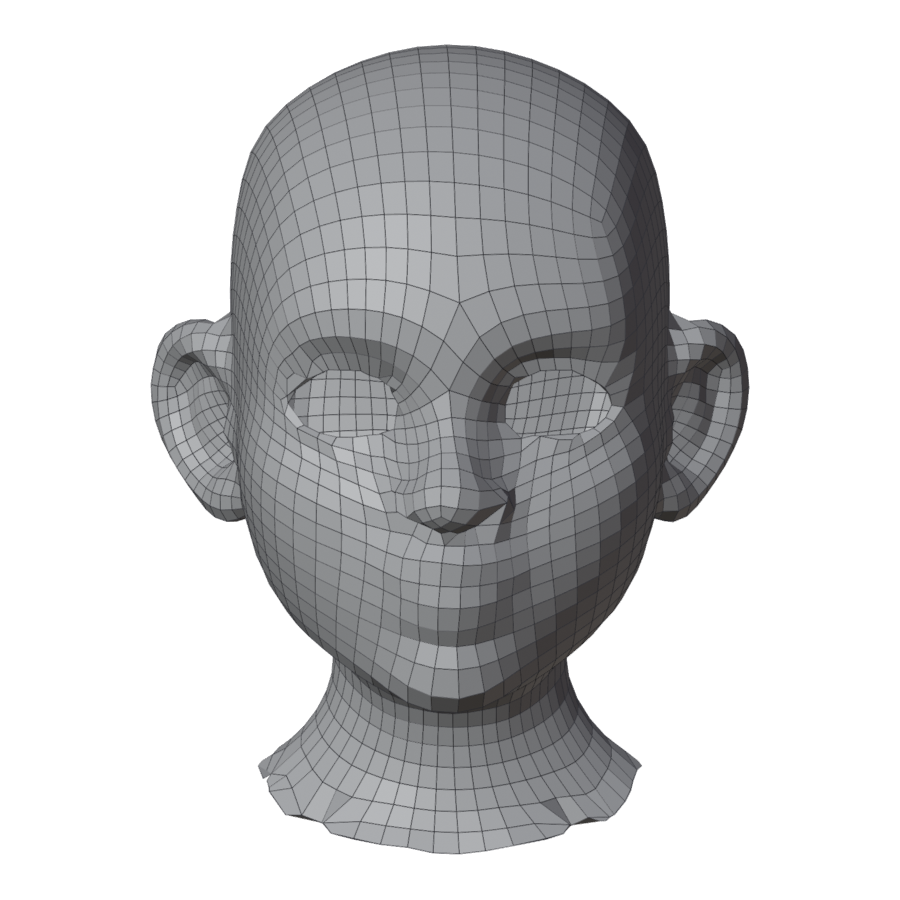
- CAD parts, kitbash, props. Follows hard edges. Thorough tries harder for fewer poles, at the cost of a few seconds.
- Mirror X
- The icon next to Draw. Makes the result symmetric; see Mirror X.
Examples
| 500 | 2000 | 6000 |
|---|---|---|
 |
 |
 |
| Character | Sculpt / Scan | Hard Surface |
|---|---|---|
 |
 |
 |