Putting Down a Guide
Mode: Object Mode, in Draw
Shortcut: F freehand, LMB pen, L line, O circle
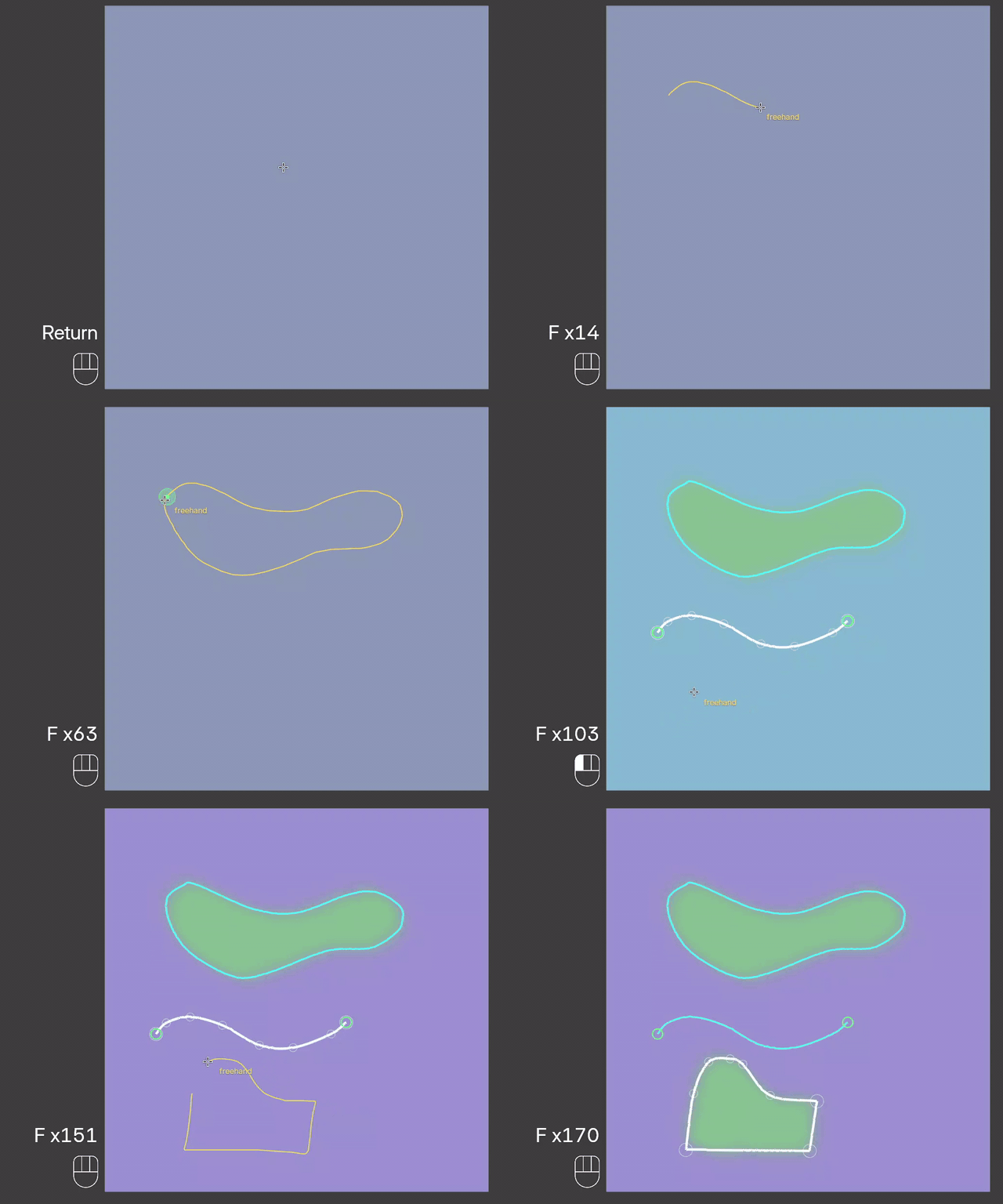
Freehand
Hold F and drag. Return to the start to close a loop.
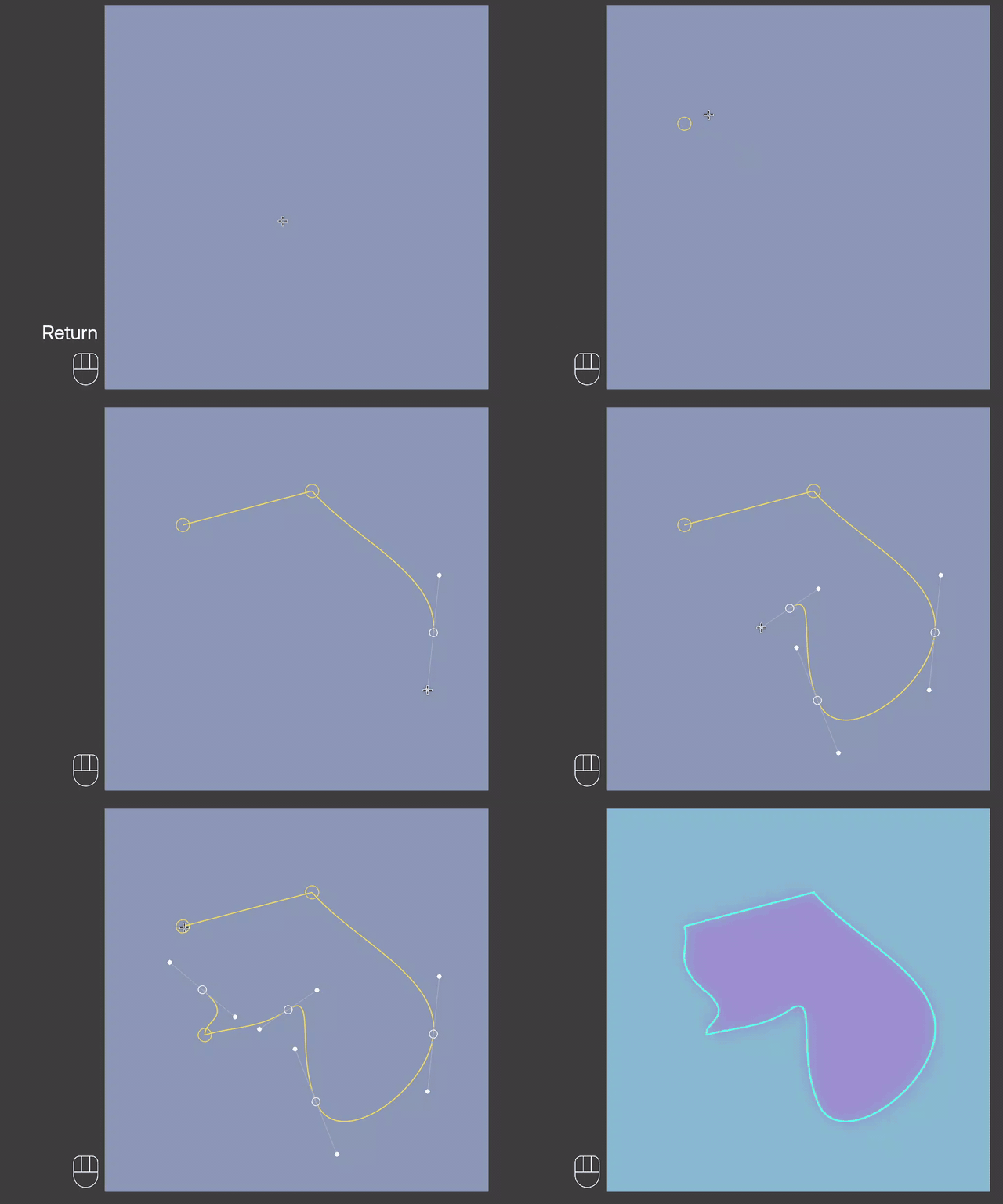
Pen
Click for a corner, click and drag for a smooth point. Click the first point to close the loop, or press Enter to finish it open.
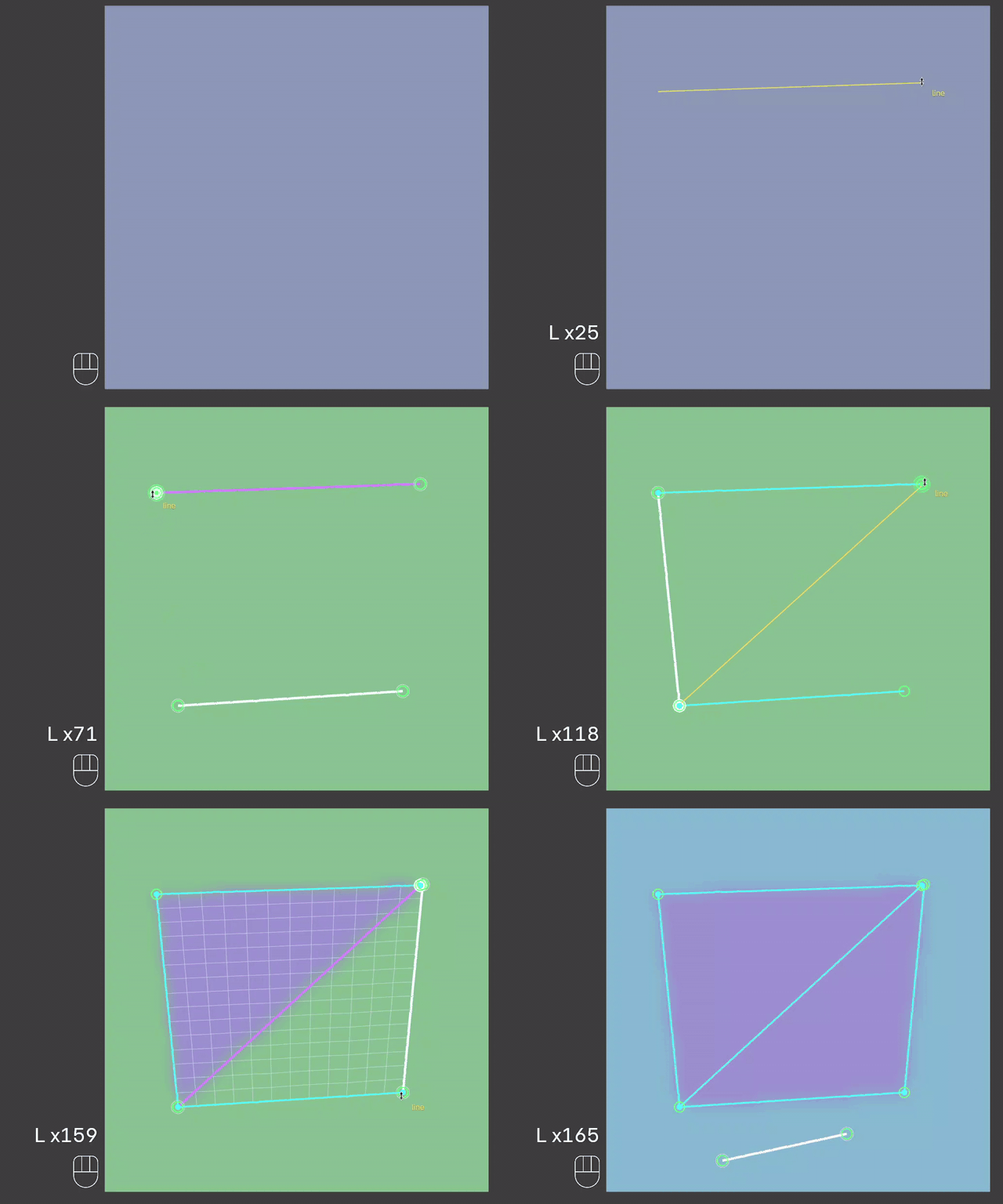
Line
Hold L and drag.
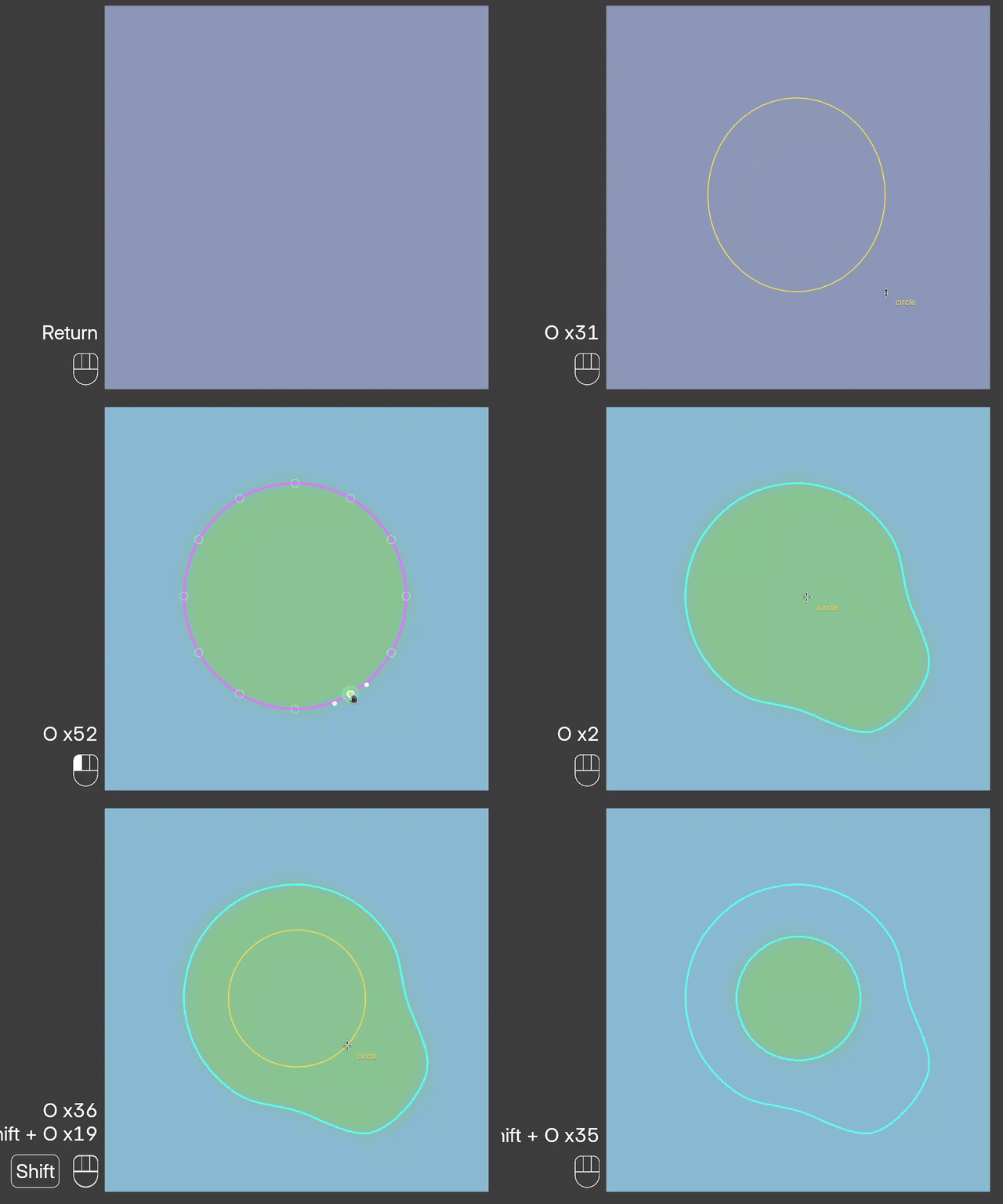
Circle
Hold O and drag from the center outward. Shift makes it round.
Cut Through
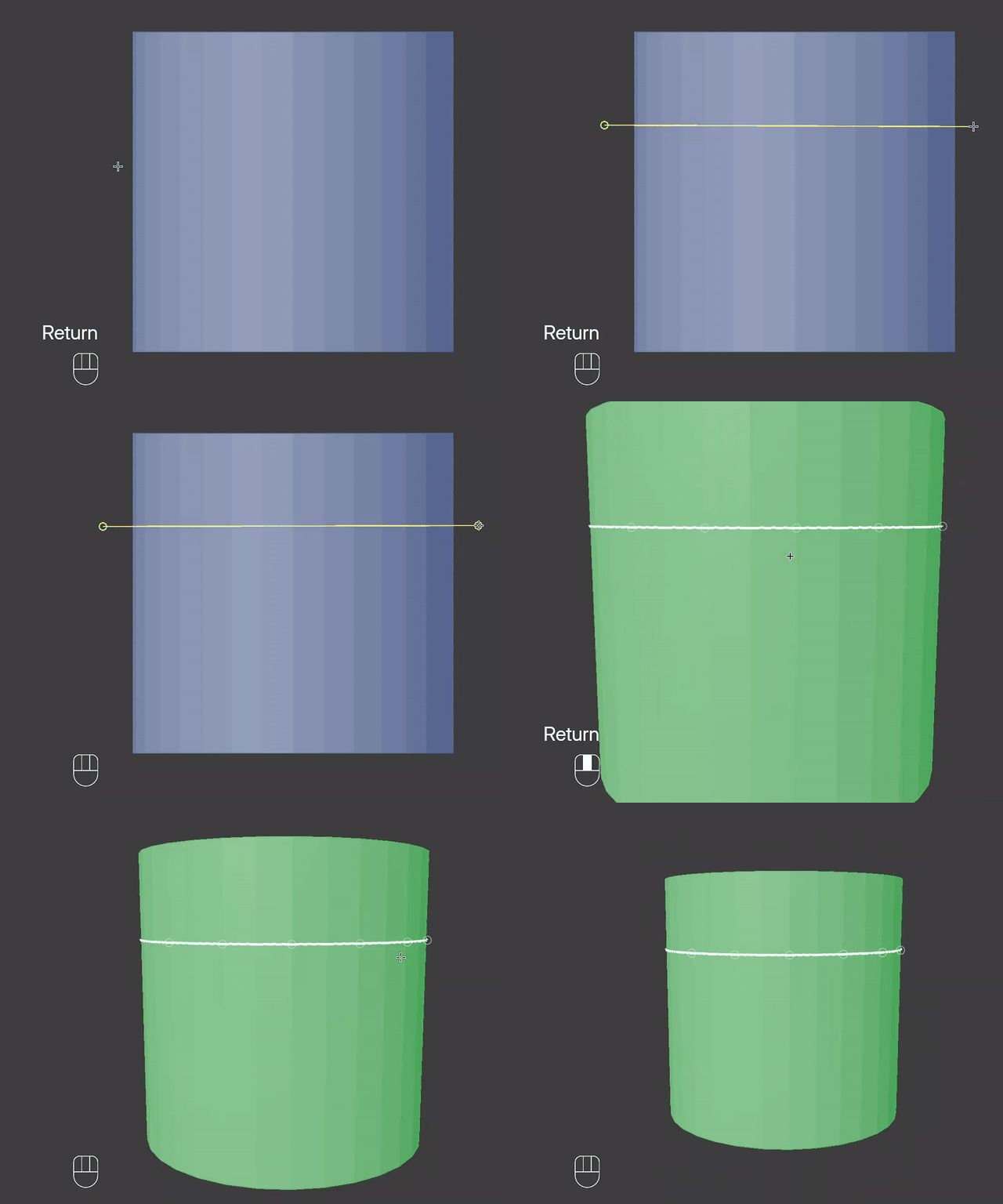
Drag from off the mesh across it. The cut goes all the way through, front and back, so a stroke across the neck gives a ring all the way around.
A stroke that starts or ends on another guide is glued to it; see Junctions.