Your First Remesh
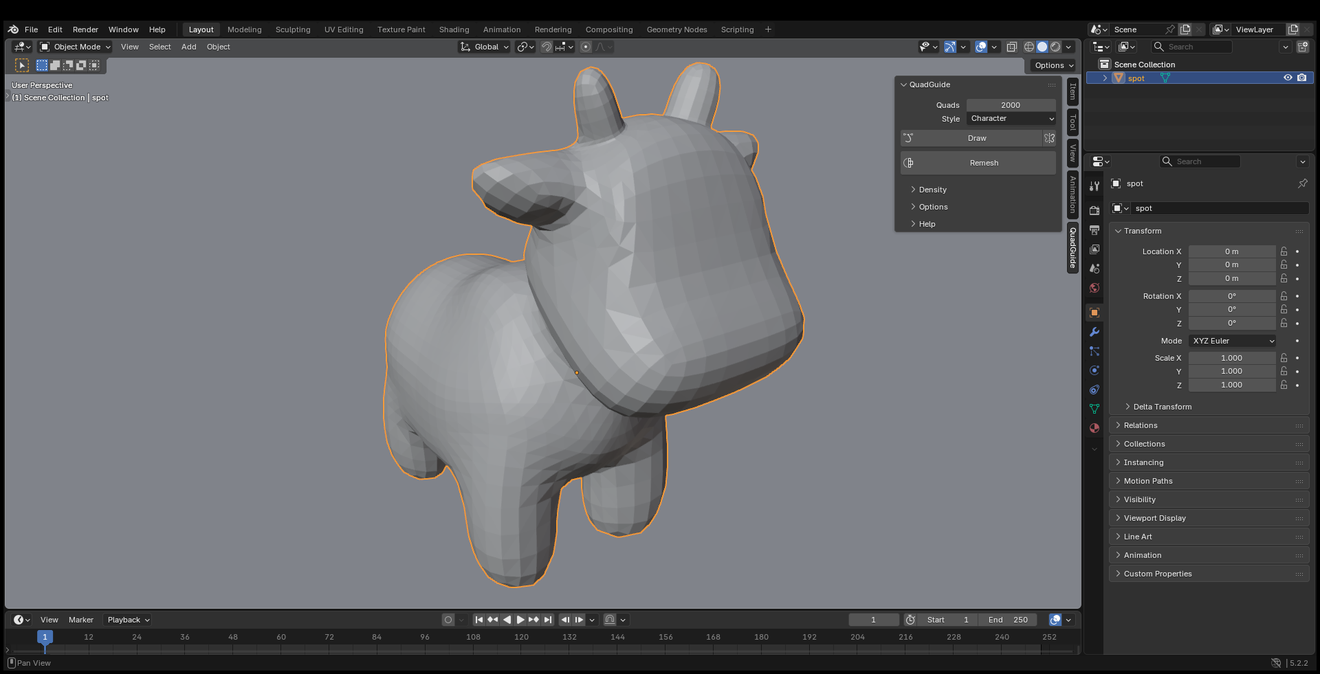
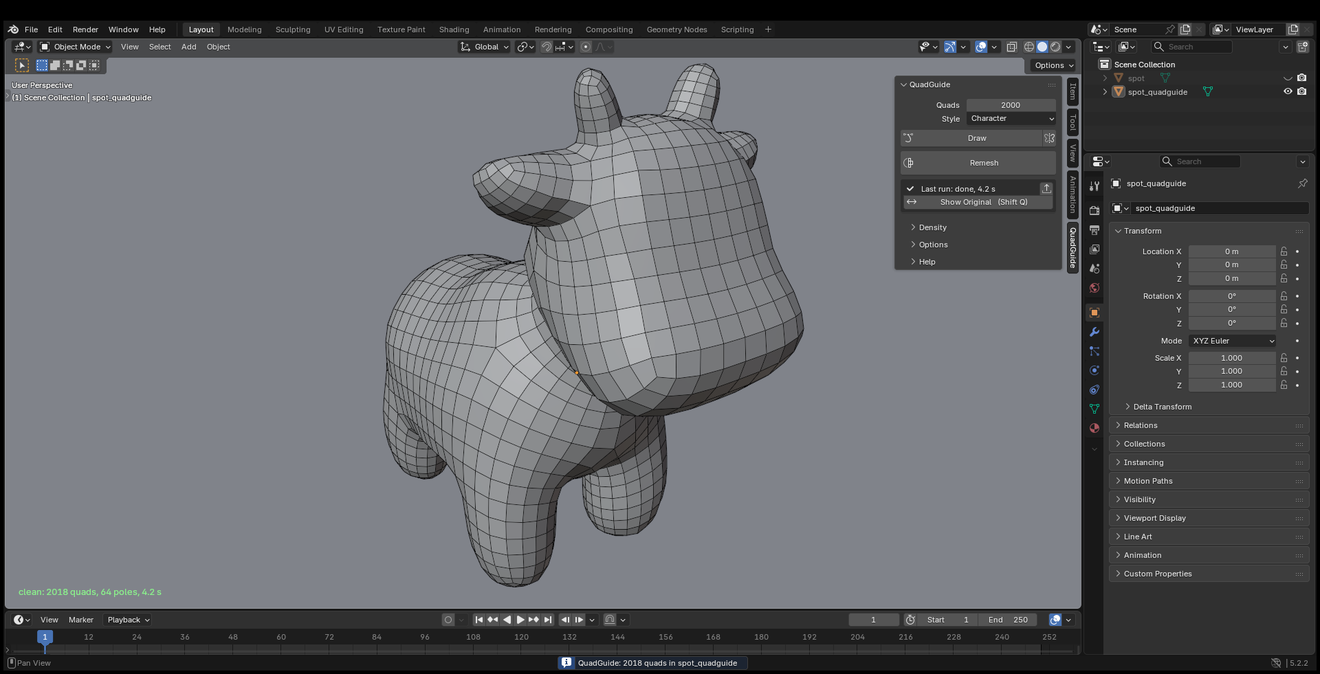
- Select a mesh, or press Or Add a Sample Head in the panel. (The cow above is Spot.)
- Open the QuadGuide tab in the sidebar (N).
- Set Style to Character and Quads to 2000.
- Press Remesh. Esc cancels.
The result appears in place of the original. Shift+Q switches between the two.
Next Steps
- Your first guided remesh: draw where the loops go.
- Density: smaller quads in one place, larger in another.
- Remesh Selected Faces: redo one area.