Density
Panel: Sidebar ‣ QuadGuide ‣ Density
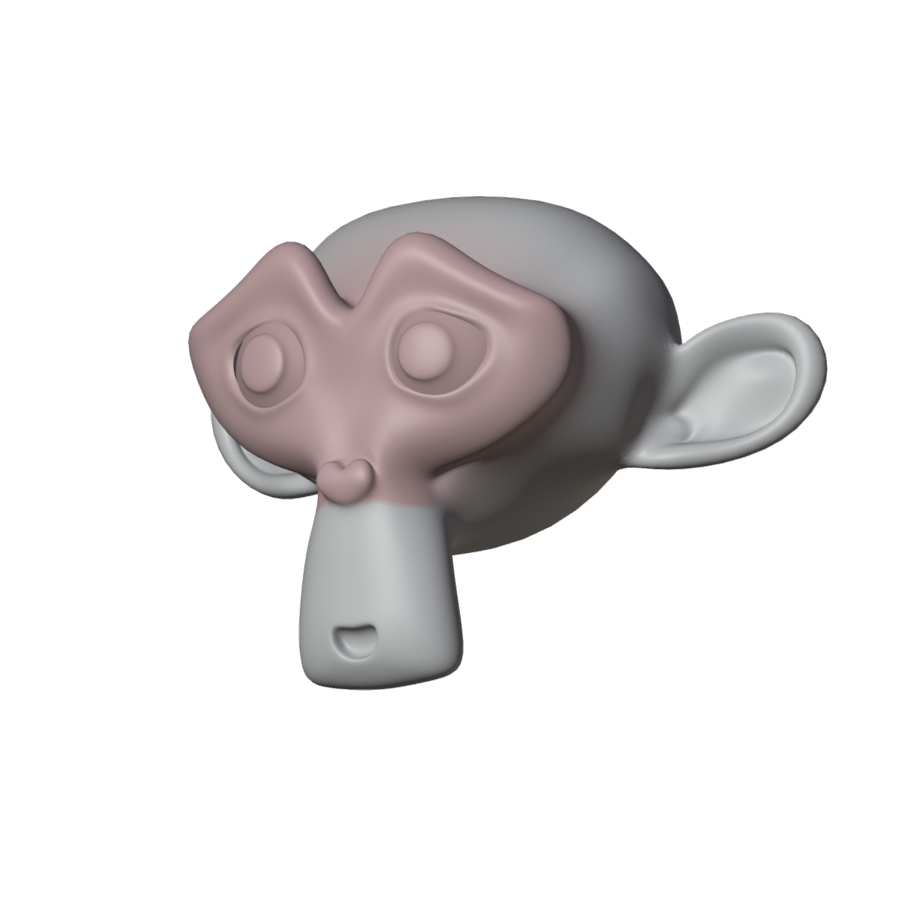
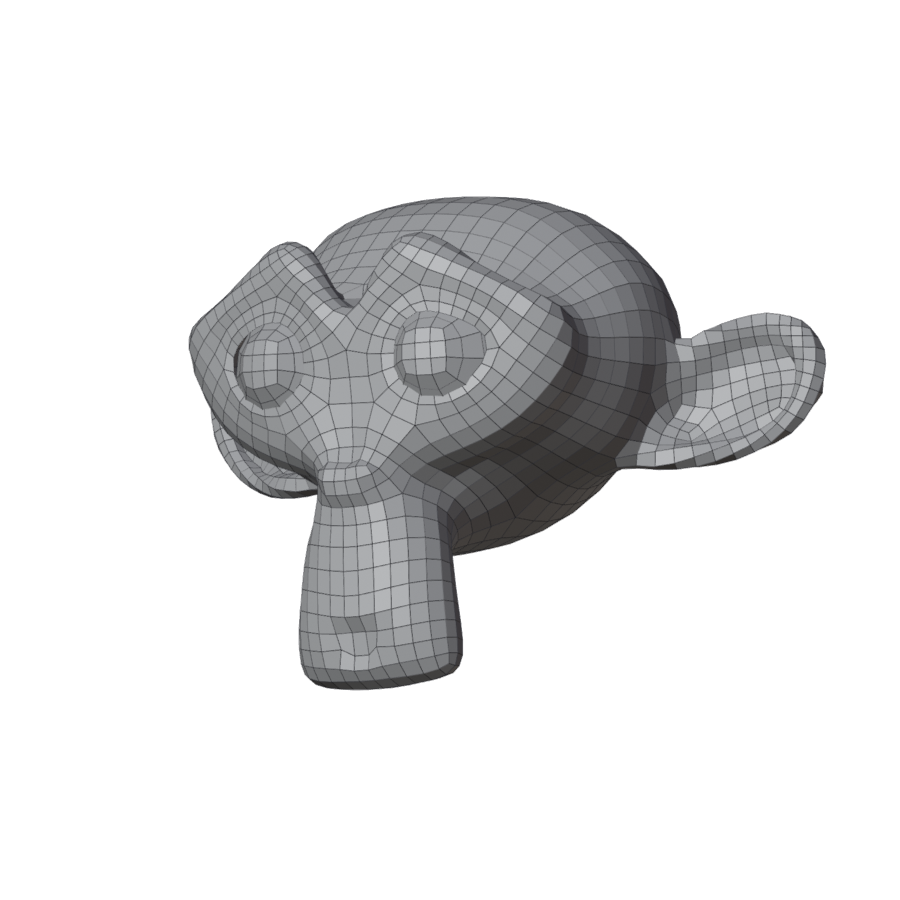
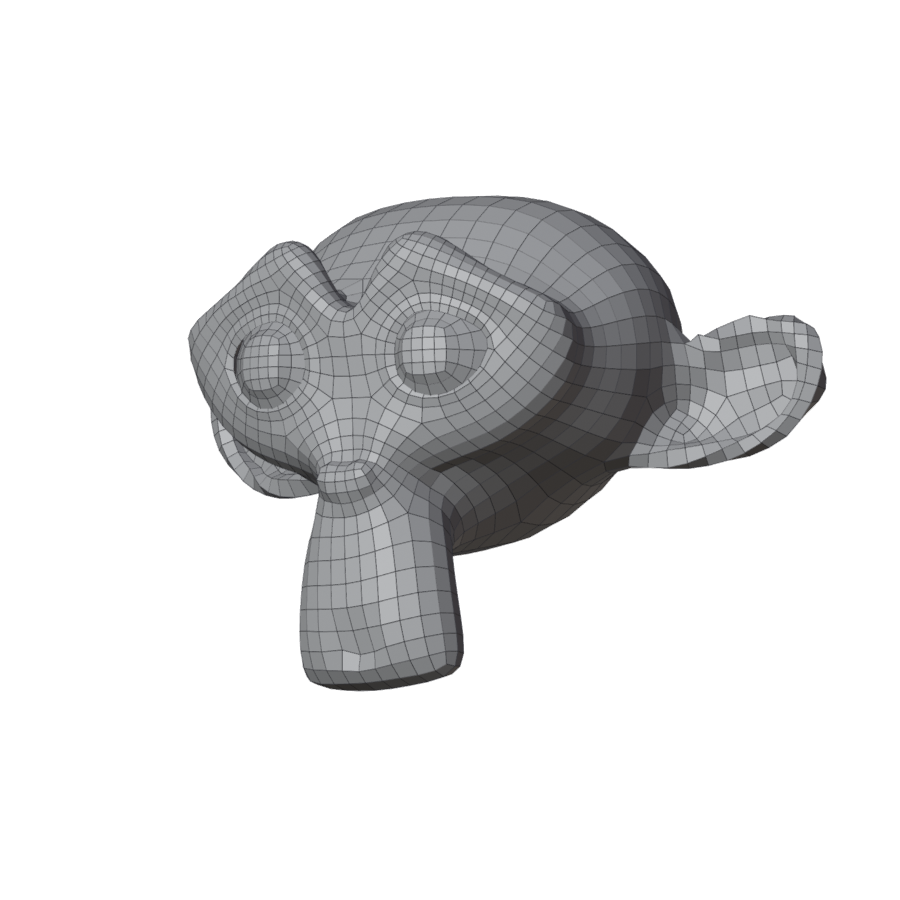
Paint where quads should be smaller or larger.
- Press Denser (red, smaller quads) or Coarser (cyan, larger quads), and paint.
- Press Done Painting, then Remesh.
The total count stays the same, so smaller quads in one place mean larger ones elsewhere. Paint light red first. Clear resets the map.
| Painted | Without | With |
|---|---|---|
 |
 |
 |
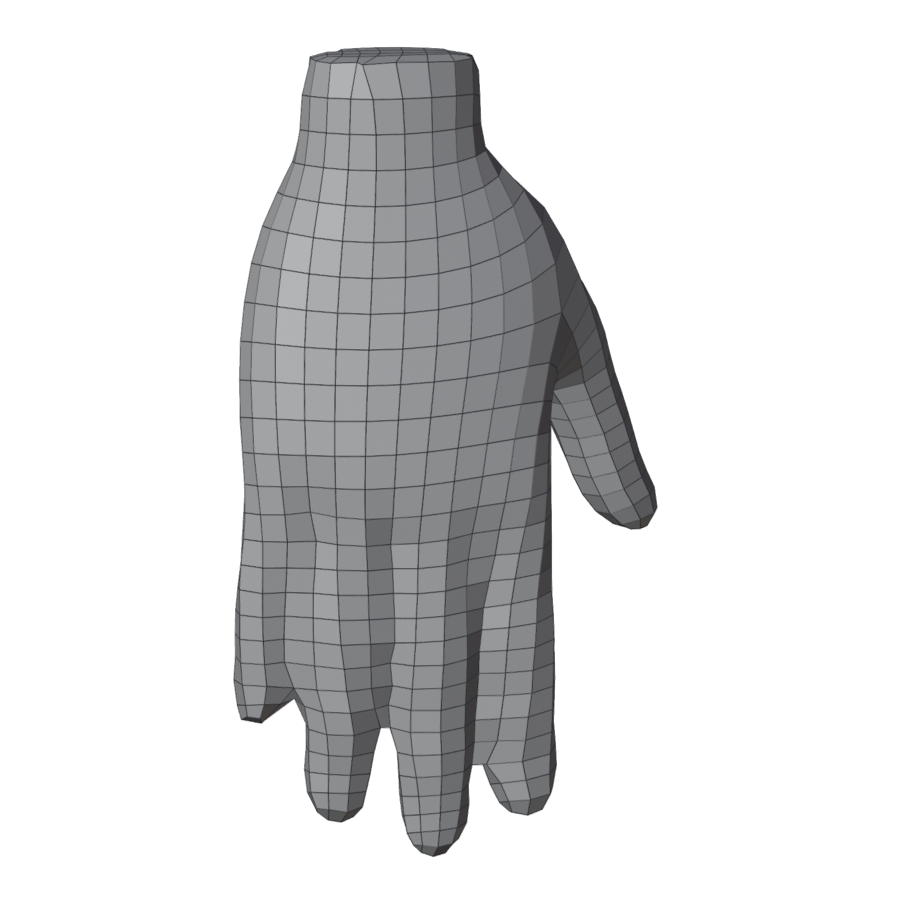
Join Touching
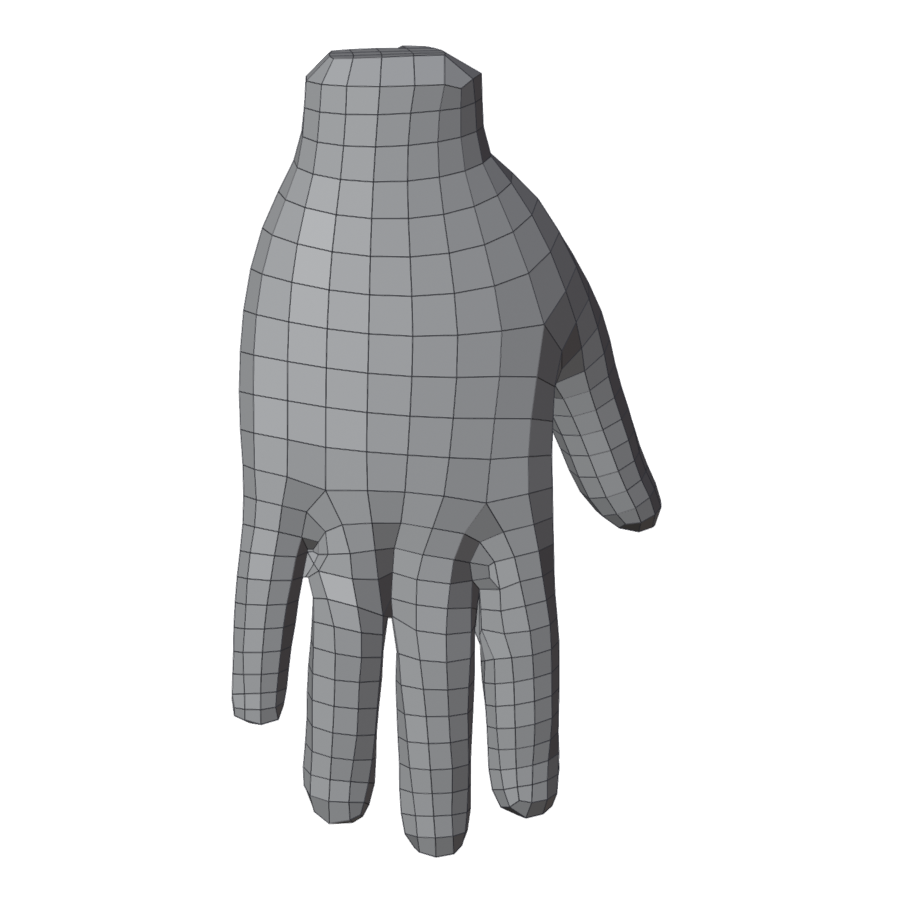
Fuses parts that press together, such as fingers or lips, so they remesh as one clean surface. Unjoin undoes it. Does not work on a mesh with open borders.
| Without | With Join Touching |
|---|---|
 |
 |