Edit Mode Tools
Mode: Edit Mode
Panel: Sidebar ‣ QuadGuide ‣ Selection
Remesh Selected Faces
Select the faces of an area that came out wrong and press Remesh Selected. Everything around it stays as it is. Seam Density makes the inside denser than its border (2 = twice as dense).
Fill Hole
Select an edge of a hole and press Fill Hole. A round hole gets a circle in a square; a hole with corners gets a grid.
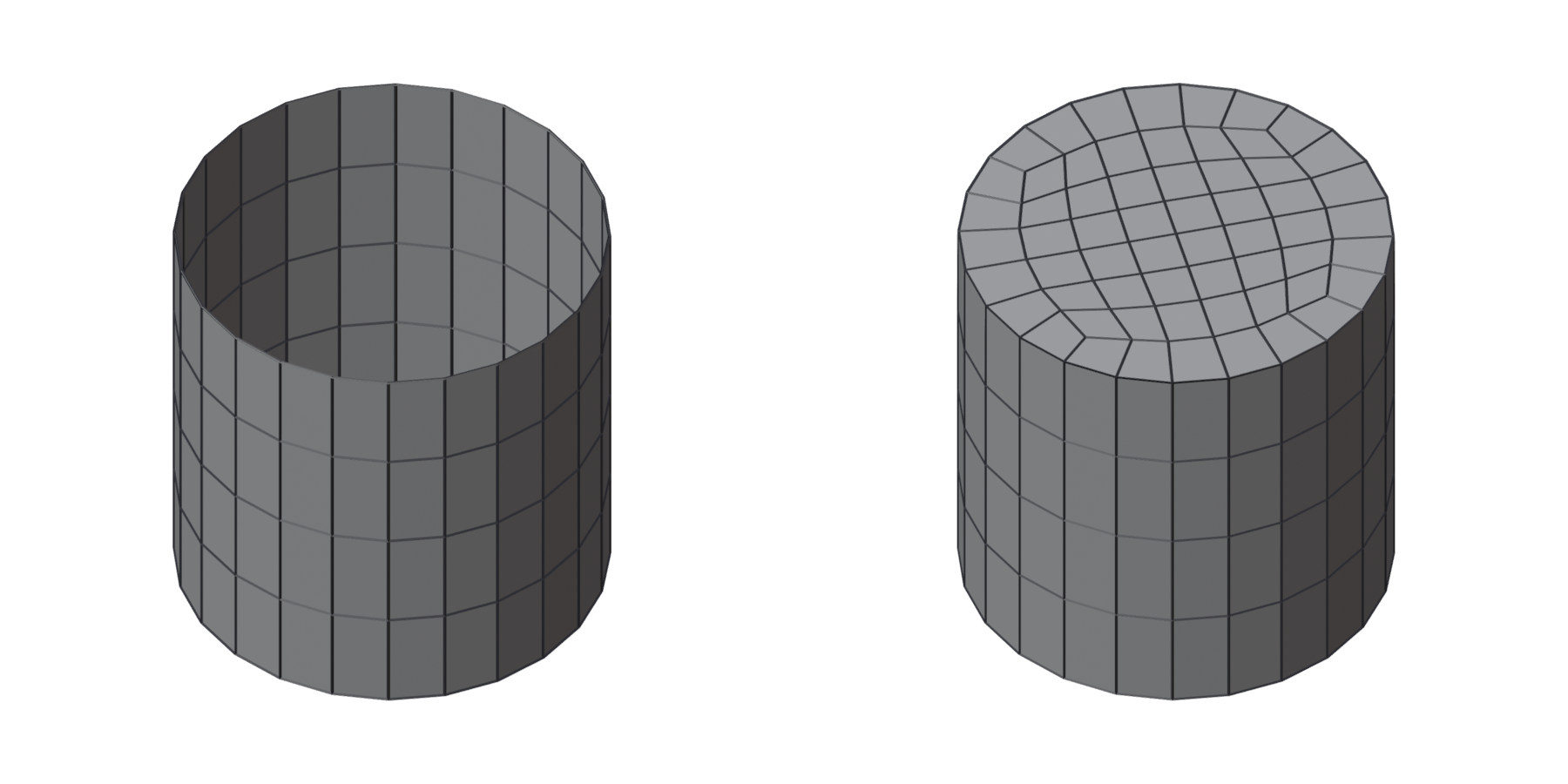
Bridge Loops
Select two edge loops and press Bridge Loops to join them with quads, even when their edge counts differ. Steps at the 3D Cursor puts the count changes where the cursor is, such as between the fingers.
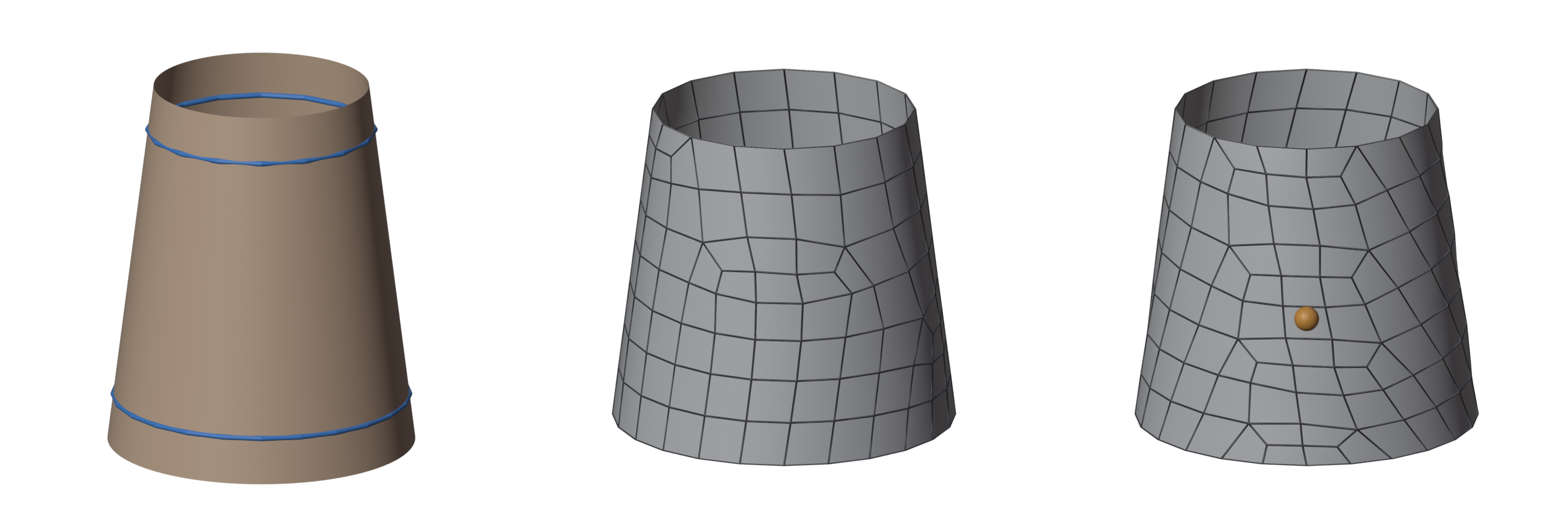
Fill the Rest
On a partial retopology, remeshes the part of the high-poly mesh it does not cover yet and joins it on. The high-poly mesh is the retopology's Shrinkwrap target.
Guide from Edges / Protect Selected Loops
Turn edges into guides, or keep a loop of the result in the next remesh. See Guides from a mesh.