Skip to content

Get QuadGuide

Turn sculpts, scans and CAD parts into clean quads in seconds, with edge loops exactly where you draw them.

Buy on Gumroad

Draw the Lines, Get the Mesh

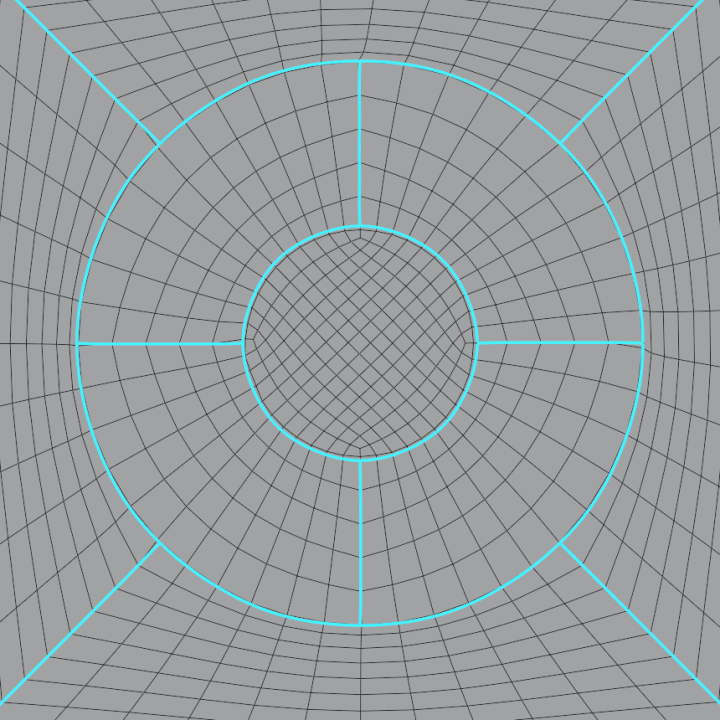
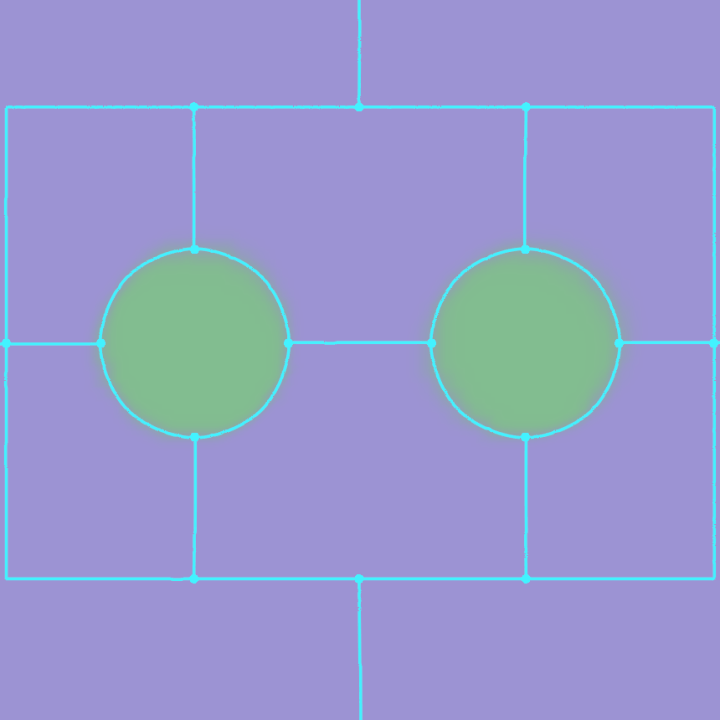
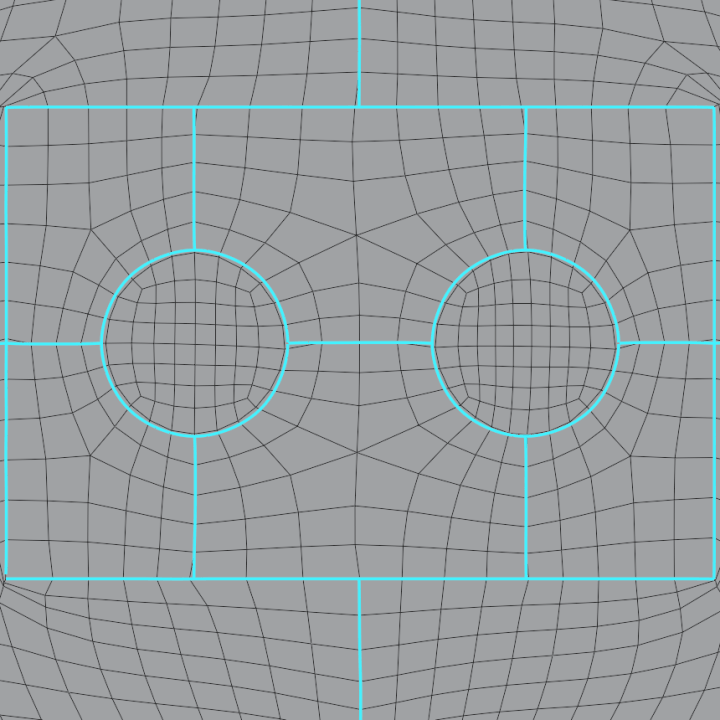
Every line becomes an edge loop; every region between them, its own patch of quads.
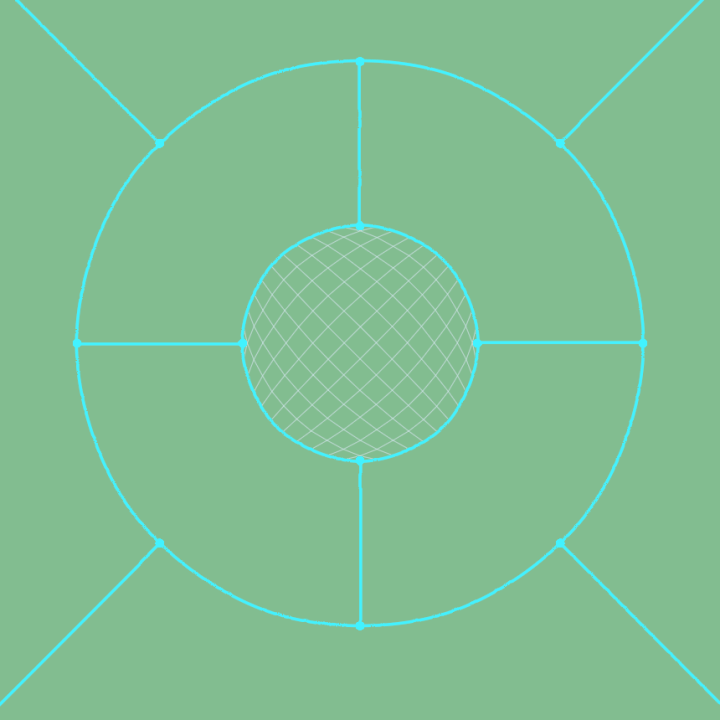
A circle in a circle, joined by spokes The remesh: two loops, even quads in the ring between them
A rectangle with two round holes, joined by lines The remesh: the rectangle and both circles as edge loops
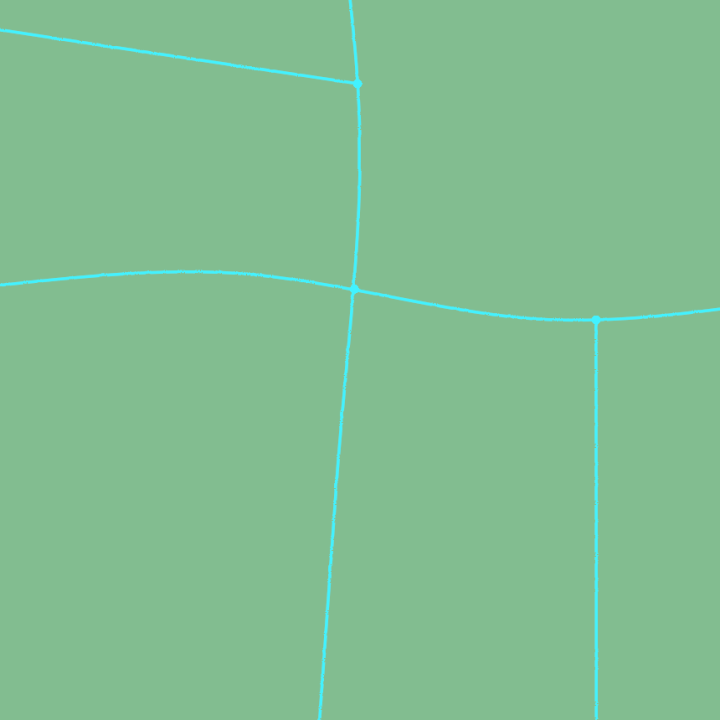
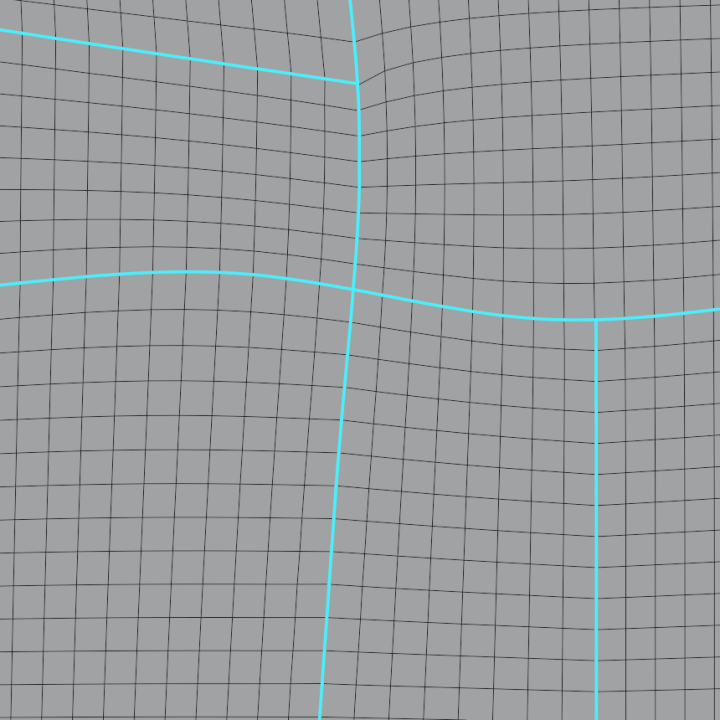
Two crossing lines and two lines ending on them The remesh: the quads follow every line through the crossing and the T-junctions
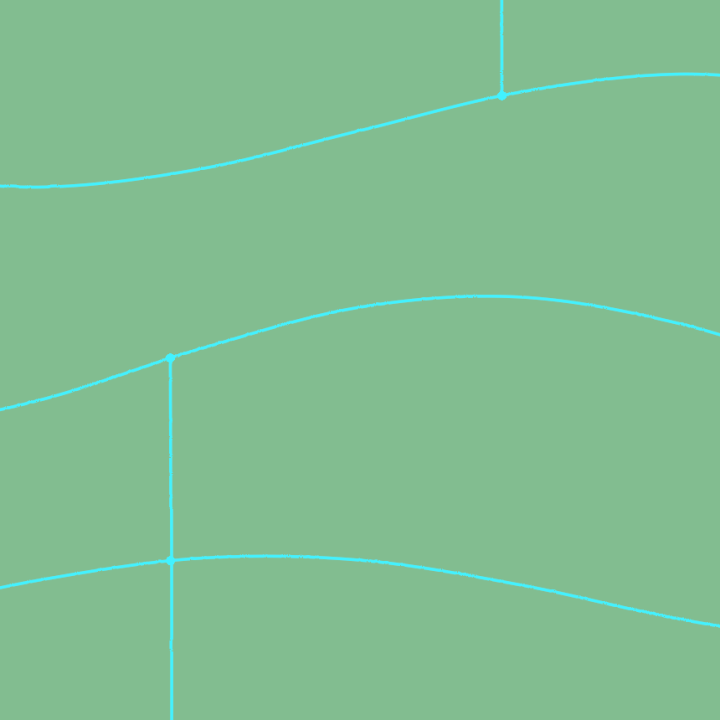
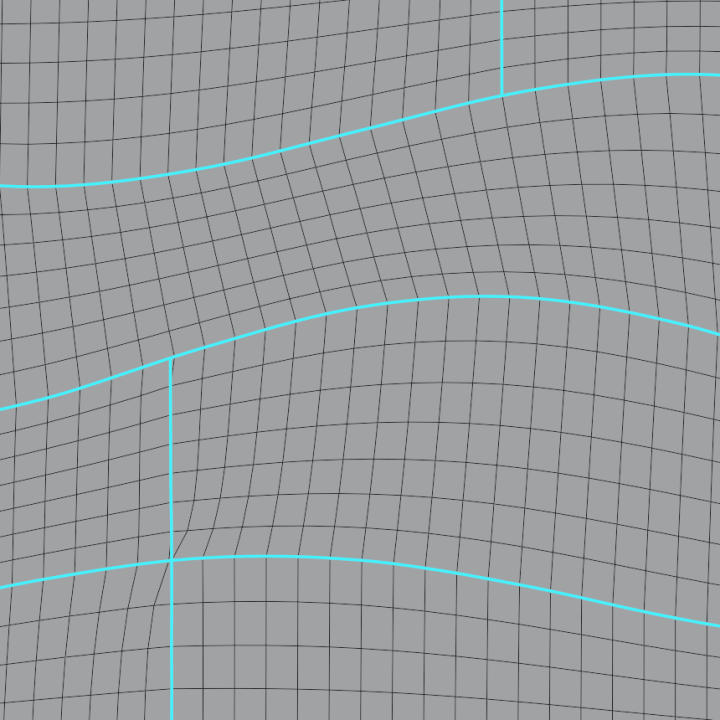
Three wavy lines across the plane The remesh: the edge flow bends with the waves

Or Just Press Remesh

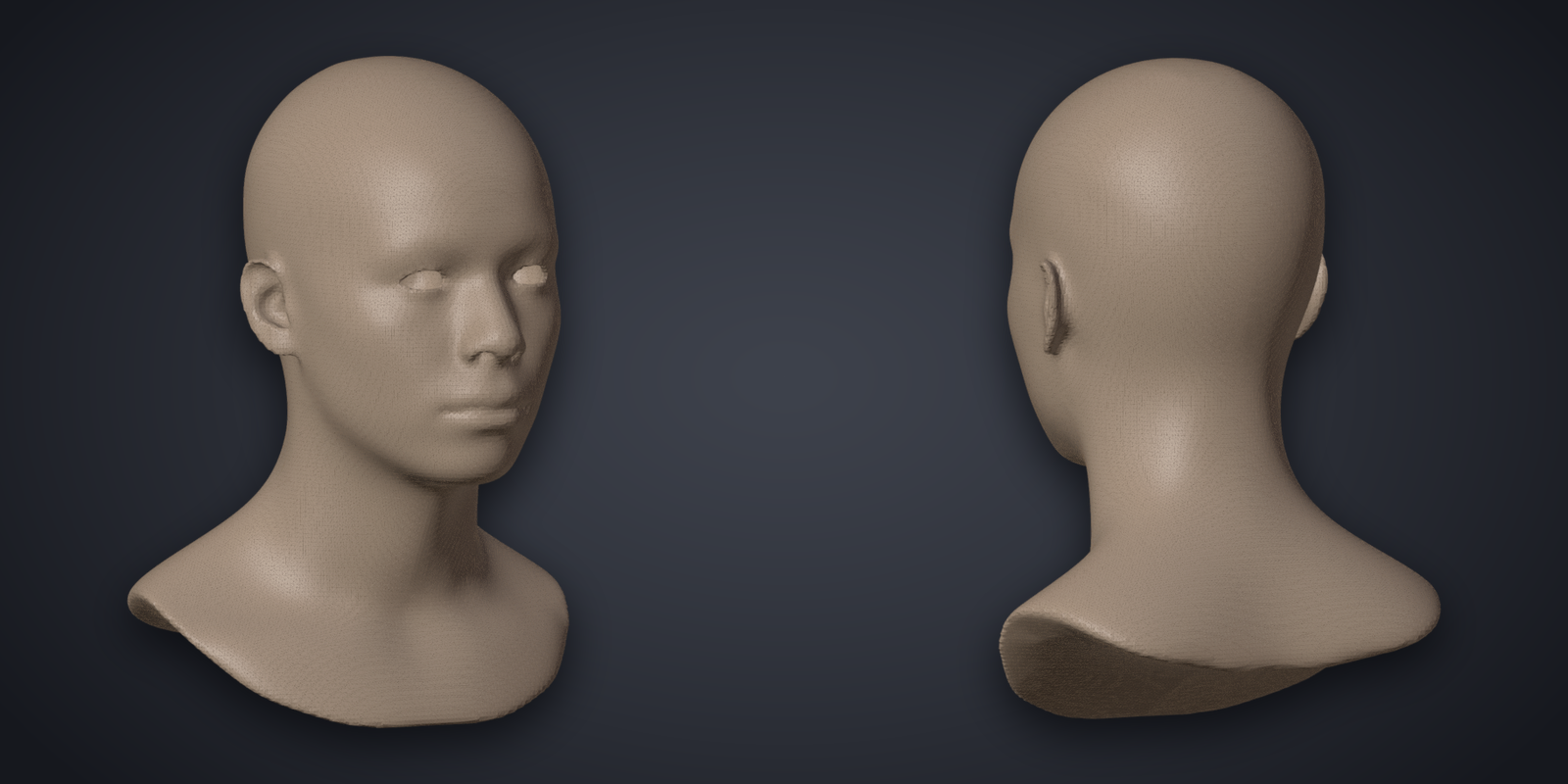
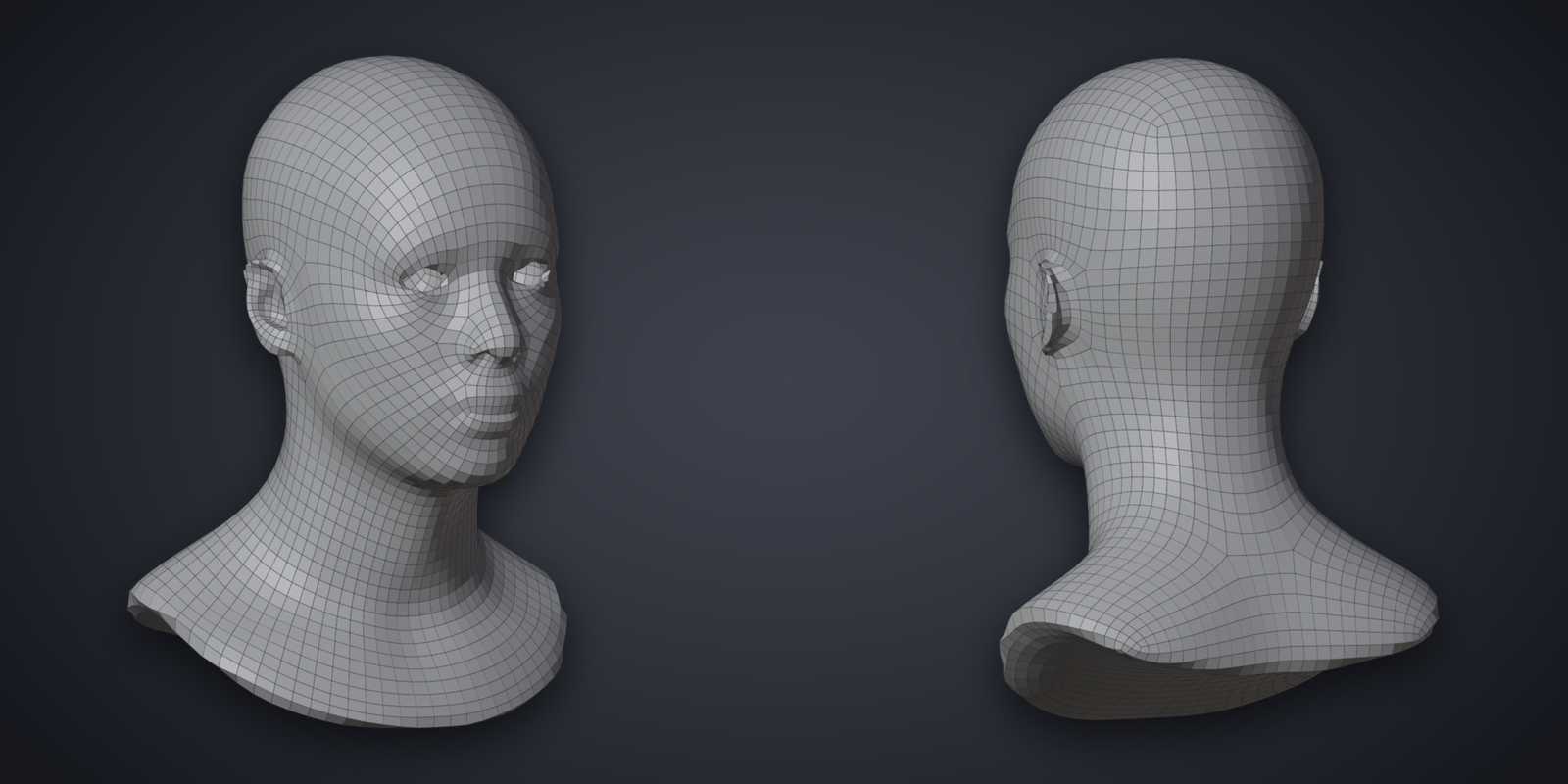
A realistic head sculpt The head remeshed into quads
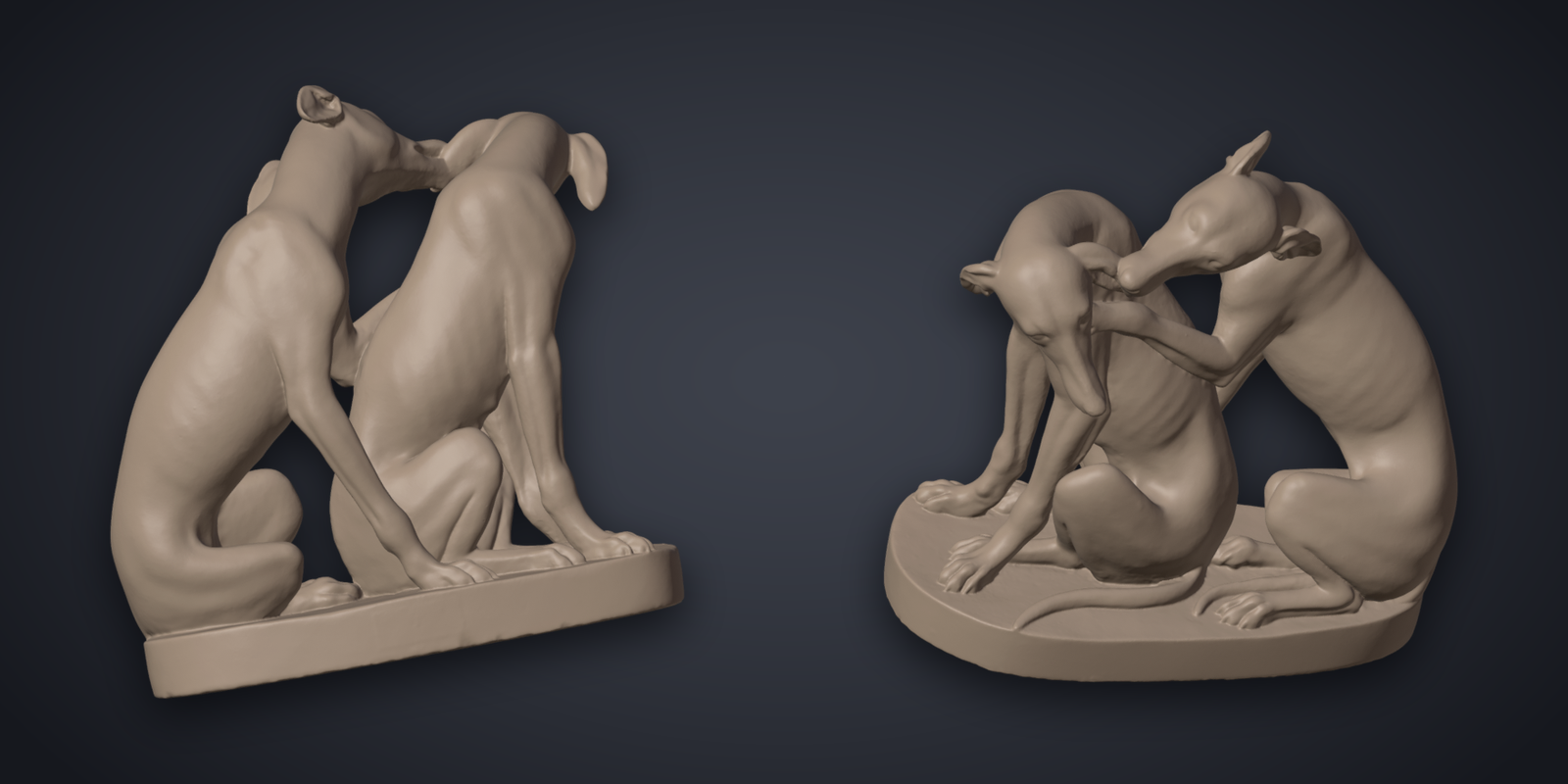
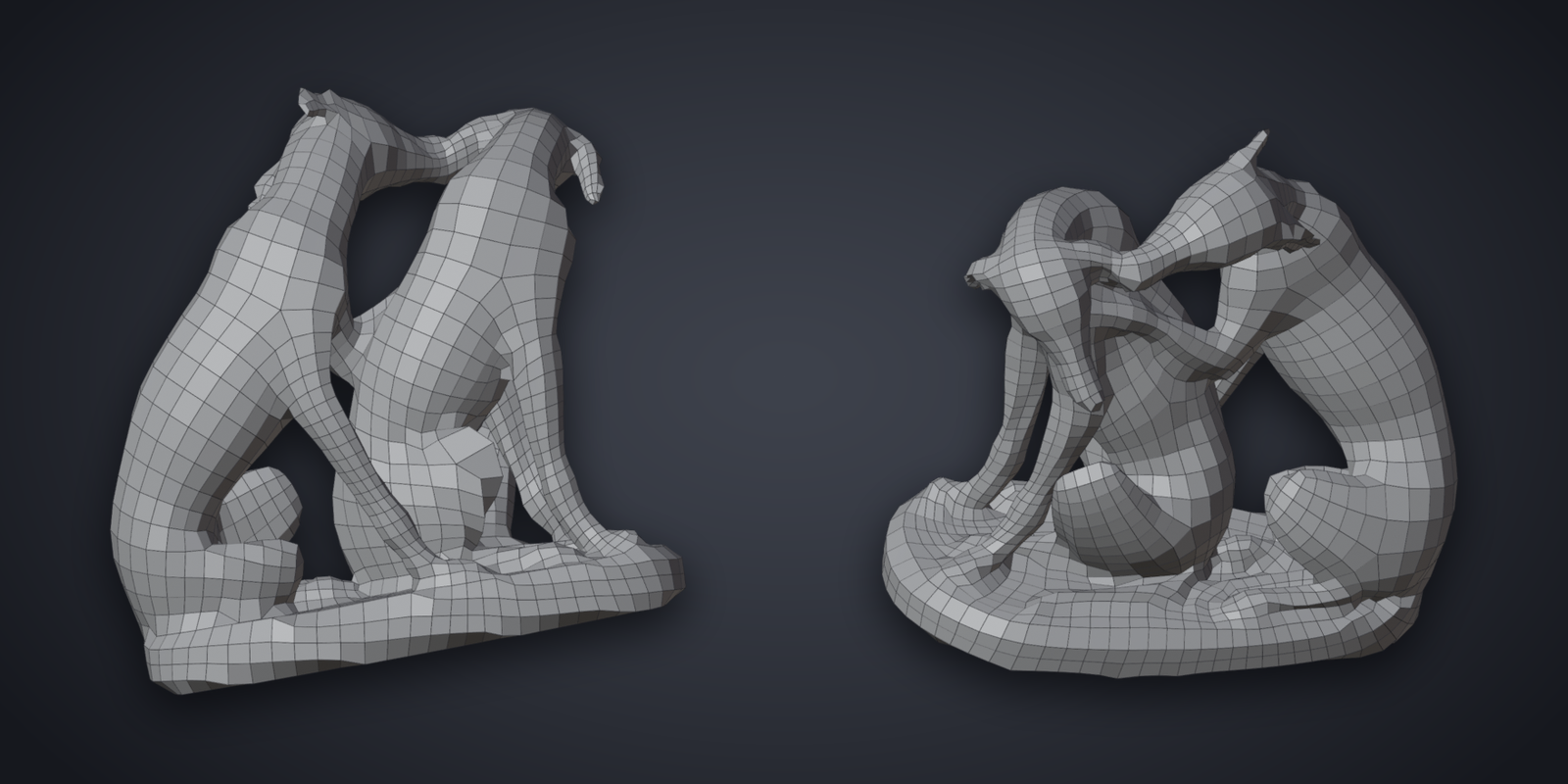
A scan of 1.6 million faces The scan remeshed into 3014 quads
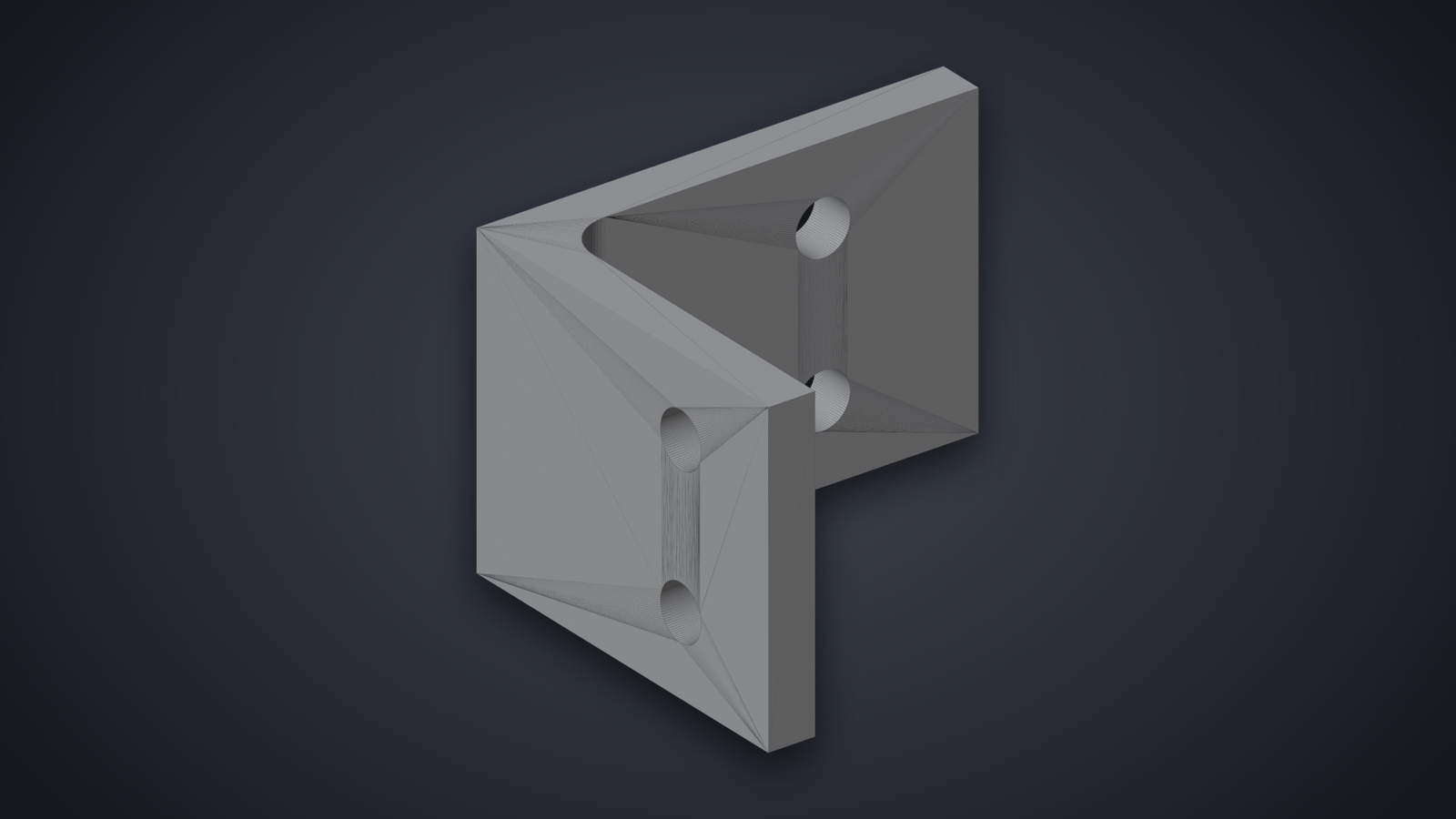
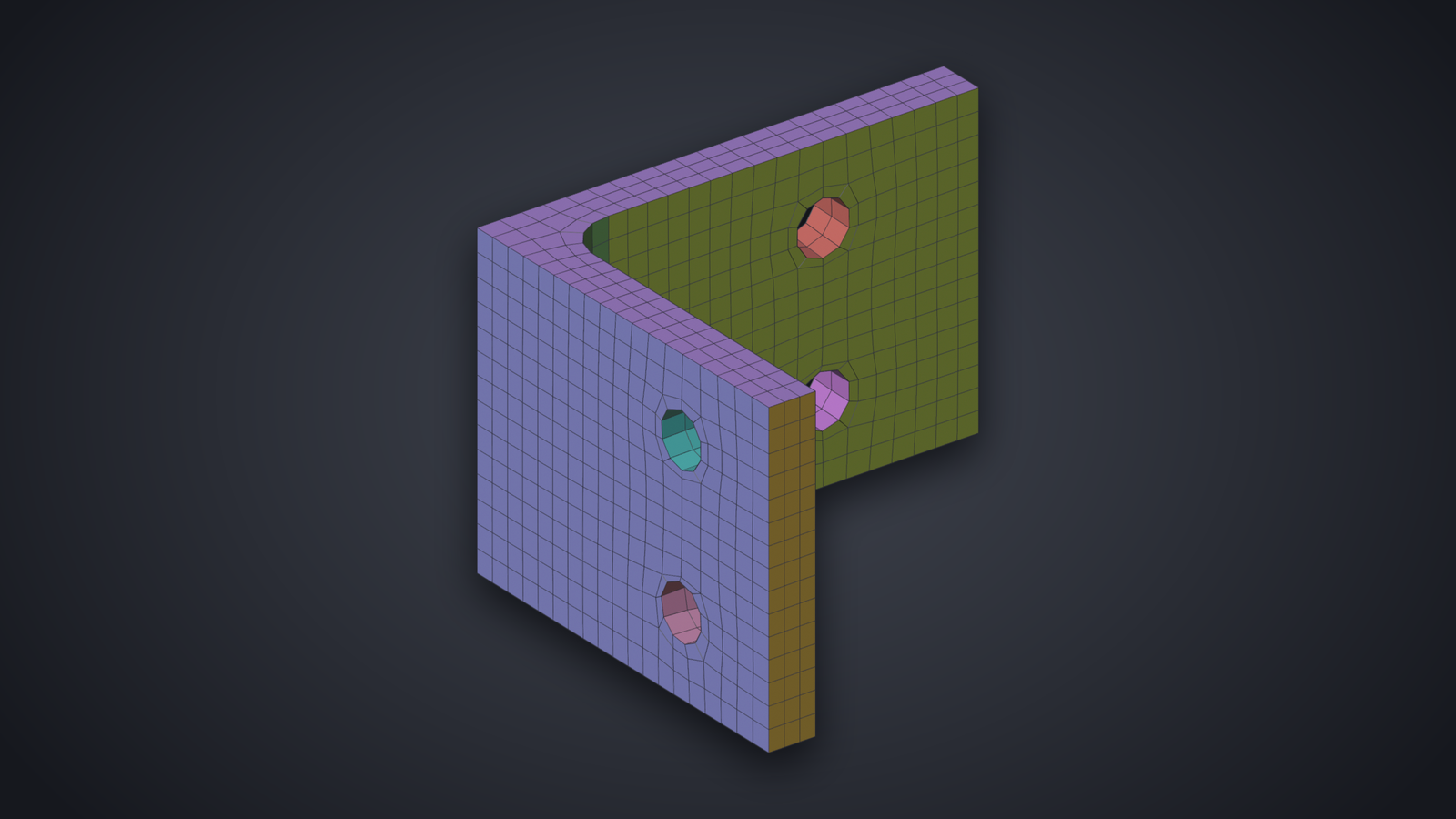
A CAD bracket as triangles The bracket remeshed, every sharp edge kept
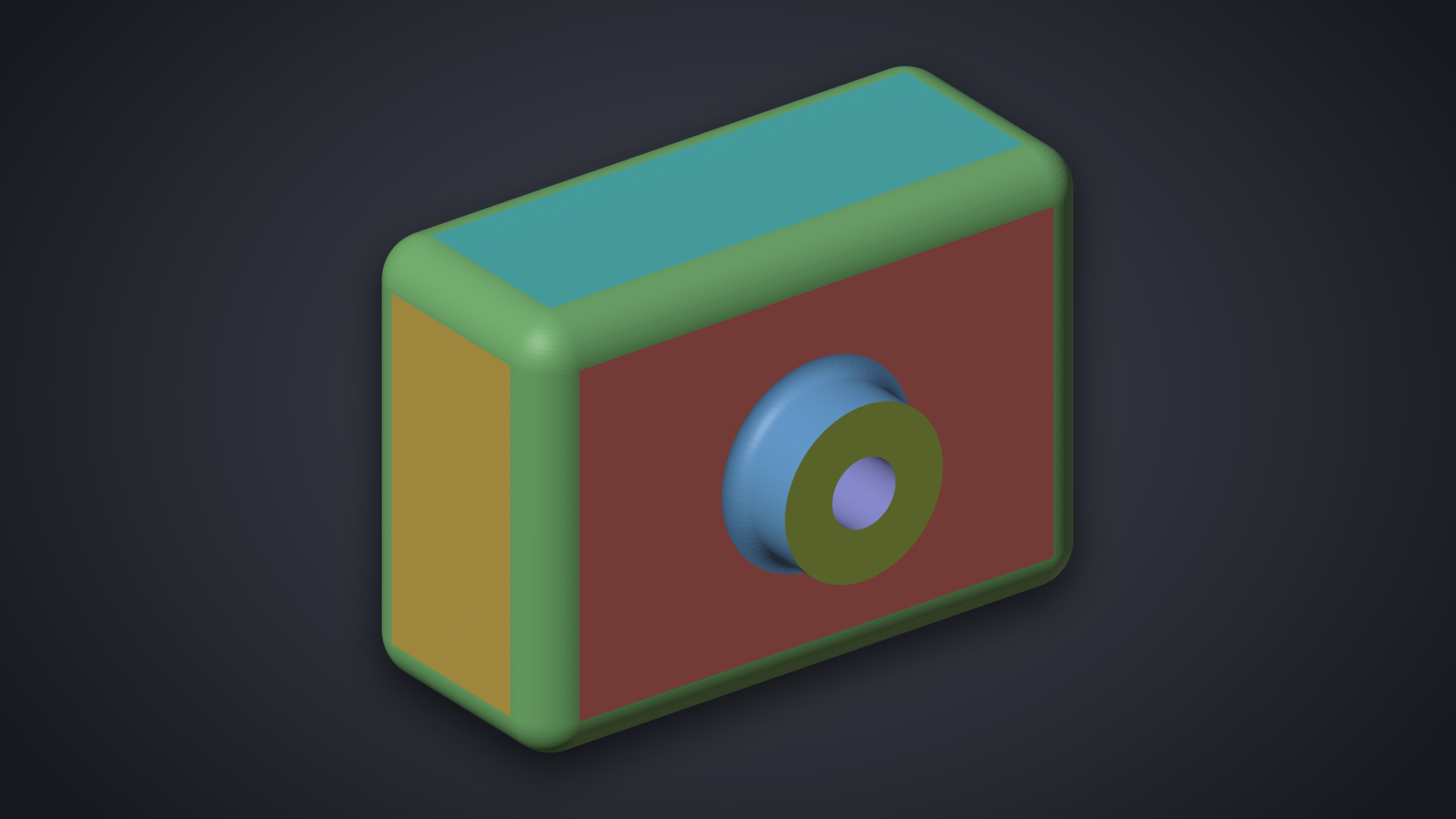
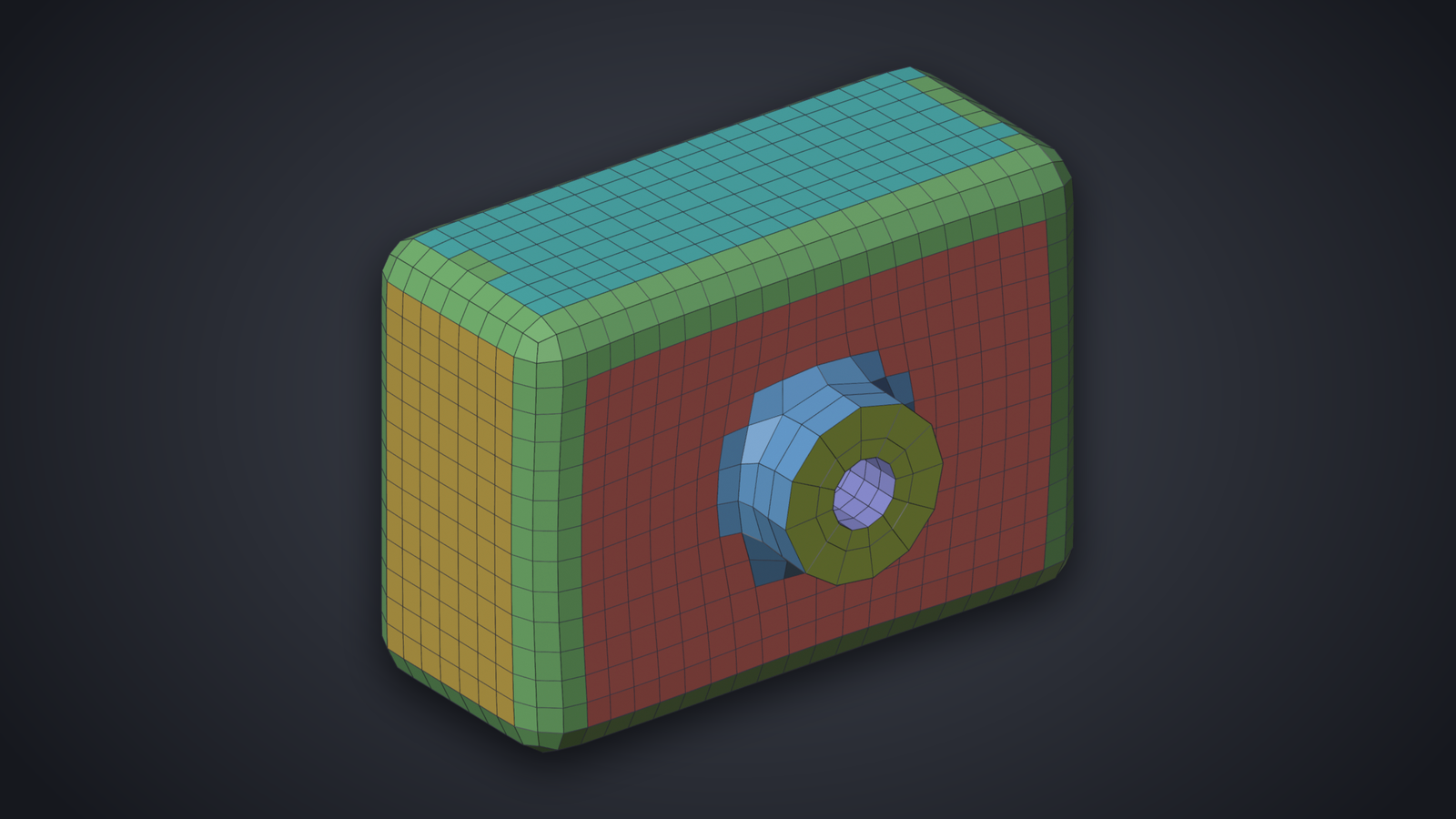
A CAD housing as triangles The housing remeshed, each surface its own patch

What You Get

  • One click for a clean quad mesh, checked before you see it.
  • Draw your edge loops: around the eyes, the mouth, a panel line.
  • Sharp edges kept on technical parts.
  • Every update, on Windows, macOS and Linux. Blender 4.2 or later.

Buy on Gumroad

Questions before buying: support@quadgui.de.