Technical Meshes (CAD)
Mode: Object Mode
Panel: Sidebar ‣ QuadGuide ‣ Surfaces (CAD)
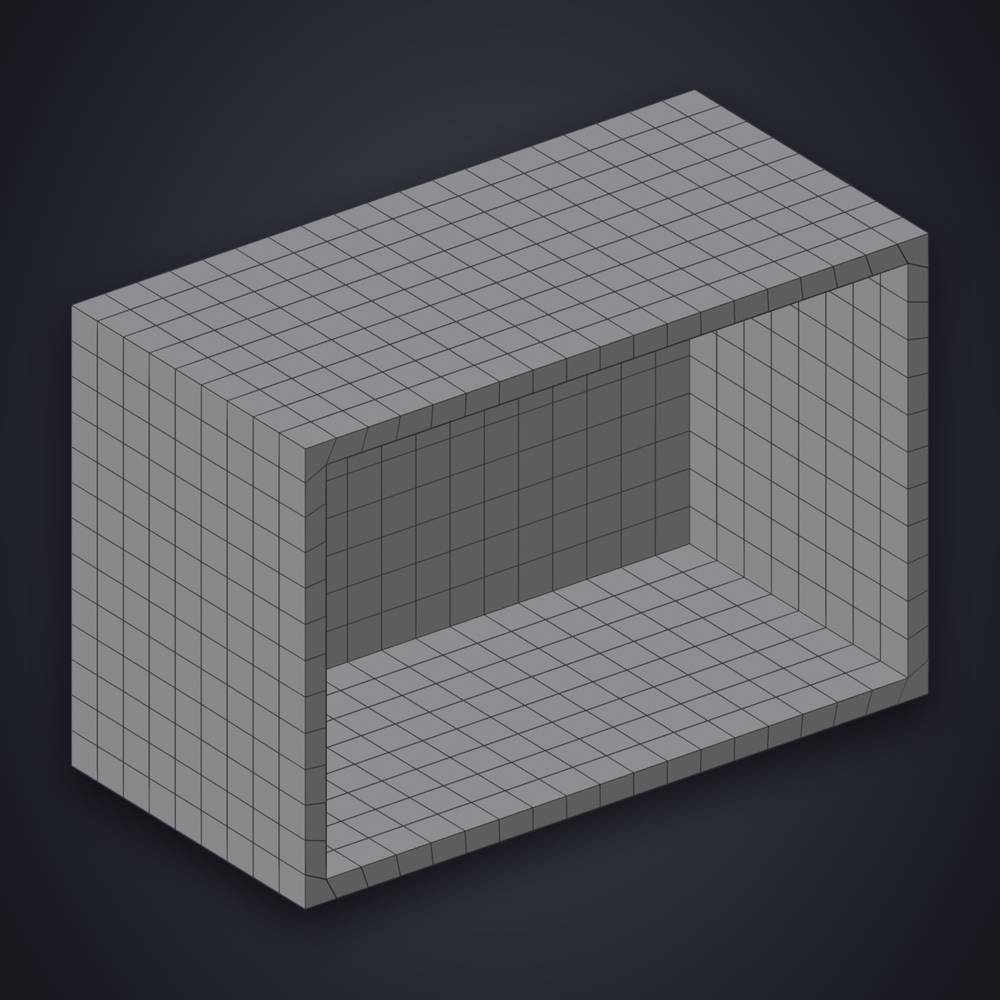
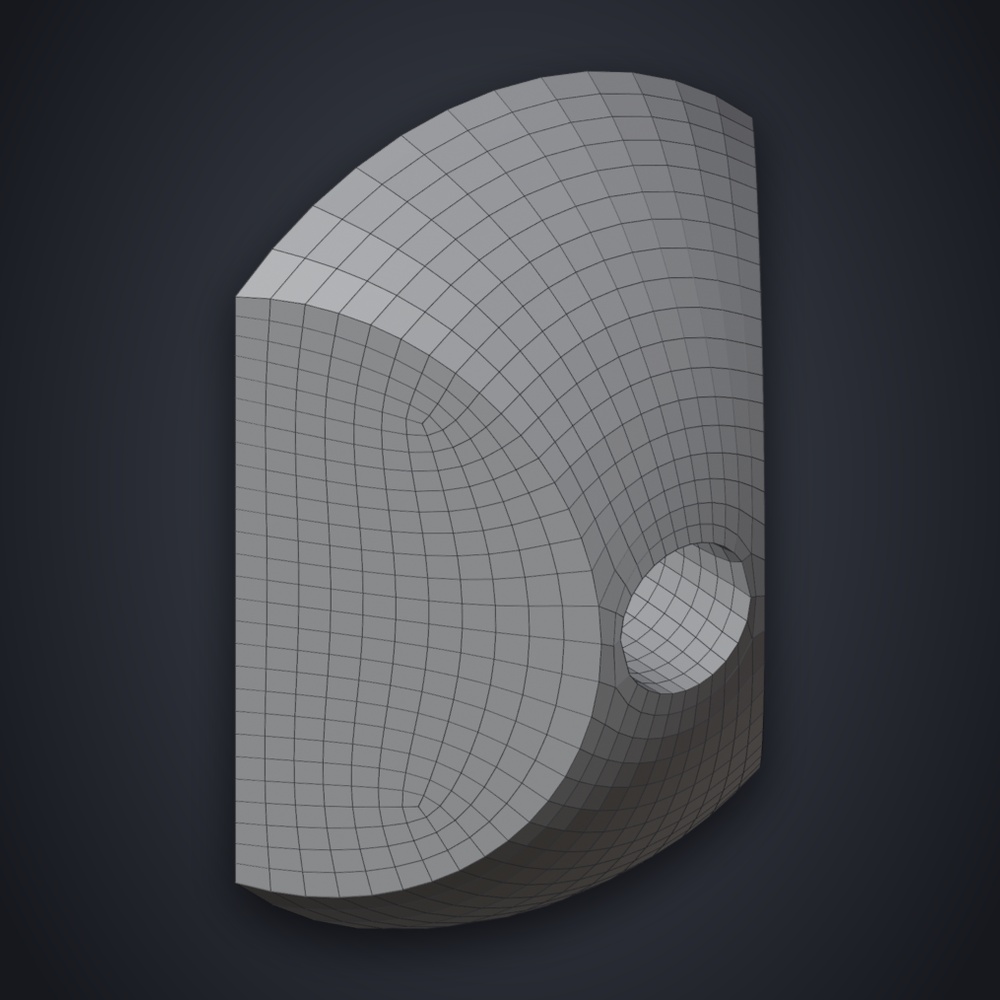
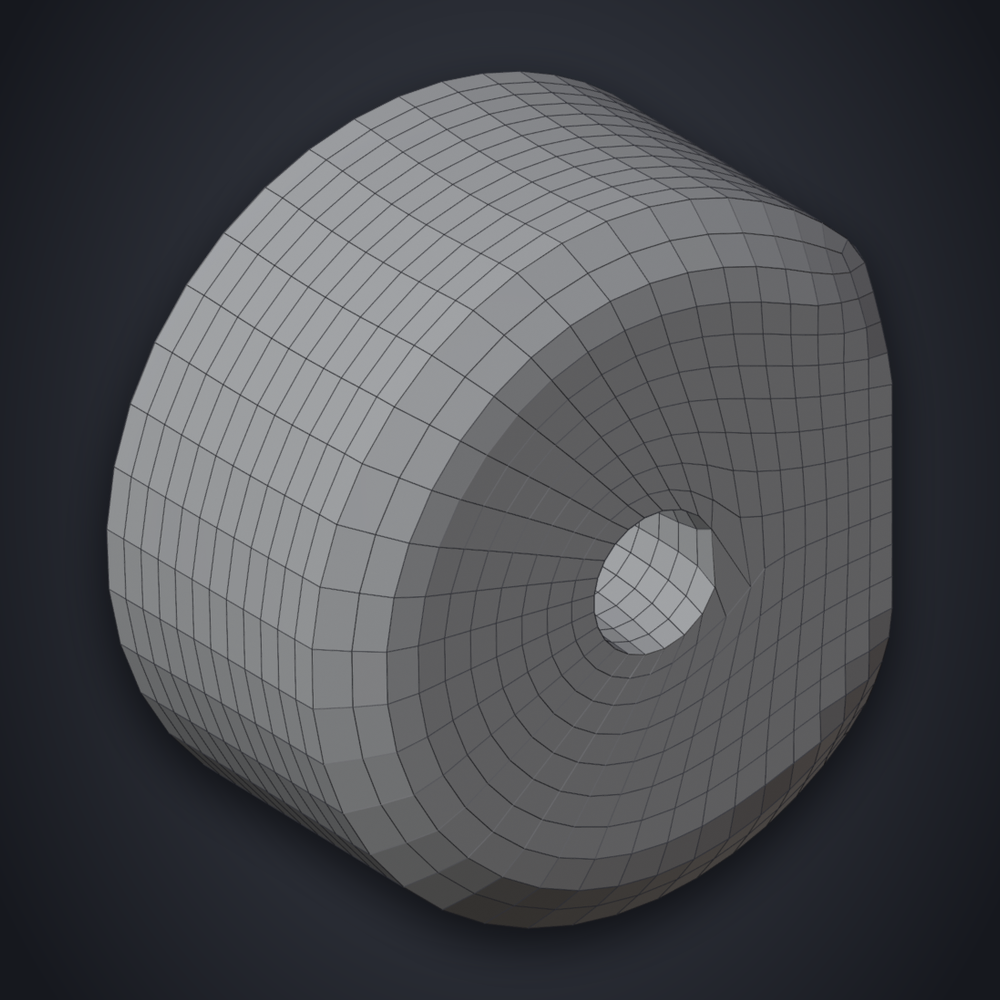
Every face of a CAD part gets its own grid of quads, with an edge loop along each border.
Usage
- Set Style to Hard Surface, and set Quads.
- If faces also meet smoothly (fillets), press Prepare CAD Part in Surfaces (CAD).
- Press Remesh.
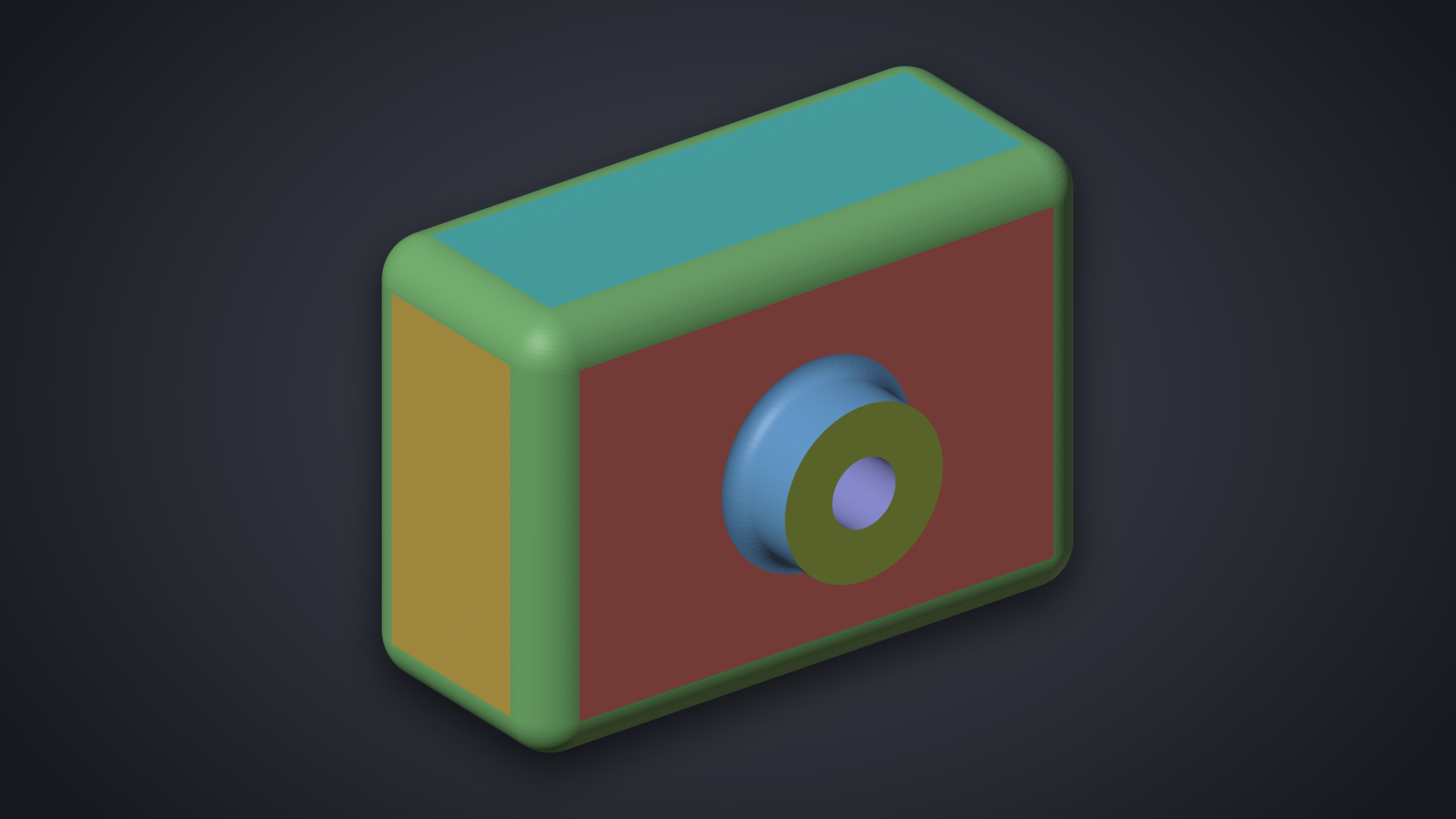
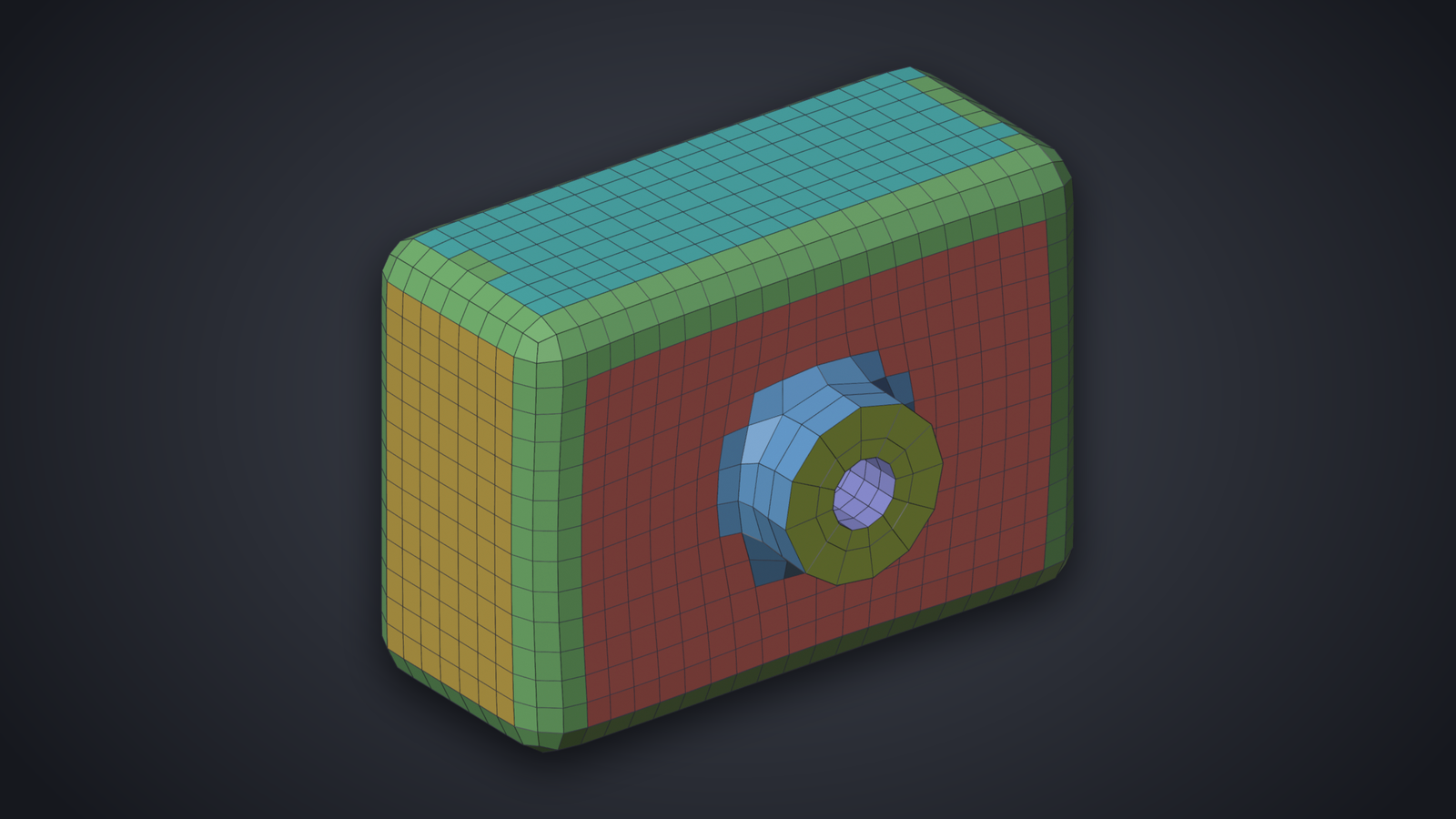
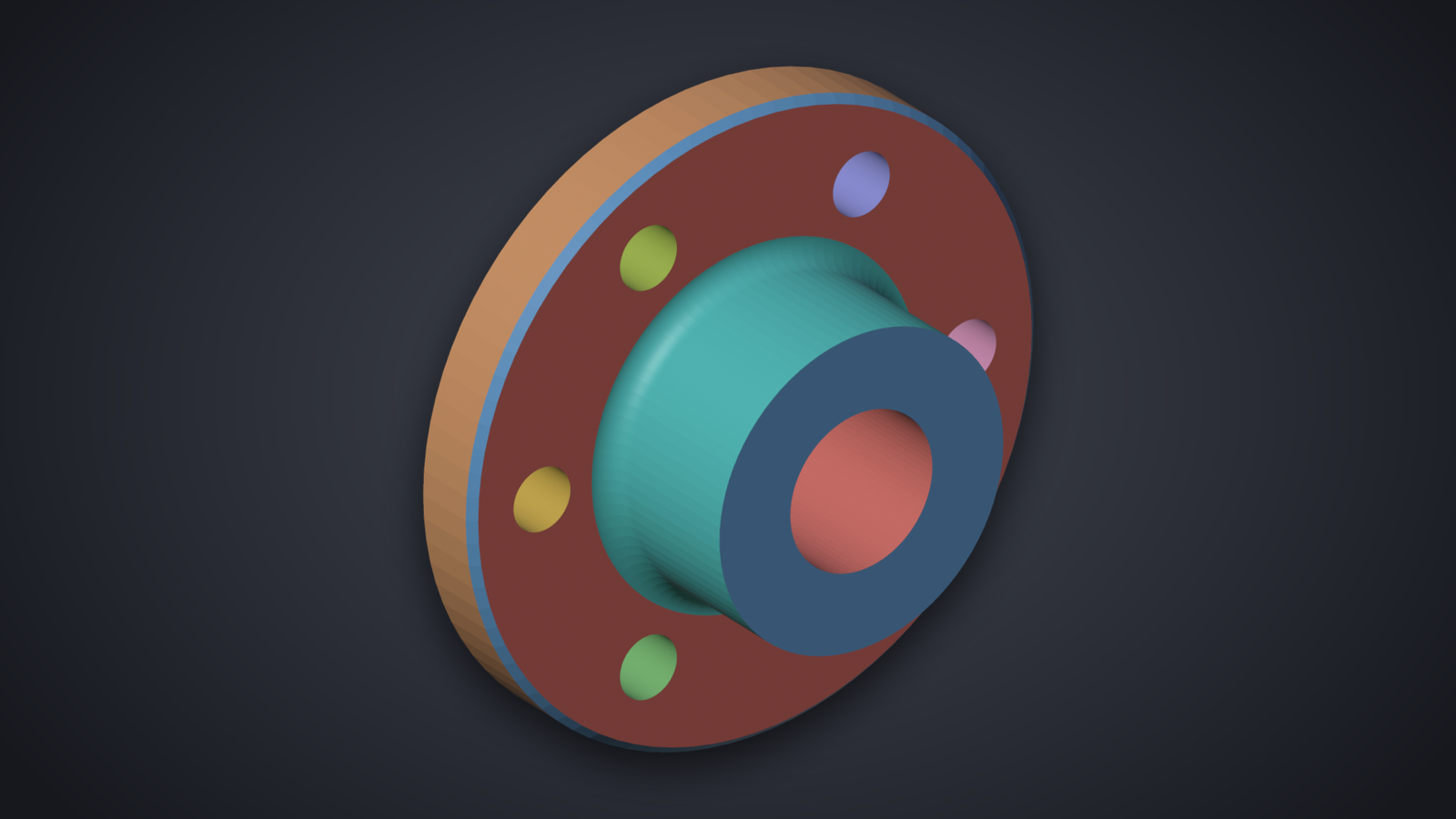
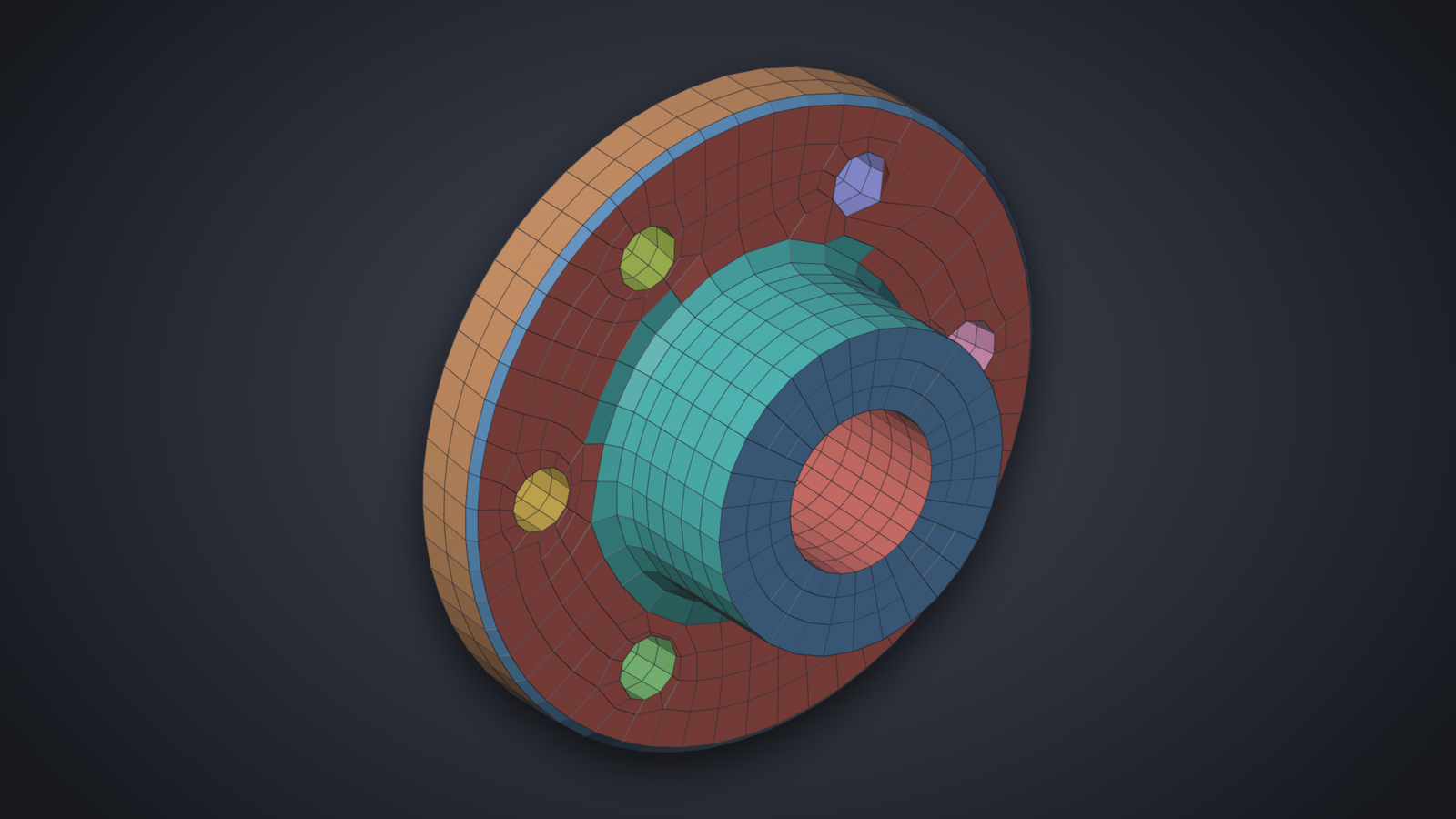
Settings
- Prepare CAD Part
- Finds the surfaces, gives each its own material, and turns on Use Materials. Afterwards it reads Prepare Again: press it after a change below to find the surfaces anew. The line below the angle counts the surfaces and materials, and says when a wall is thinner than a quad.
- Angle
- Faces meeting sharper than this are separate surfaces. If a face is missing its own color, change it and press Prepare Again.
- Details
-
Borders chooses what separates surfaces besides the angle: Sharp edges, Seams, Materials, Tangent (a flat meeting a curved face smoothly, a fillet) and Curved (two curved faces meeting smoothly, for parts whose fillets meet other curved faces).
Merge Thin joins strips narrower than half a quad to a neighbor. It is off for sheet metal, where the thin walls are the part. Keep Material Borders appears when the mesh has materials of its own and keeps their borders.
To Guides turns the borders into guides instead of materials, with Cut Lines across surfaces that have several borders. Clear Surfaces removes the colors and puts the original materials back.
Good to Know
- A part with many small holes can land a little above Quads: each rim needs whole rows.
- A hole needs about eight quads around to look round. Raise Quads or paint it denser.
- Walls thinner than a quad are a limit of any quad remesher; the panel warns about them.
Examples
| Plate | Shaft | Bracket |
|---|---|---|
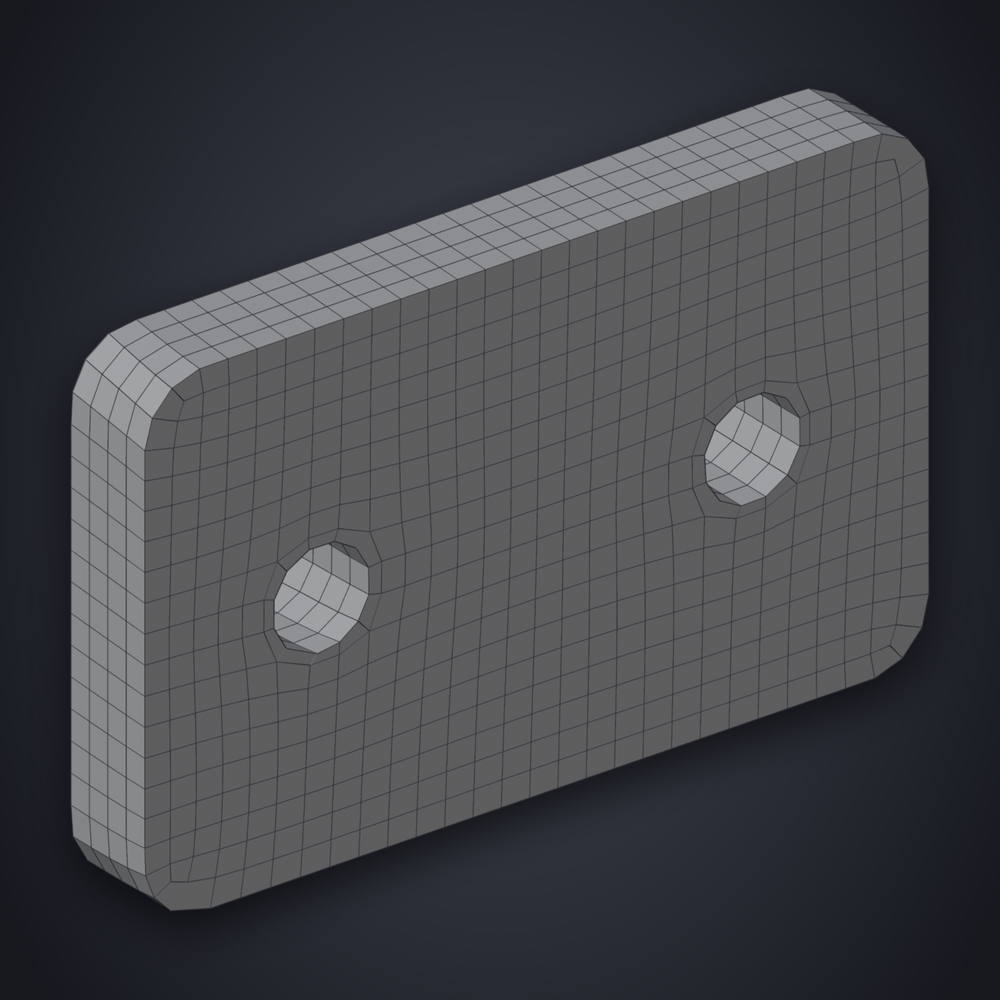 |
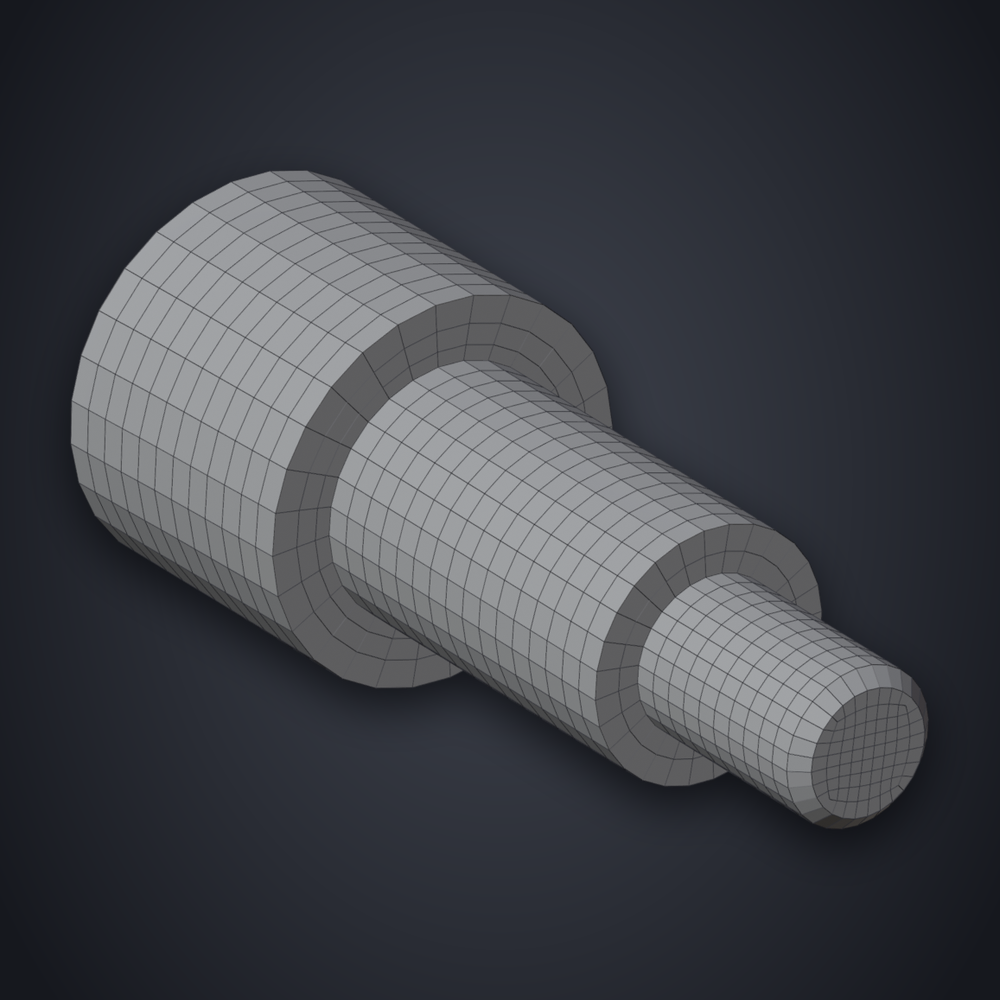 |
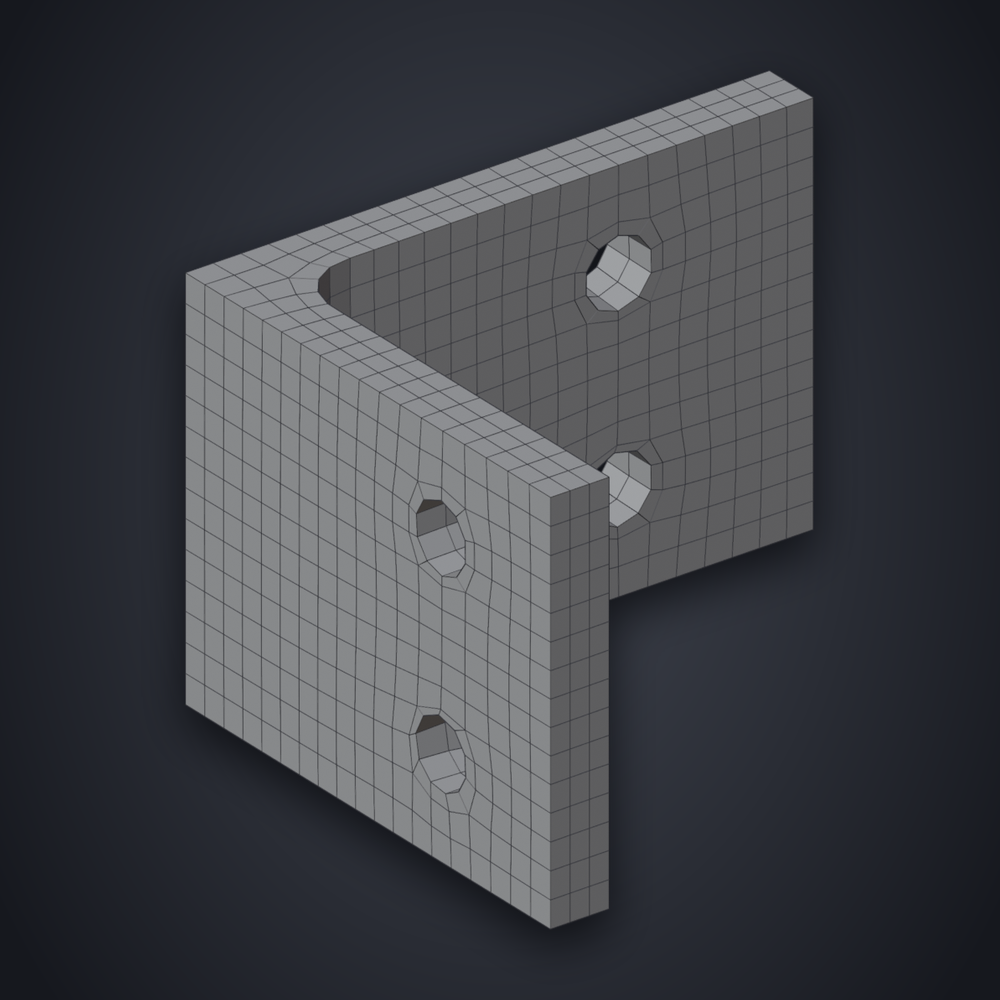 |
| Flange | Housing | Thin box |
|---|---|---|
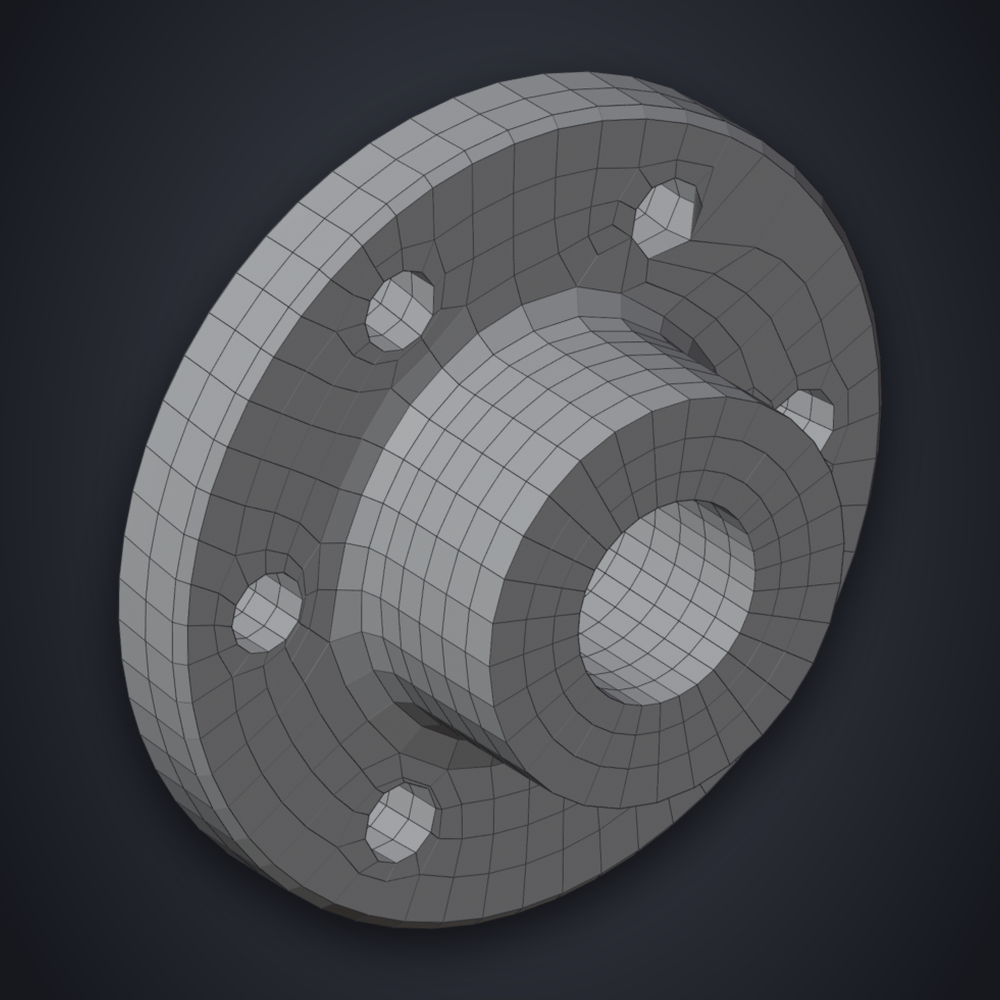 |
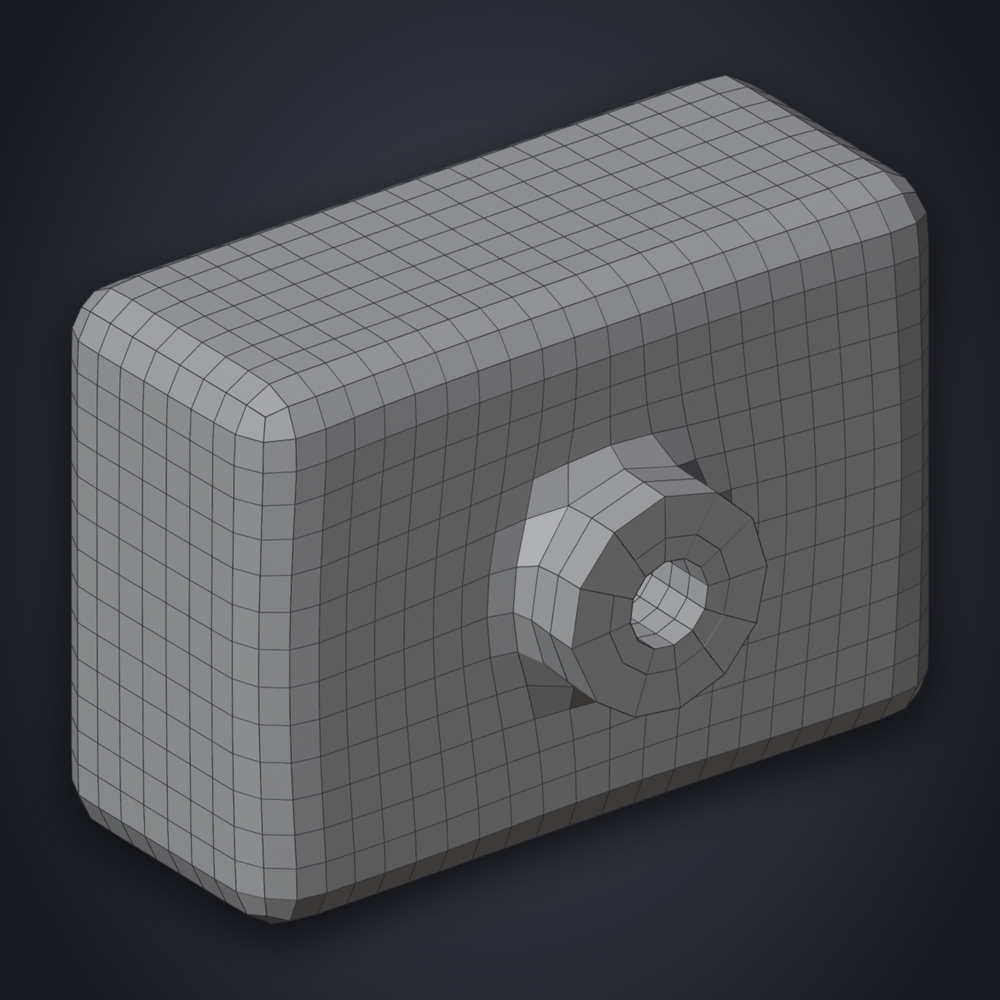 |
 |
| Dome | Knob | Sheet with slots |
|---|---|---|
 |
 |
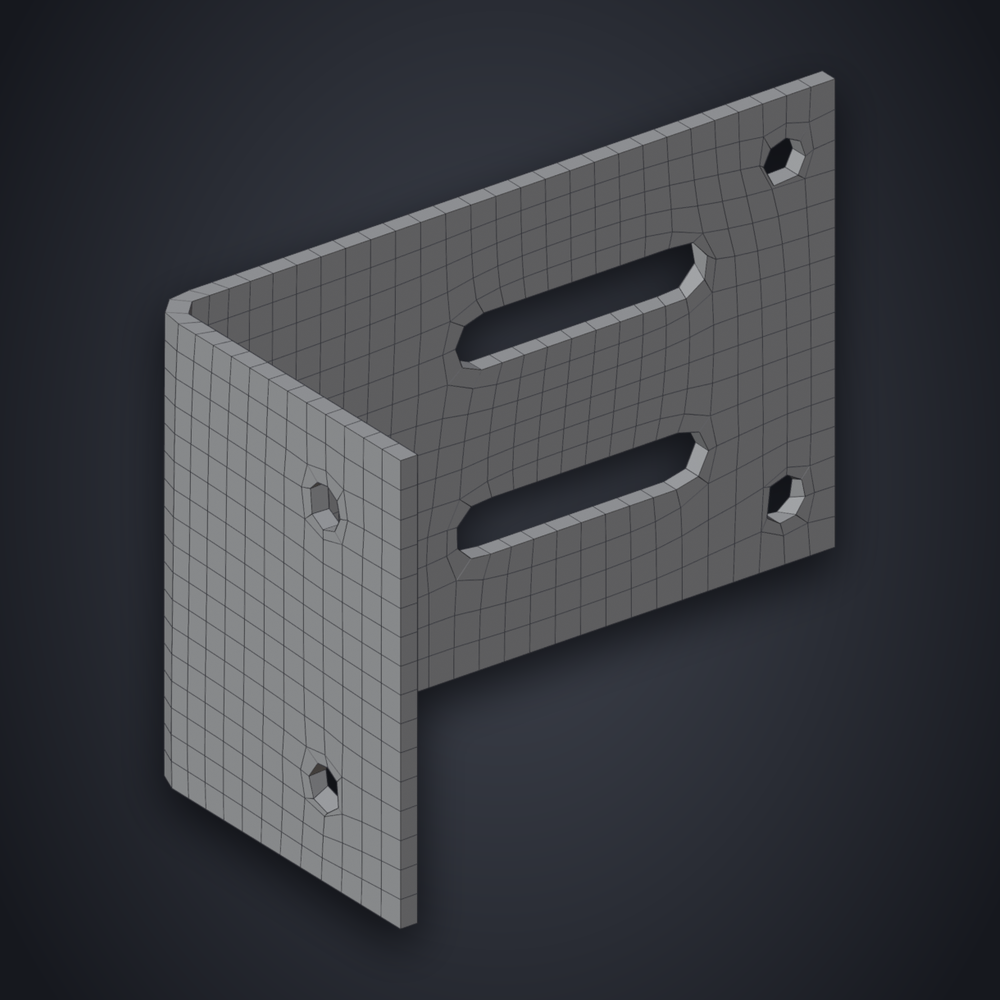 |
Try It Yourself
These are the parts the pictures and the numbers on this page come from.
| Part | What it exercises |
|---|---|
| plate.stl | holes in a flat |
| shaft.stl | coaxial cylinders |
| bracket.stl | bores and a bend |
| flange.stl | a bolt circle and fillets |
| housing.stl | bosses and bores |
| thin_box.stl | 2 mm walls |
| dome.stl | lens flats on a sphere |
| knob.stl | a disc on a cylinder |
| sheet_slots.stl | slots in sheet metal |
- File > Import > STL, pick a part.
- Click Prepare CAD Part.
- Set Style to Hard Surface and Quads to 1500, then Remesh.
The bench also uses three public NIST test parts (the "NIST PMI STEP Files" of nist.gov, about 140 CAD faces each). They are not included here.