Patches Between the Guides
Panel: Sidebar ‣ QuadGuide ‣ Options ‣ Fill with Patches
With Fill with Patches on, every region the guides close off is filled as its own patch of quads, with the guides as its exact borders.
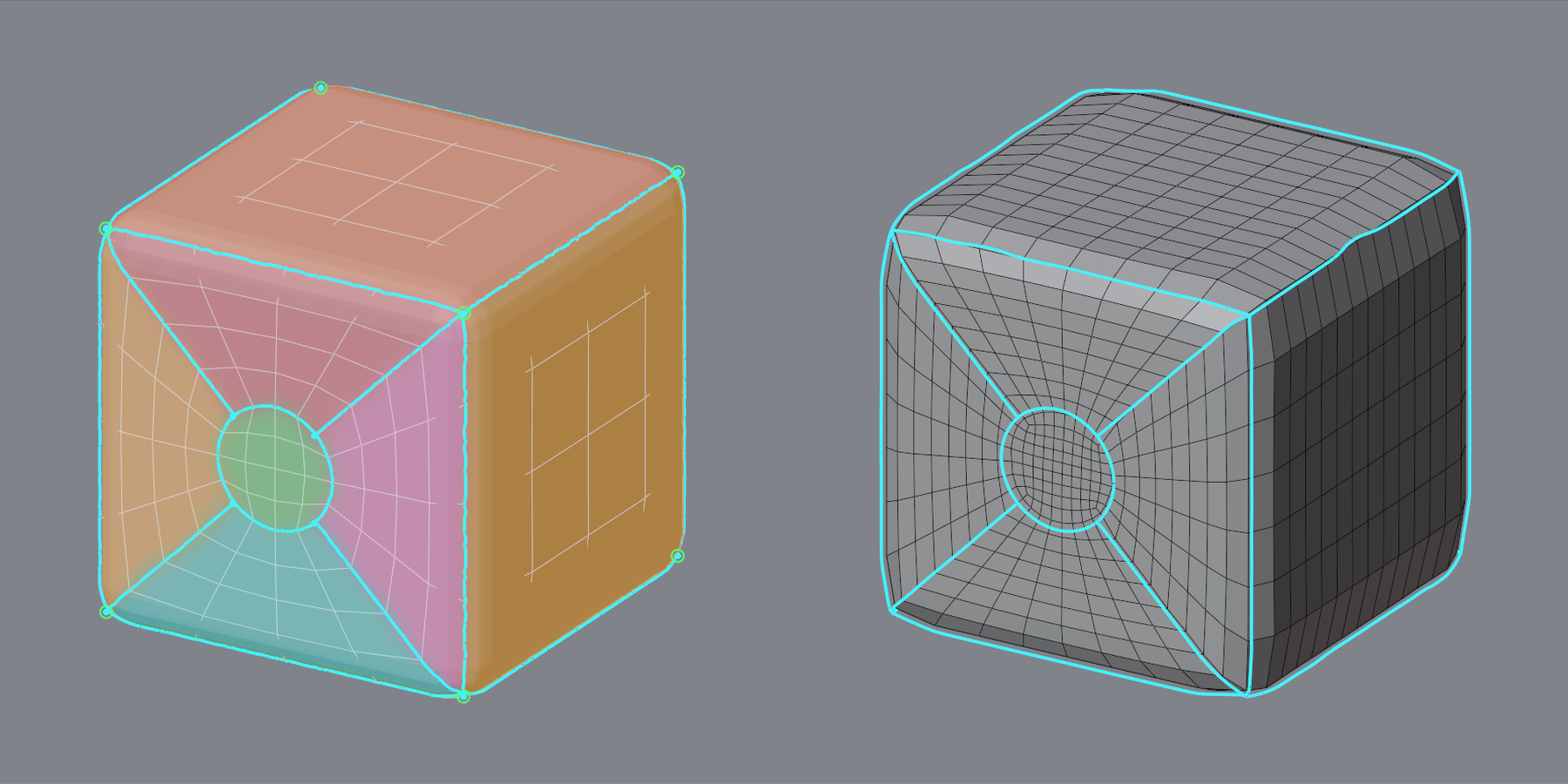
Fill with Patches
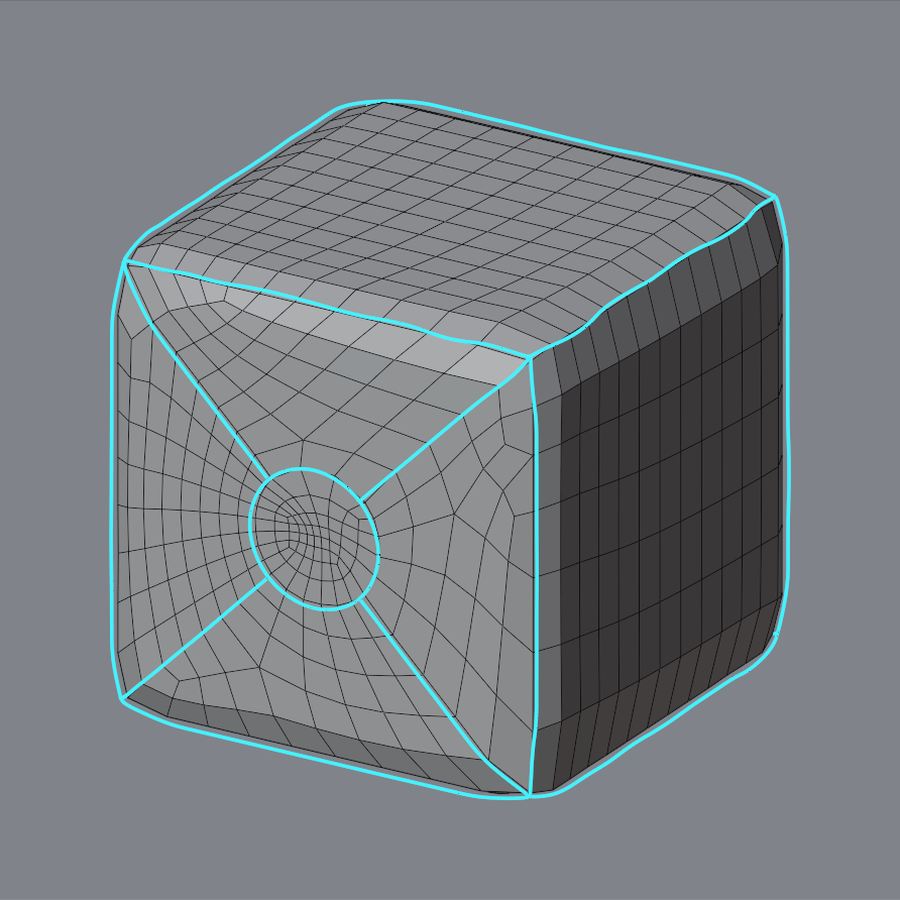
| Off | On |
|---|---|
 |
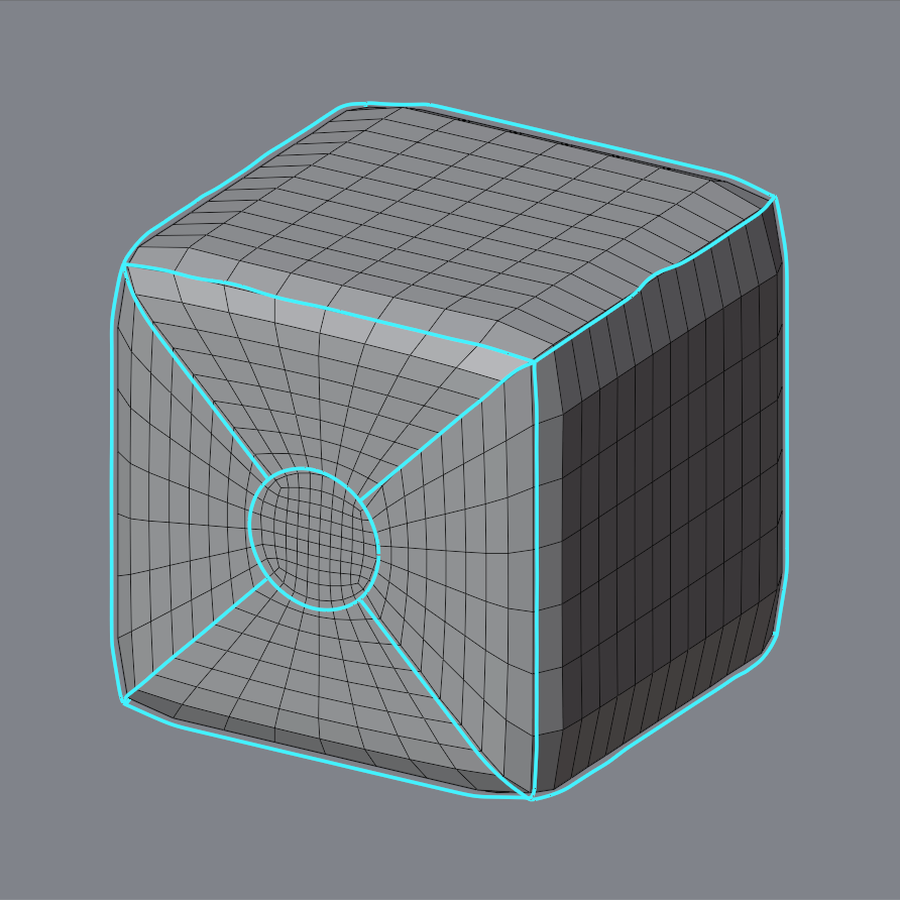 |
Off (the default), the guides steer the flow. On, each region is filled as drawn.
The Tint
With Fill with Patches on, Draw tints each region: one that can be one patch (a closed outline with three to eight corners) gets a color. A blue-gray region is filled freely; if it should be a patch, it is usually open somewhere: glue the loose end (see Junctions).
To choose how a region is filled (grid or free), hold K and click it; see A Region's Kind.
Fixing the Drawing
The panel lists what keeps the drawing from filling, with a button for each fix, and Fix All.
- N loose ends ‣ Connect
- Runs each loose end on to the next guide.
- N loops cut in two by a line ‣ Free
- Stops the line just short of the loop.
- N places where lines nearly touch ‣ Part
- Moves one line apart from the other.
- N regions need a line
- Draw a guide across the region, corner to corner.
Reading the Result
- "except N region(s) remeshed freely"
- A region is too big for its outline. Draw lines across it.
- "above the N asked"
- The outlines need more quads than Quads asks. Draw fewer lines.
- "your patches were not used ... marked red"
- A patch folded at the red mark, usually two guides too close or a corner far from square. Move a guide and remesh.
Notes at the bottom of the panel lists what the engine changed, with a button to jump to each place.