
Skip to content

Home

QuadGuide QuadGuide

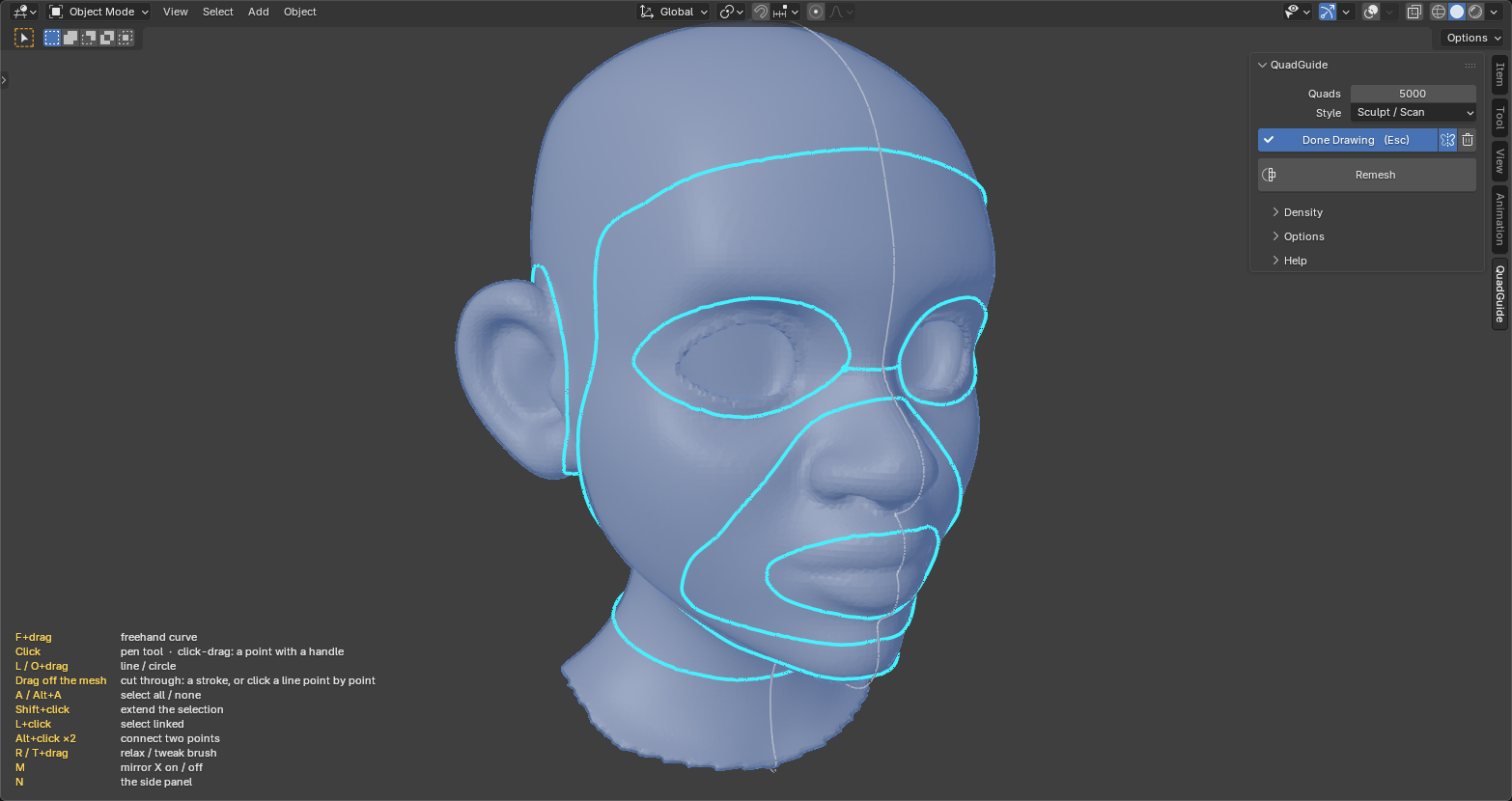
Clean quad meshes in Blender in one click. Draw a line where you want an edge loop.
Get QuadGuide

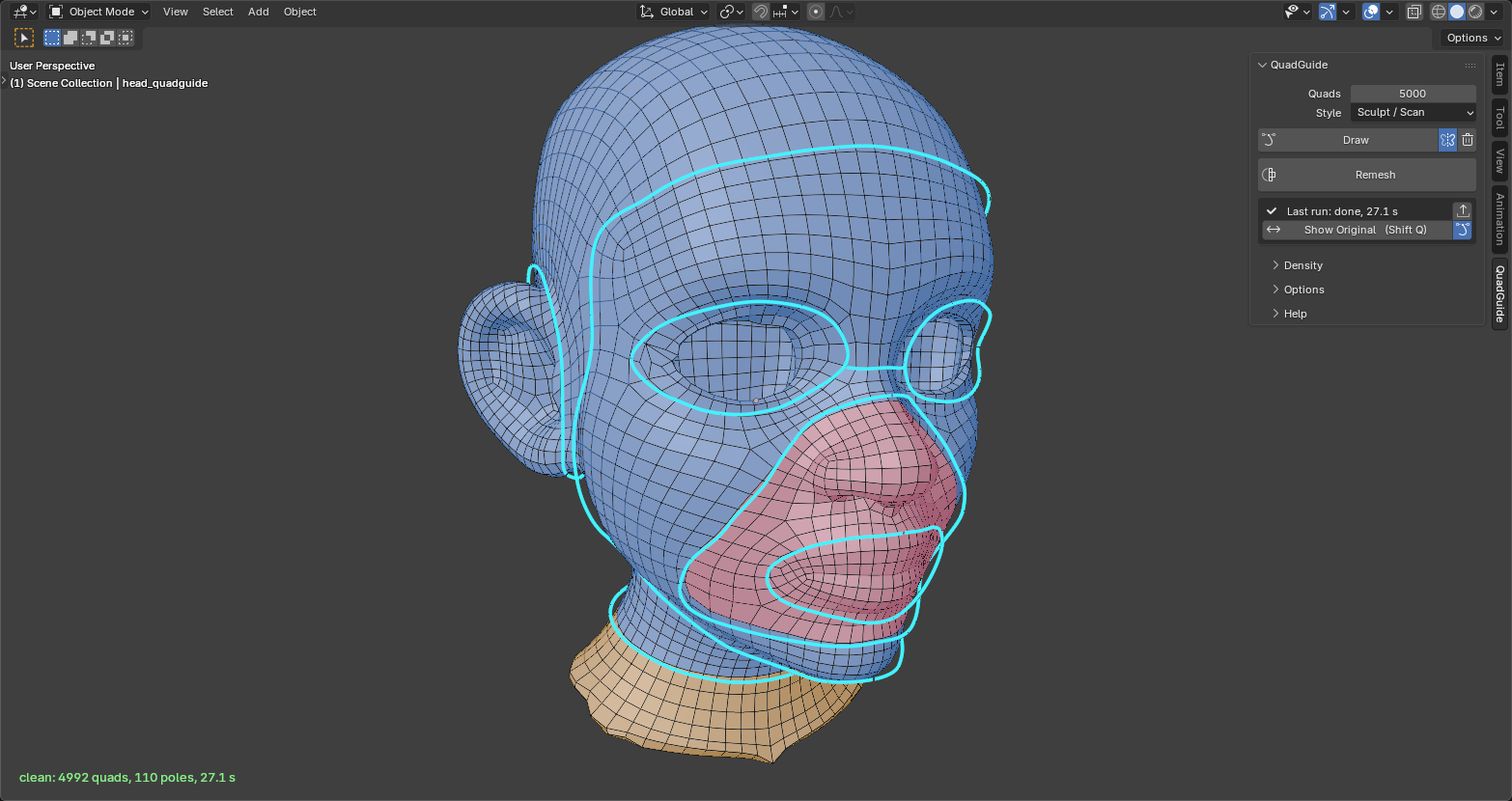
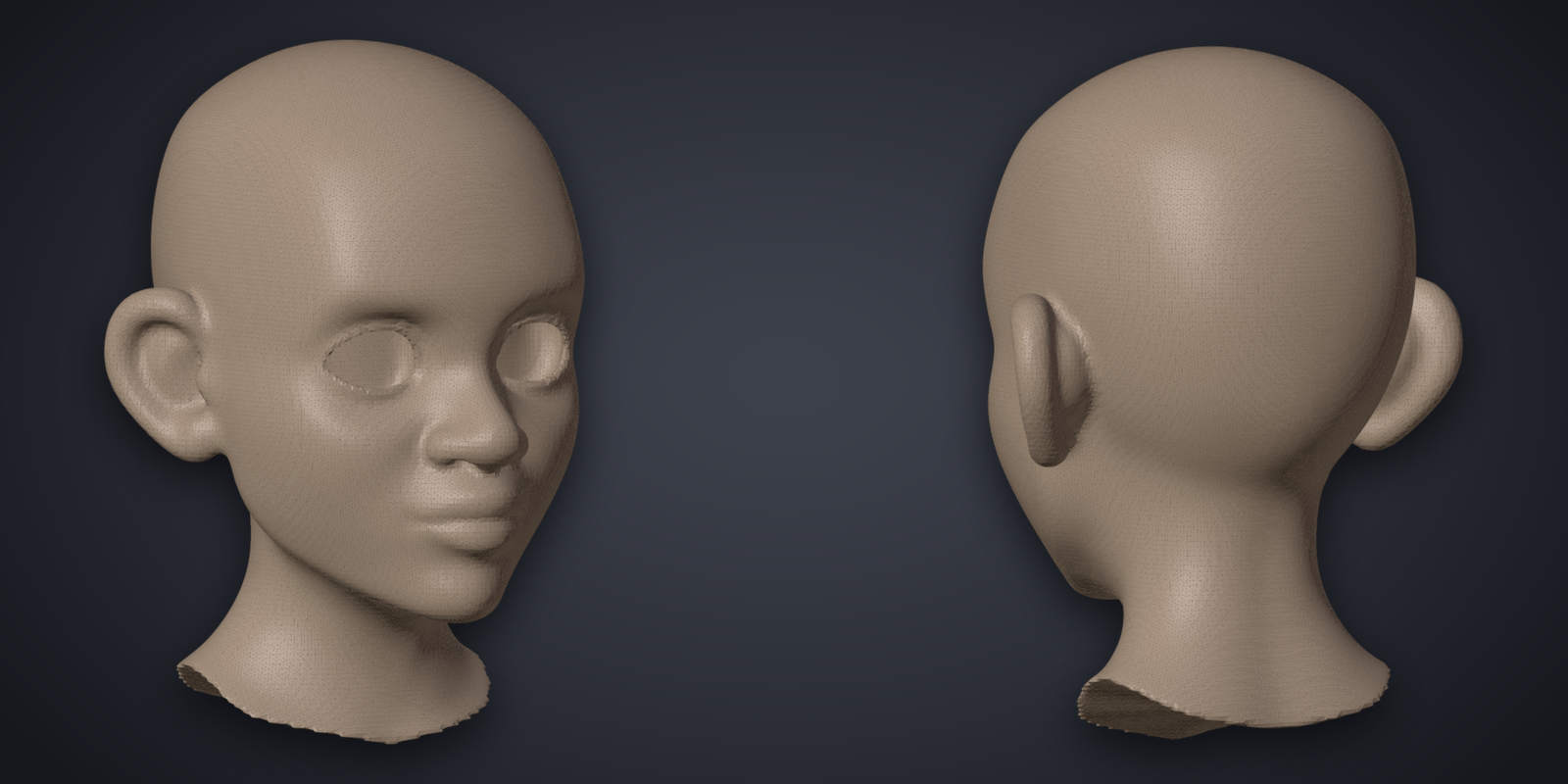
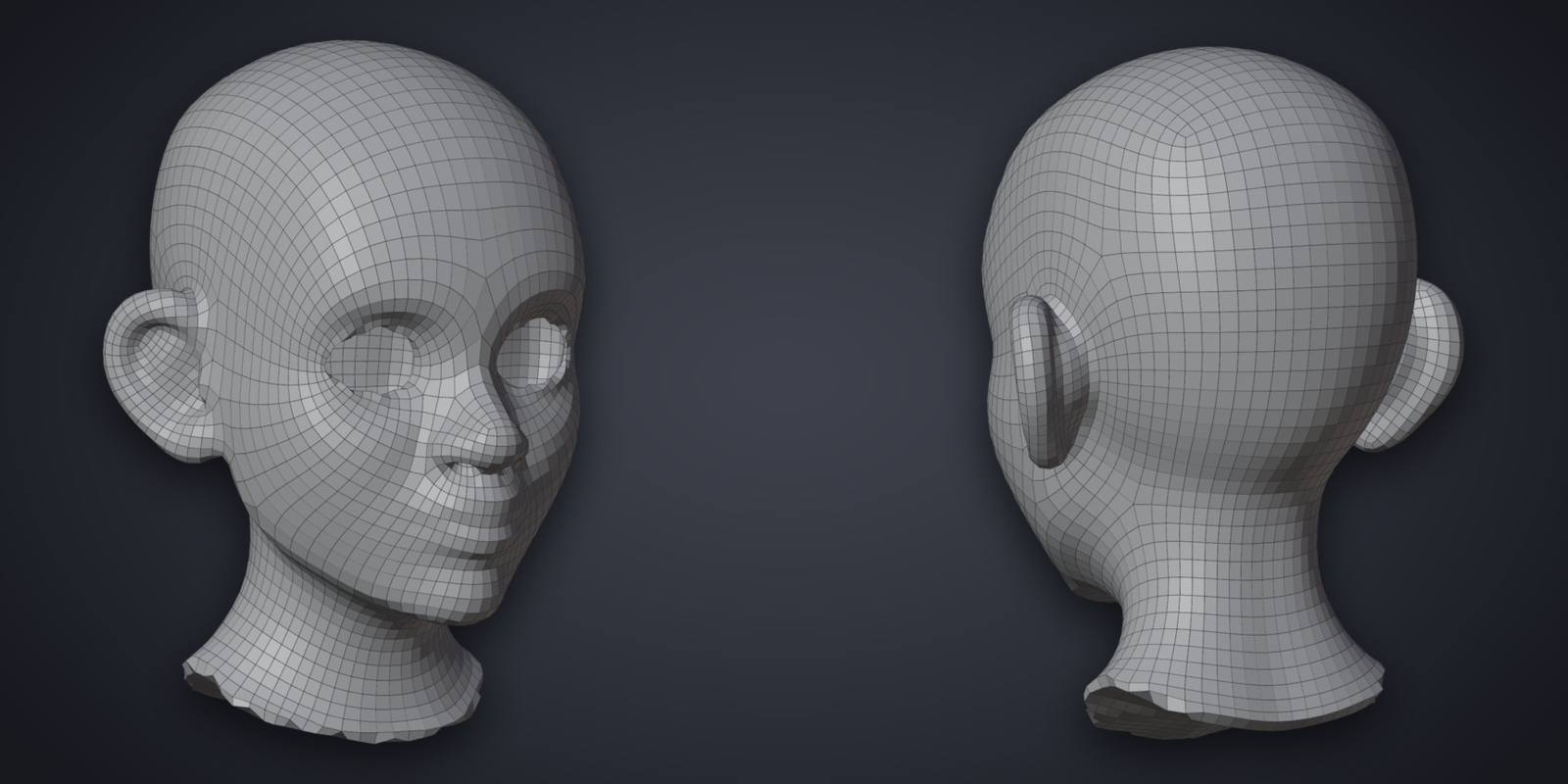
The head as a dense triangle mesh The same head remeshed, the guides shown on the result

Features

  • One click: pick a Style and a quad count, press Remesh. Every result is checked.
  • Draw: every line you draw becomes an edge loop.
  • Patches: each region the lines close off is filled as its own patch.
  • Density: paint where quads should be smaller or larger.
  • Edit Mode tools: remesh a selection, fill a hole, bridge two loops.
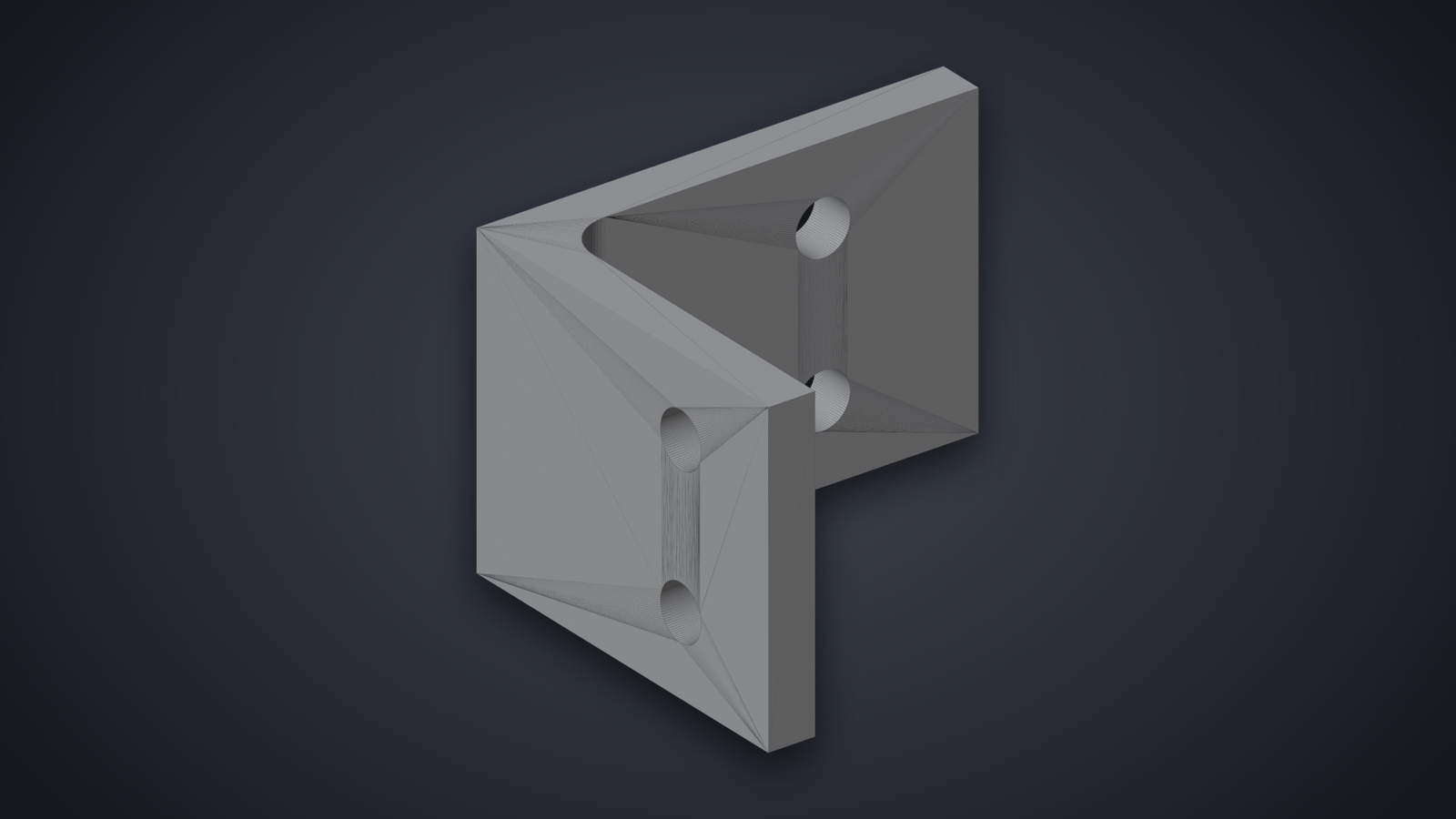
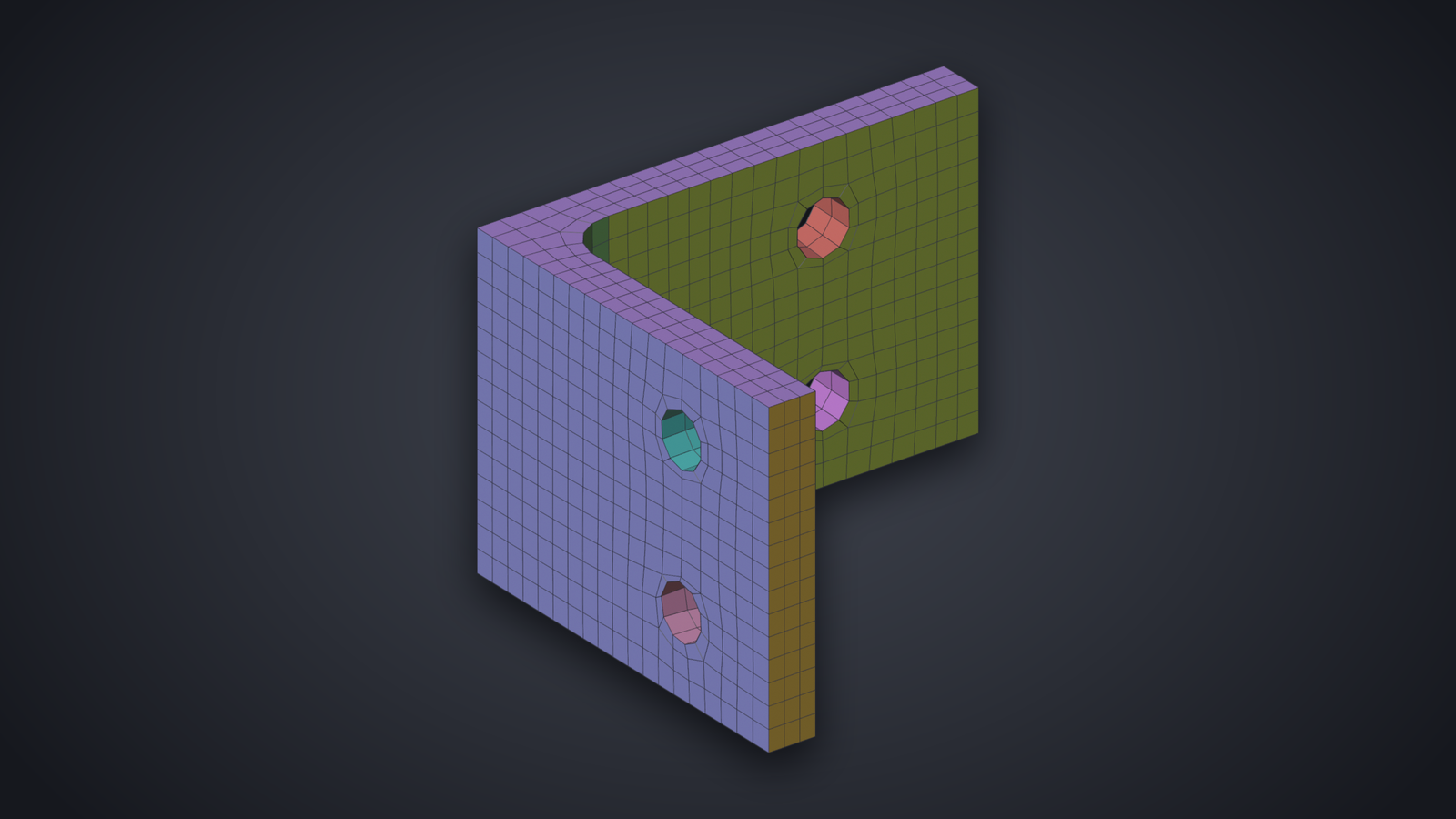
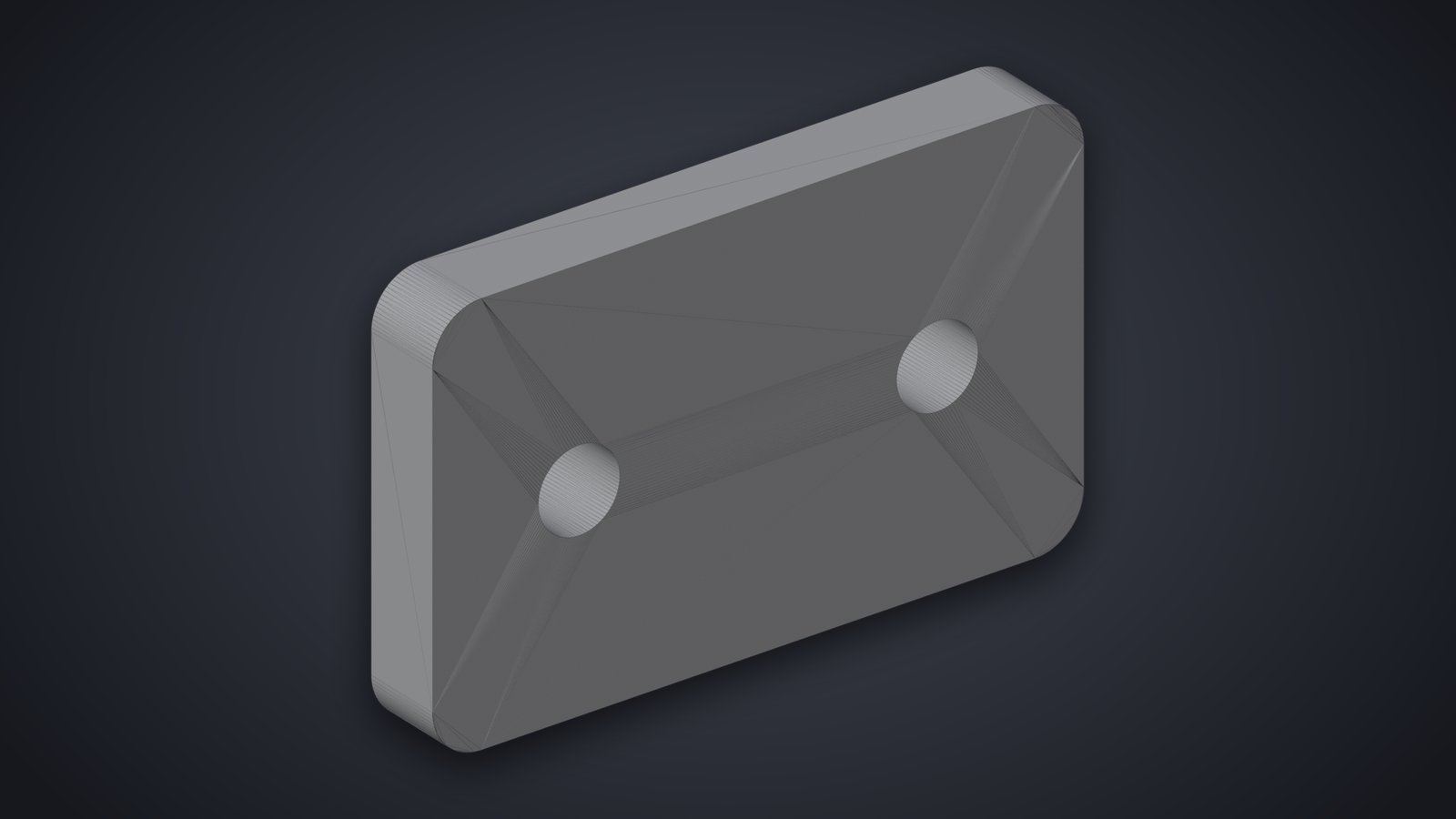
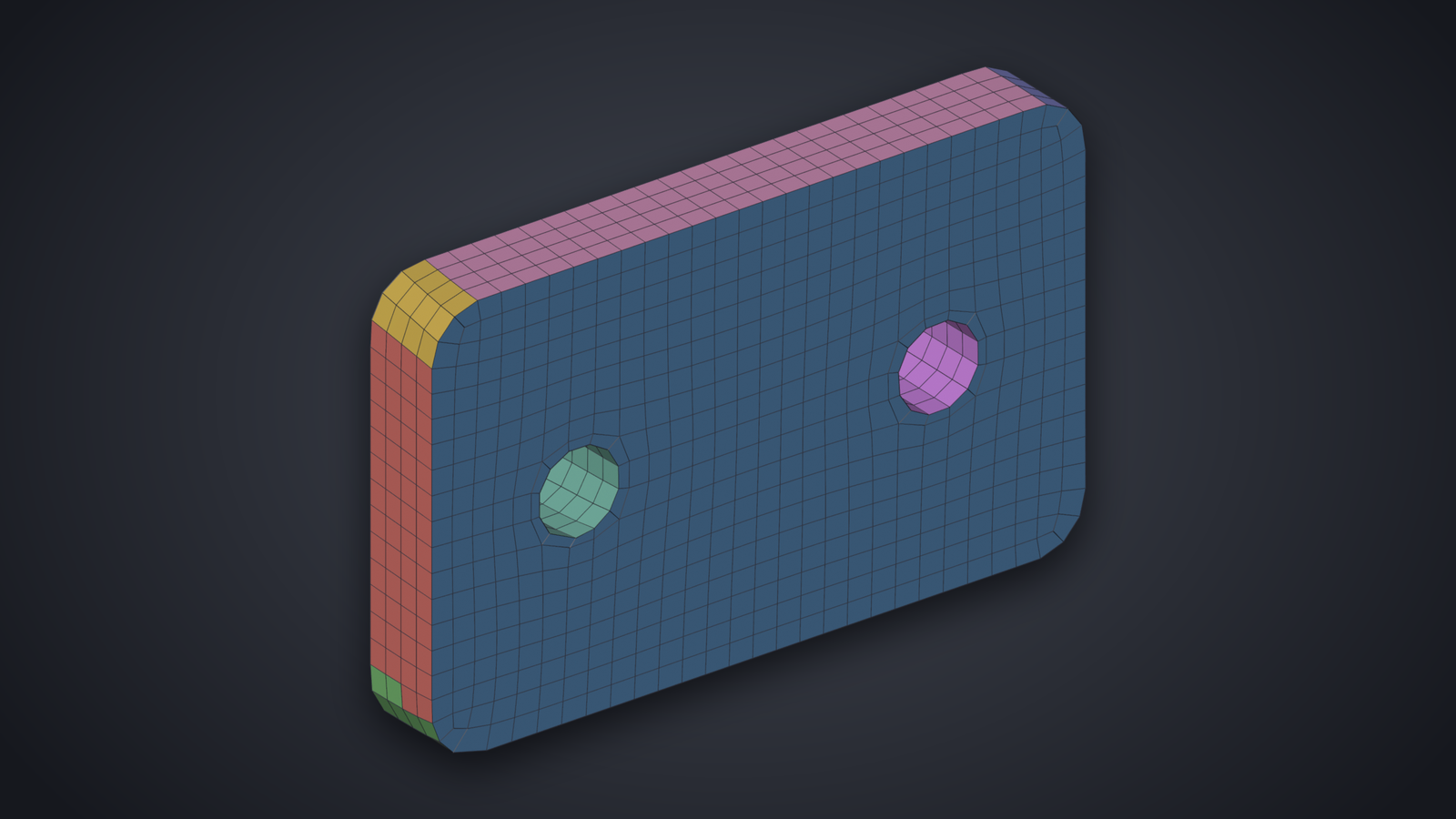
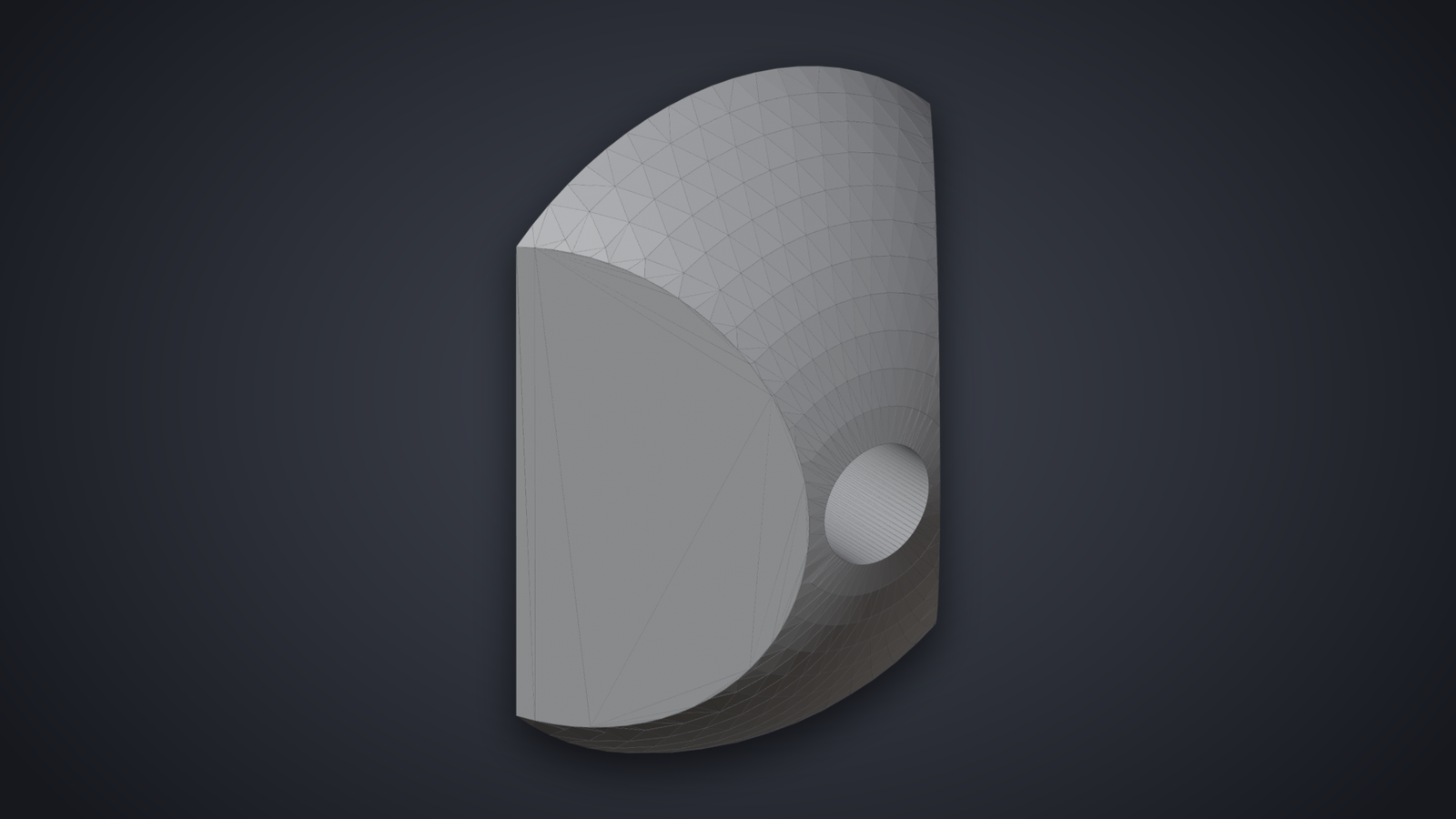
  • Technical parts: follows every sharp edge and surface of a CAD part.

Drawn, Then Remeshed

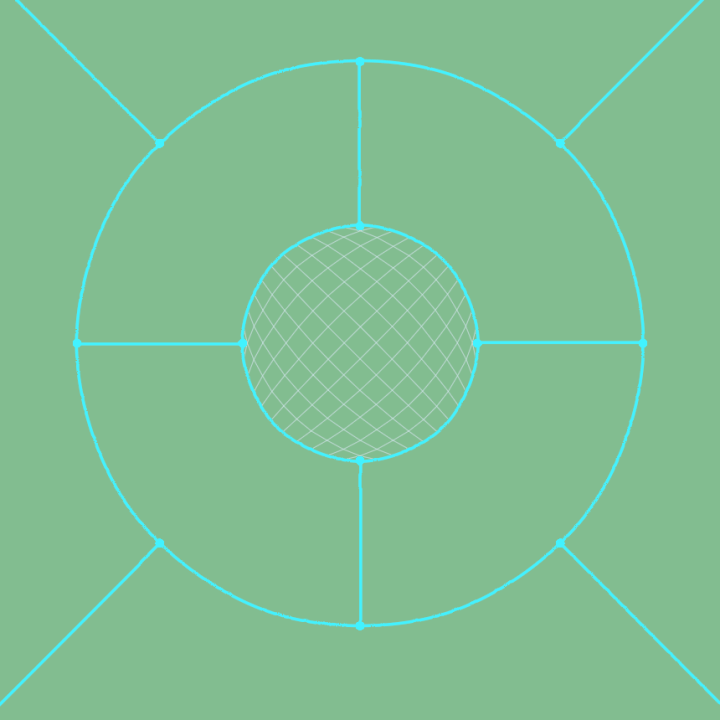
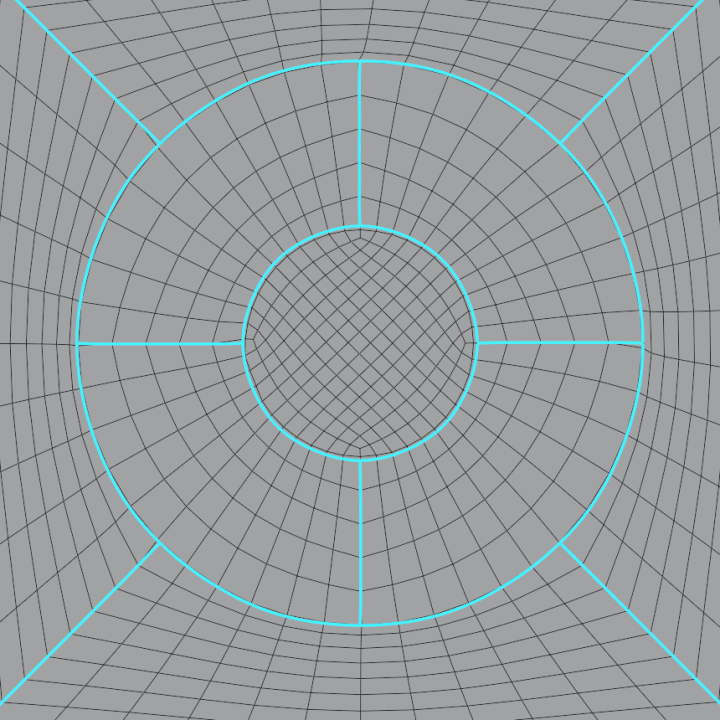
A circle in a circle, joined by spokes The remesh: two loops, even quads in the ring between them
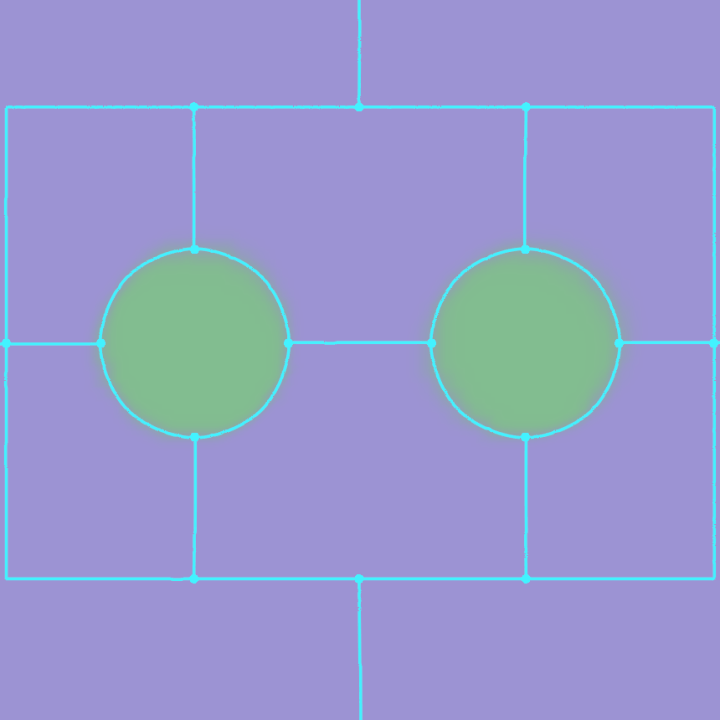
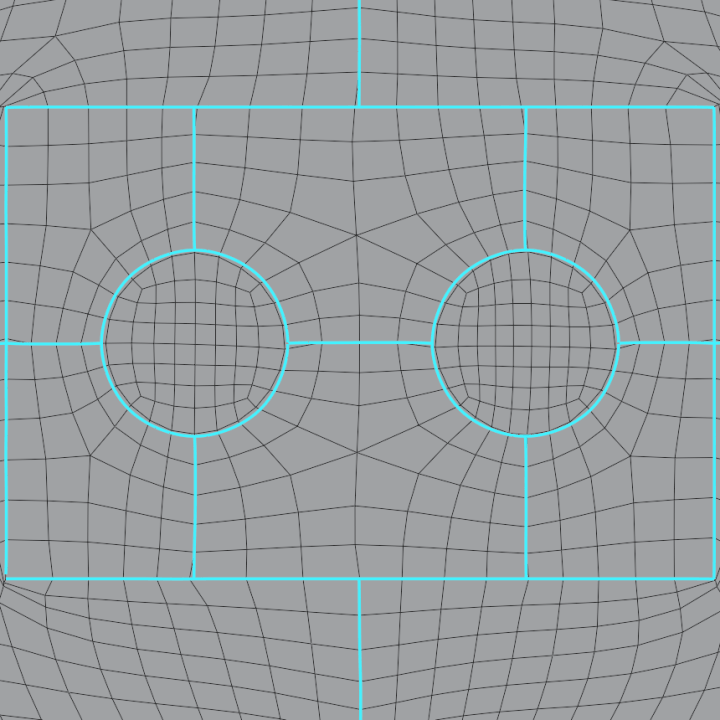
A rectangle with two round holes, joined by lines The remesh: the rectangle and both circles as edge loops

More in Drawn, then remeshed.

One Click, No Guides

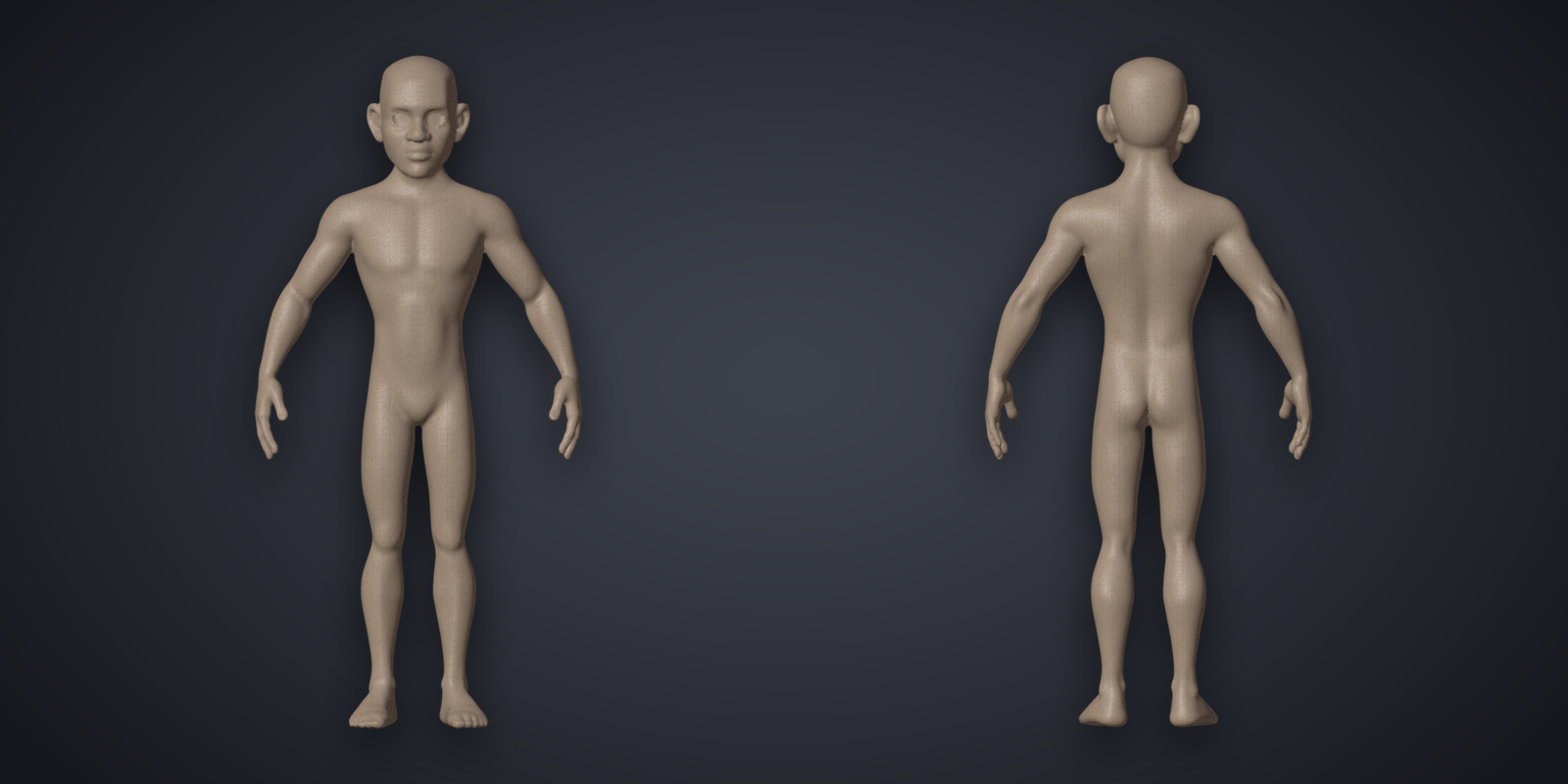
Stylized head, original Stylized head, remeshed: Sculpt / Scan, 4435 quads
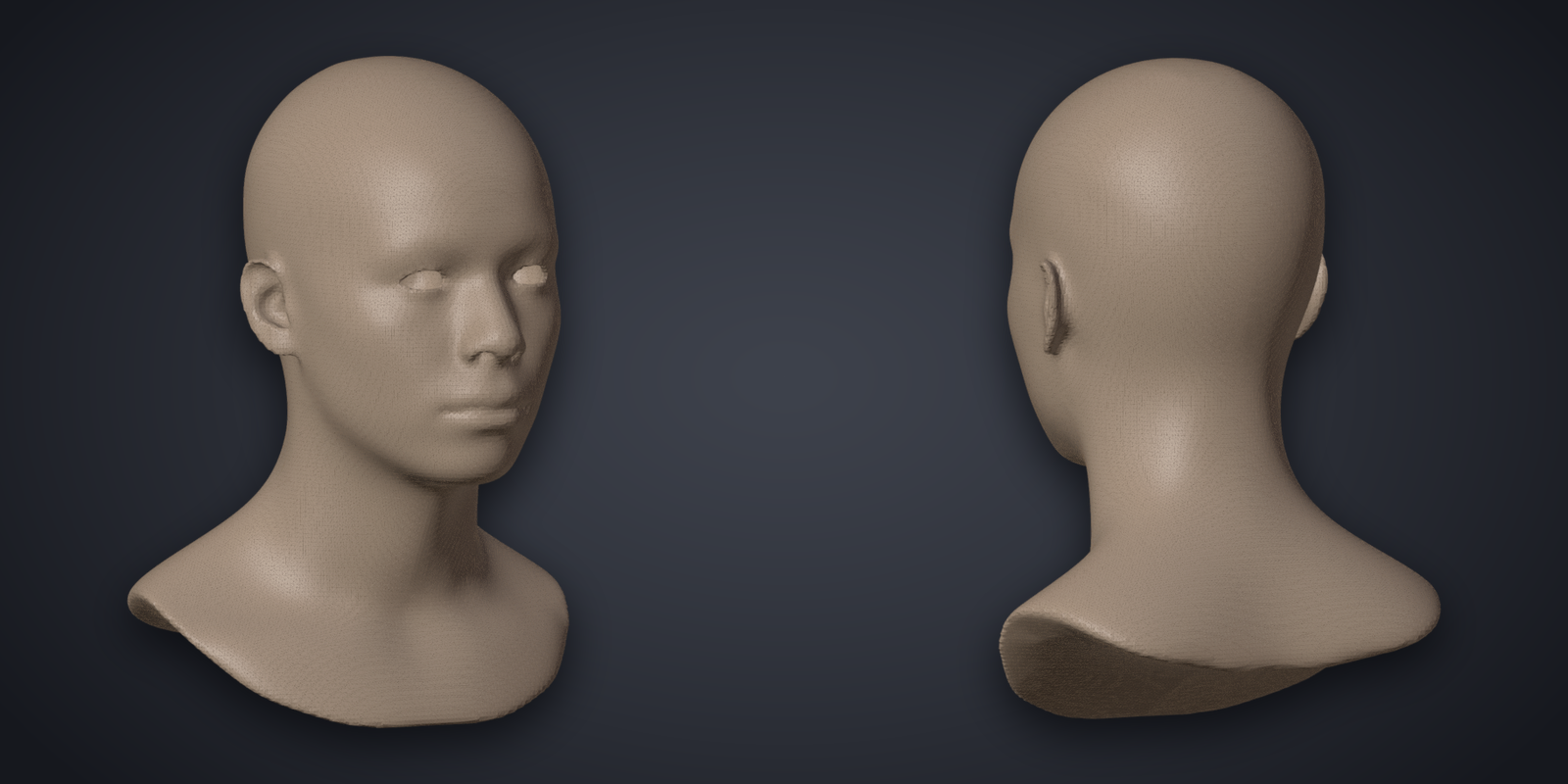
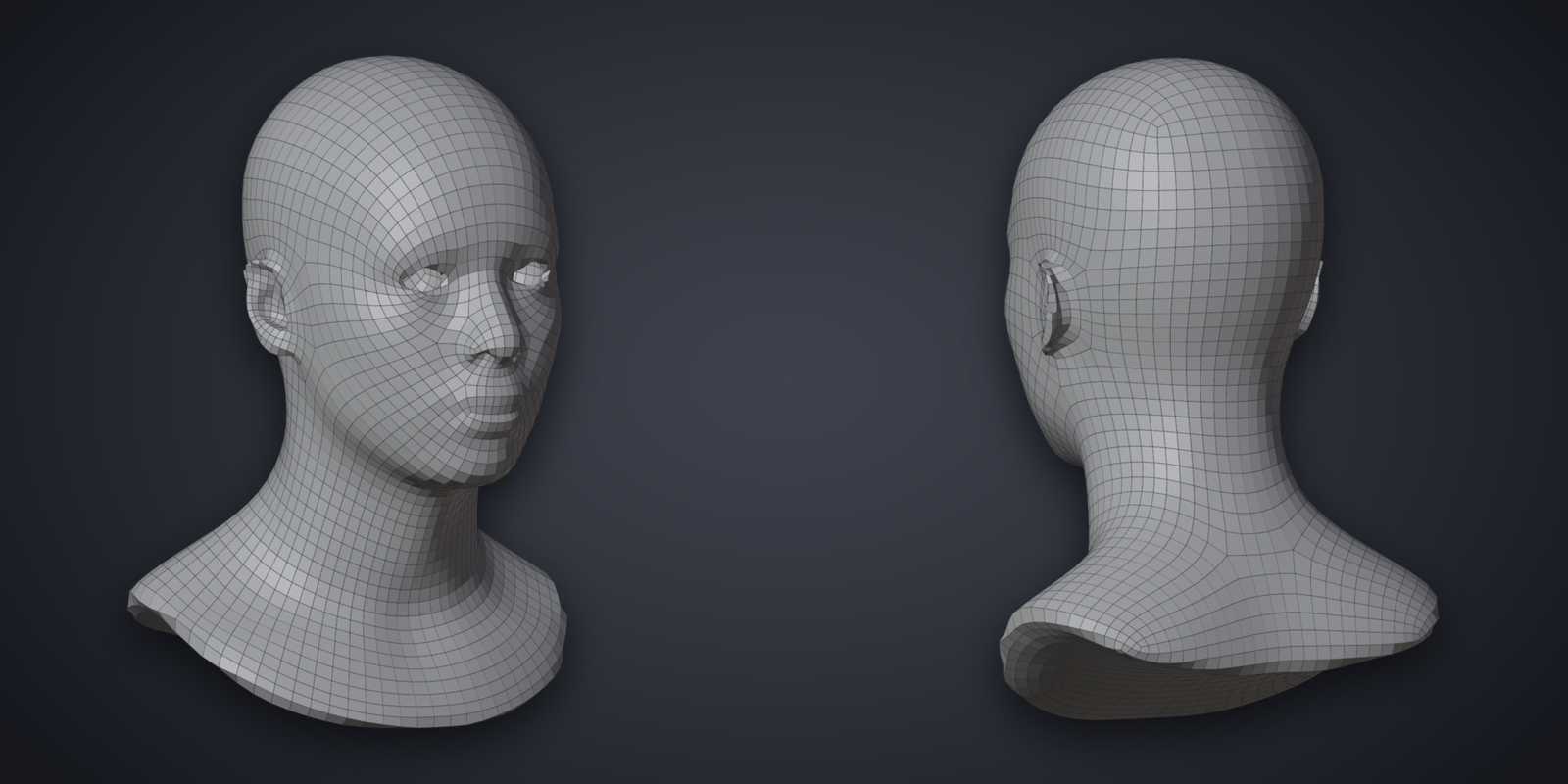
Realistic head, original Realistic head, remeshed: Sculpt / Scan, 4006 quads
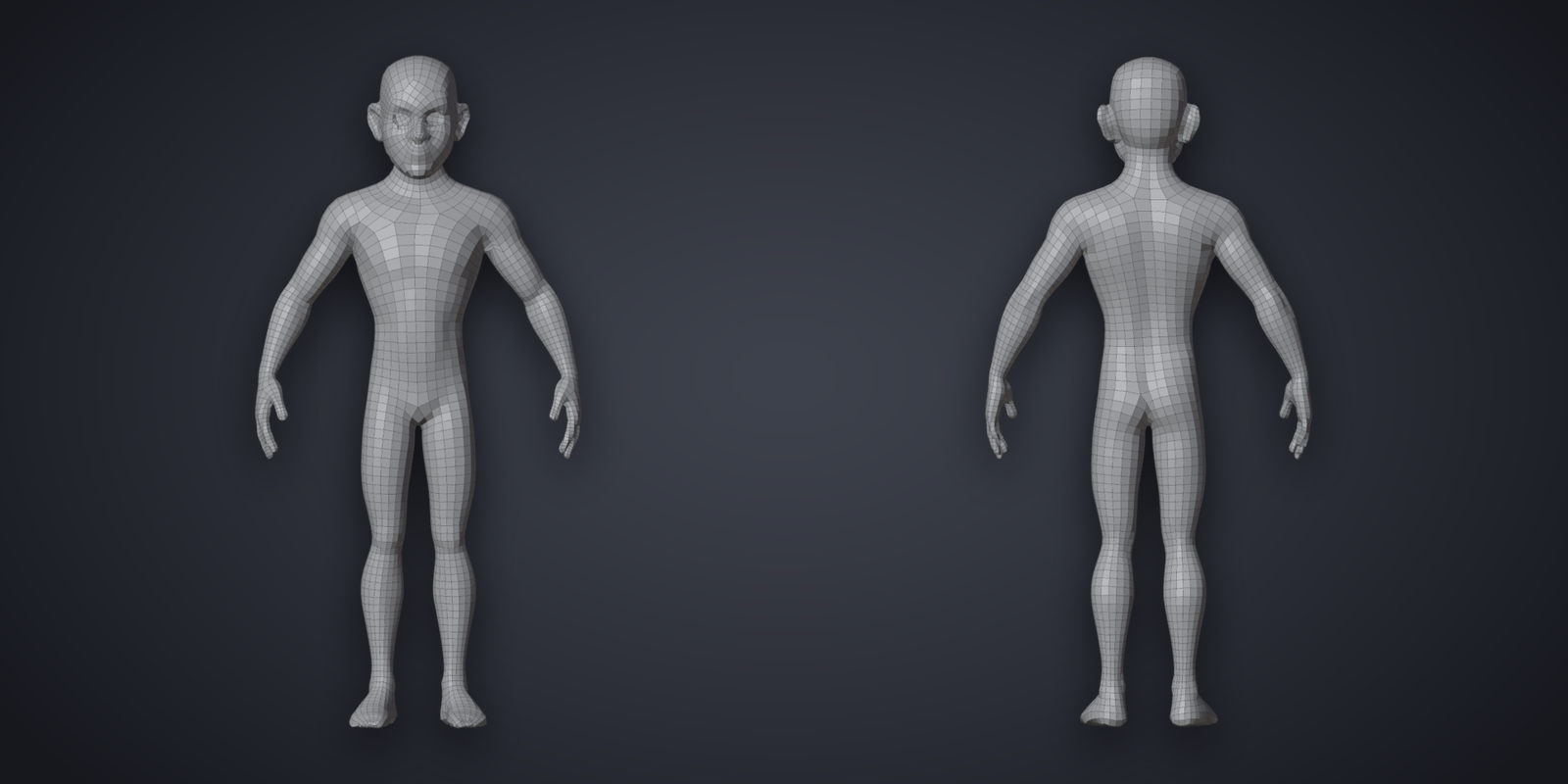
Stylized body, original Stylized body, remeshed: Character, 5229 quads
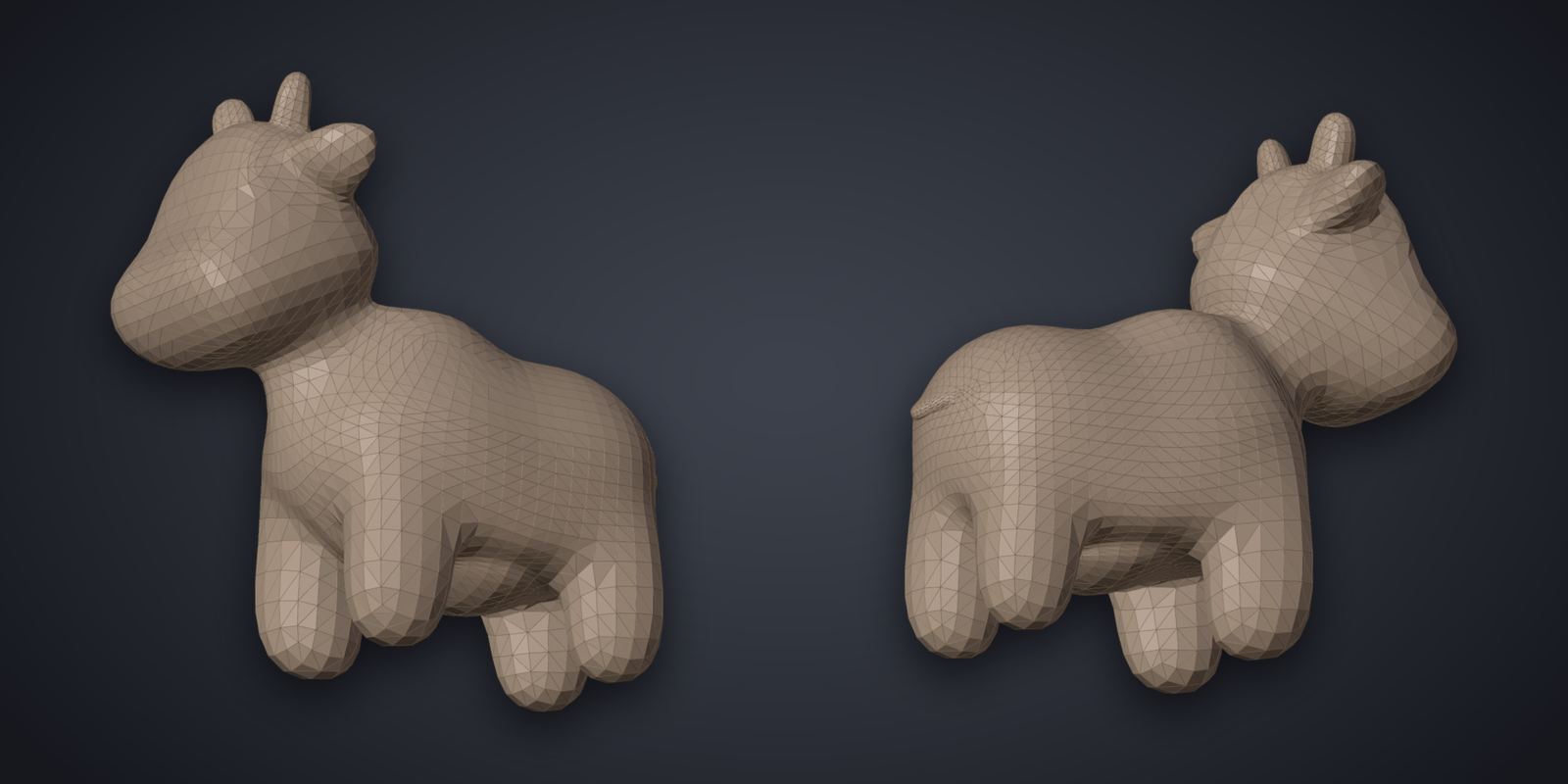
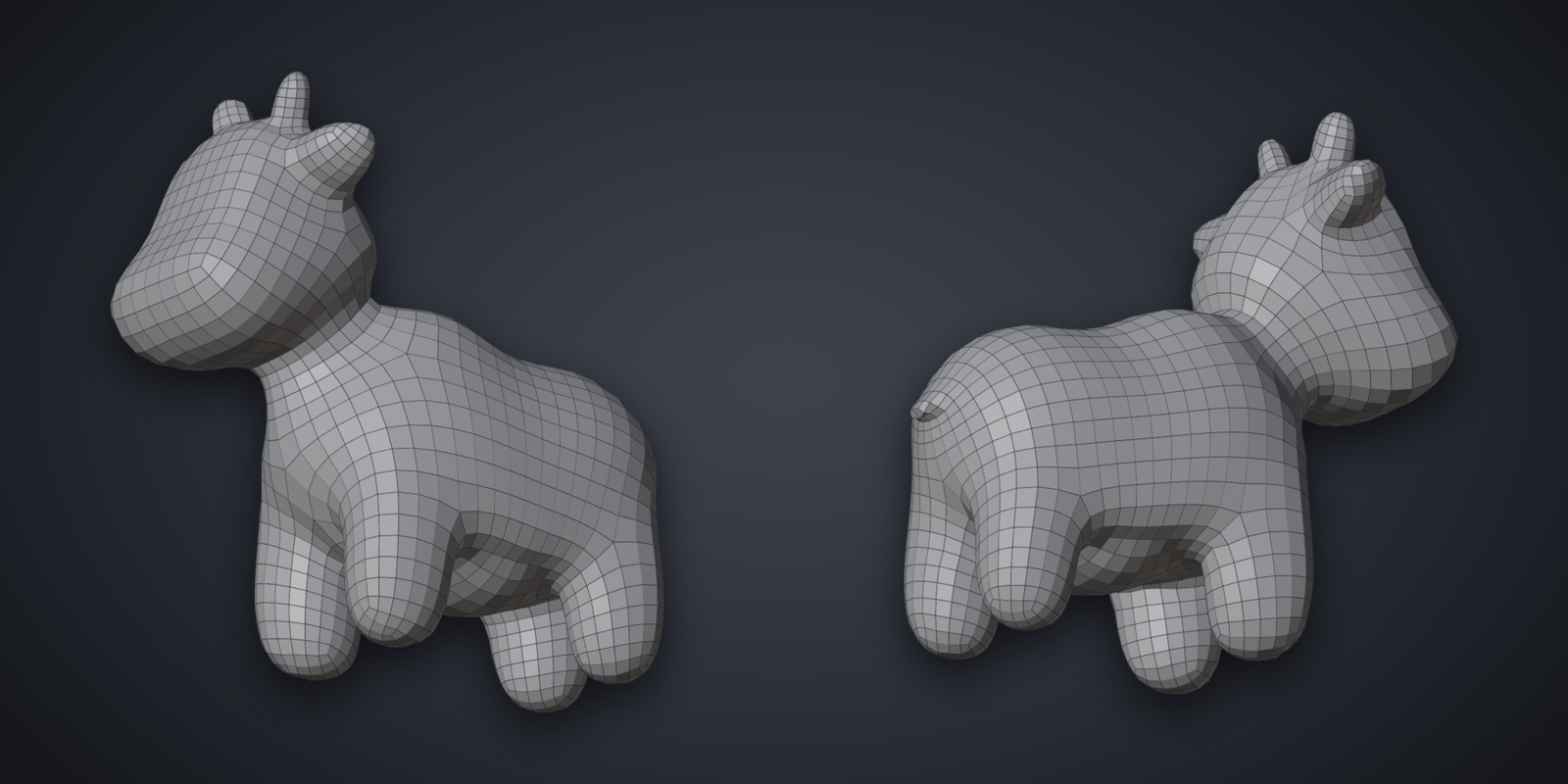
Spot, original Spot, remeshed: Character, 2018 quads
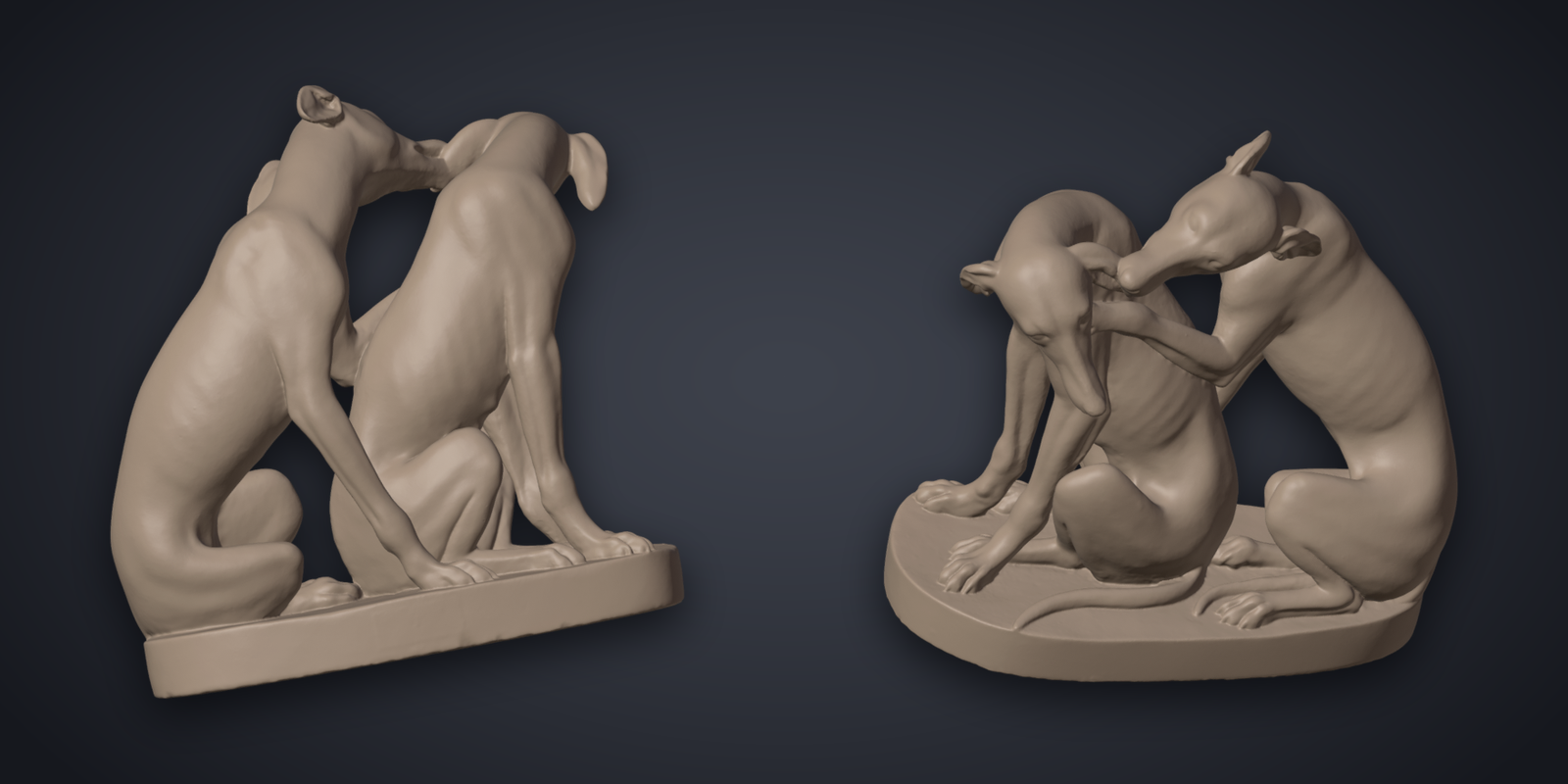
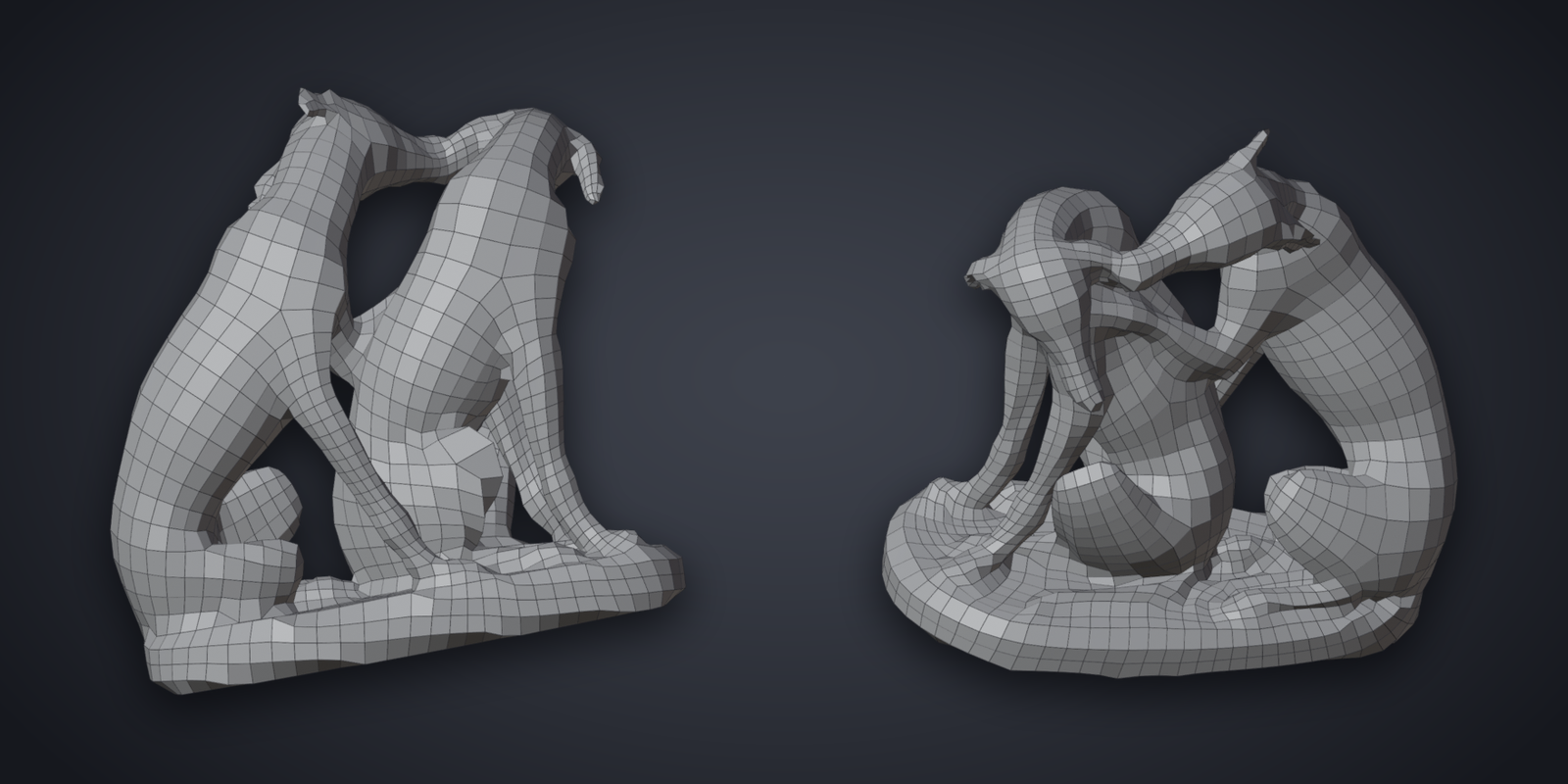
Hundepaar, a scan of 1.6 million faces, original Hundepaar, a scan of 1.6 million faces, remeshed: Sculpt / Scan, 3014 quads

Technical Parts

Bracket as it comes from CAD Bracket remeshed, the quads colored by surface
Plate as it comes from CAD Plate remeshed, the quads colored by surface
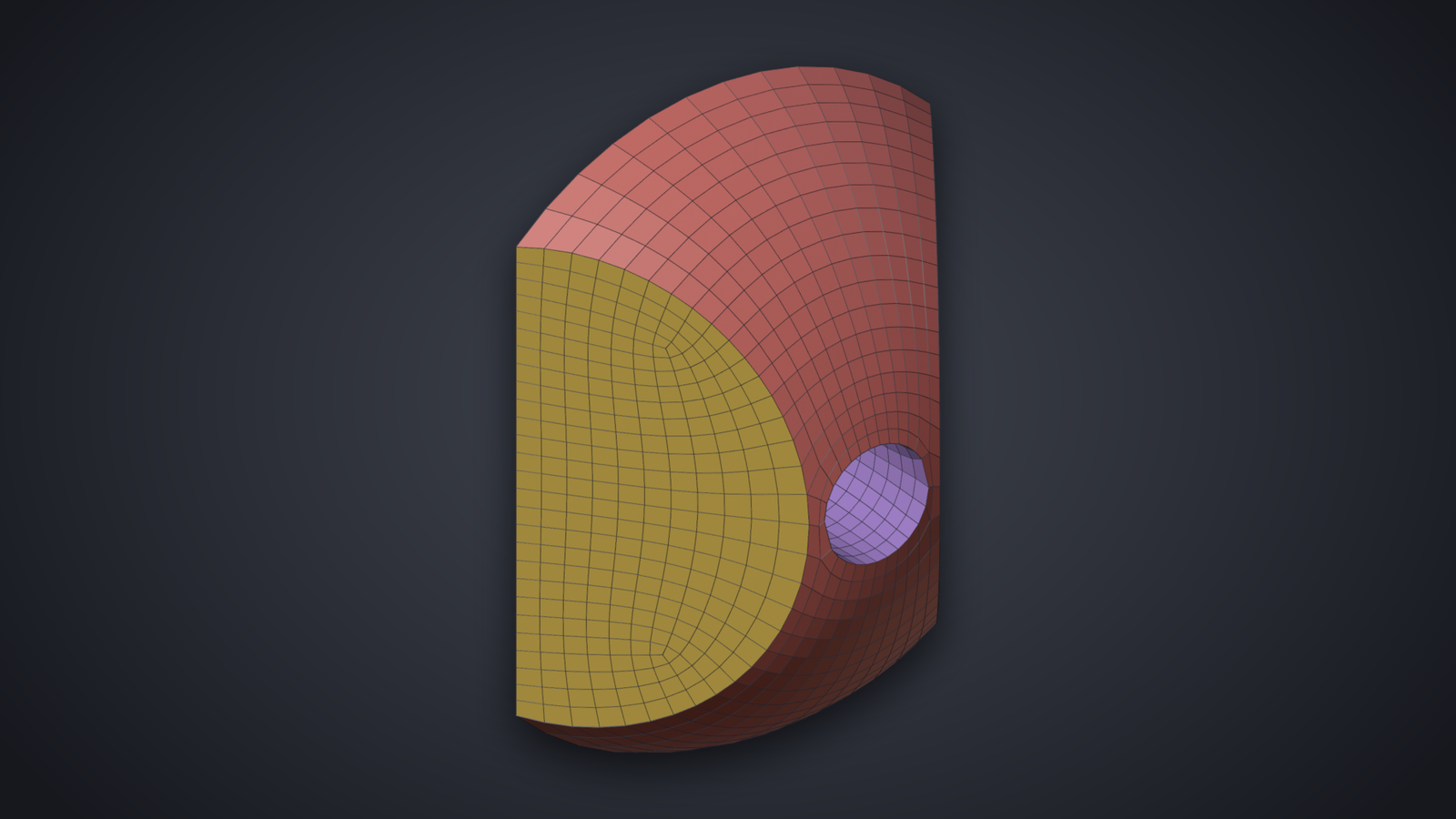
Dome as it comes from CAD Dome remeshed, the quads colored by surface

Where to Start

Install, then Your first remesh and Your first guided remesh.

Questions and results go to the thread on Blender Artists.