Draw
Panel: Sidebar ‣ QuadGuide ‣ Draw
Draw puts guides on the mesh. Every guide becomes an edge loop in the remesh.
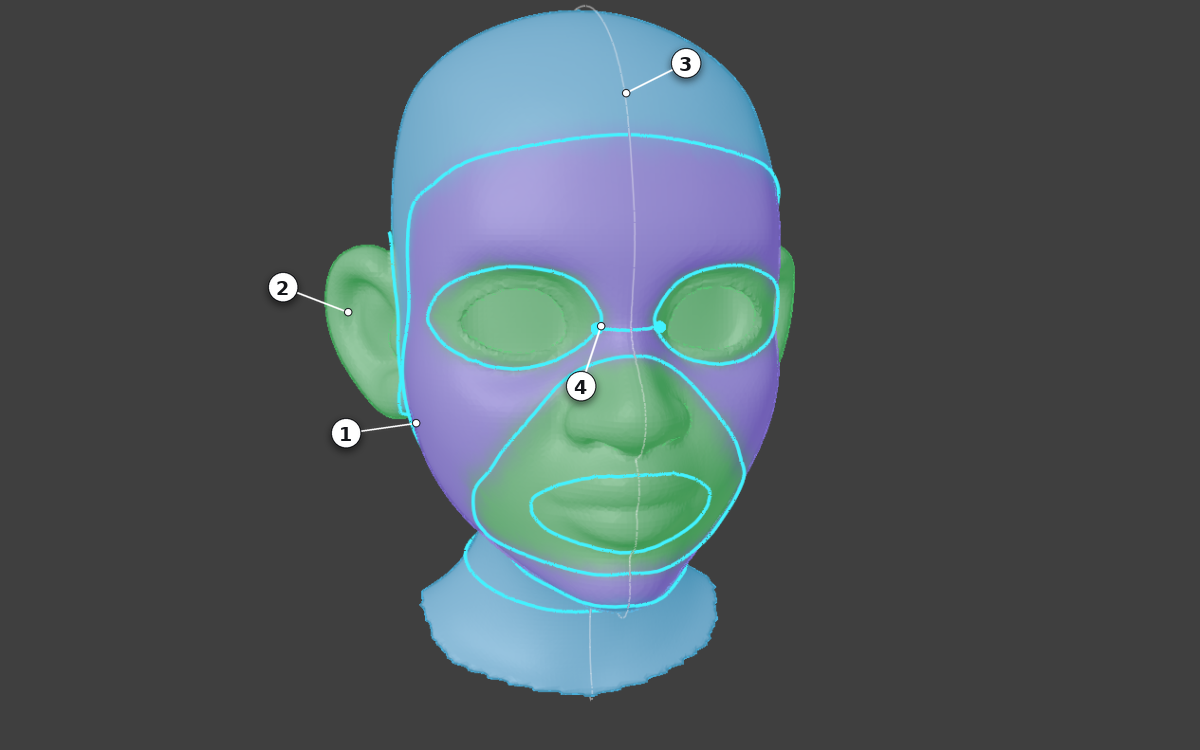
- A guide: it becomes an edge loop.
- A tinted region (with Fill with Patches on): it becomes one patch of quads.
- The mirror line.
- A point where guides meet.
Usage
- Press Draw.
- Draw and edit guides. Orbit and zoom work as usual.
- Press Esc to leave. Guides are saved on the mesh.
The keys that work right now are listed at the bottom left of the viewport. F1 shows all of them; press it again to hide the list. See also Every key of Draw.
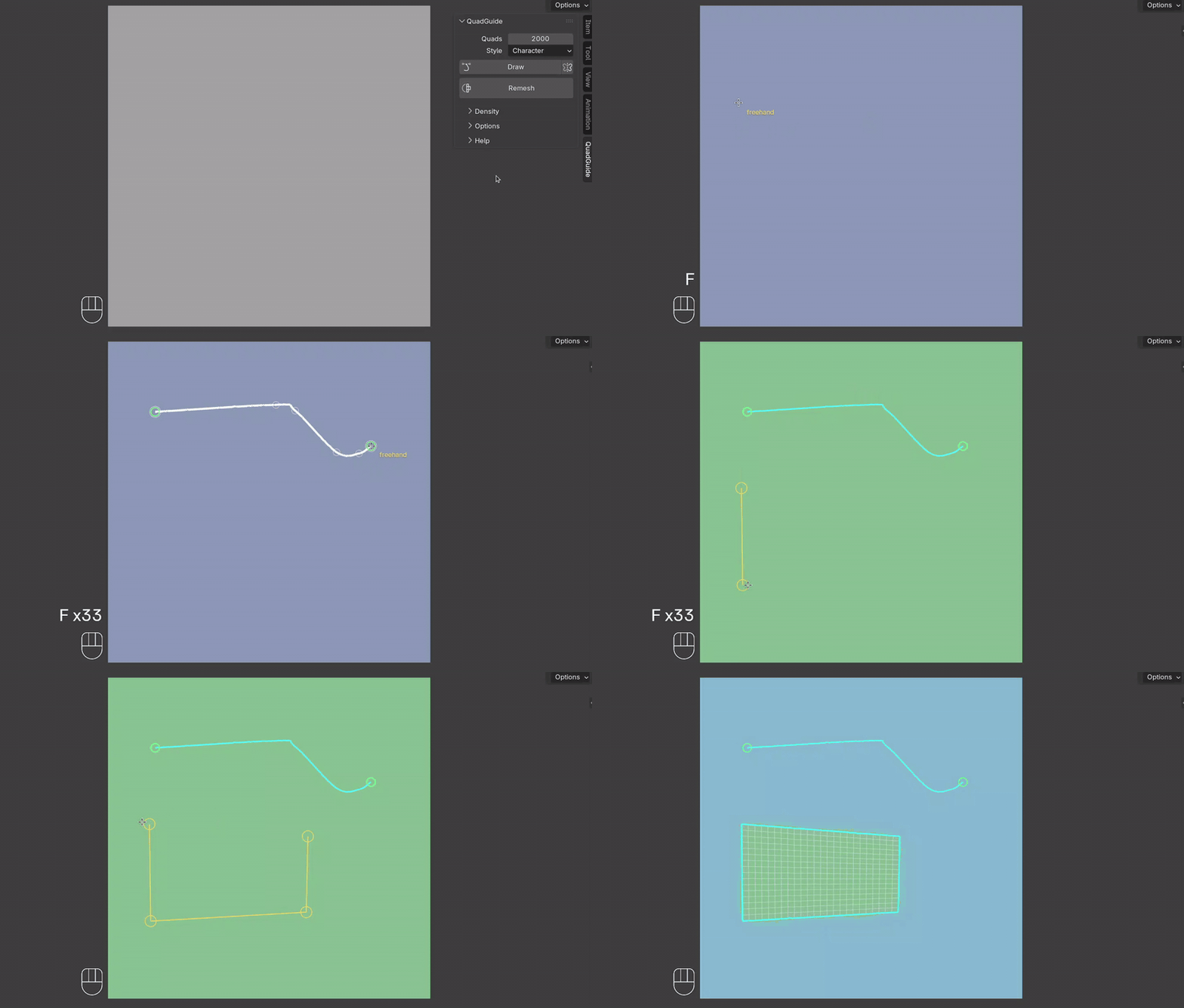
What You See
Guides
Points
Where guides meet
Line ends (P + click)
Regions (K + click)
A Region's Kind
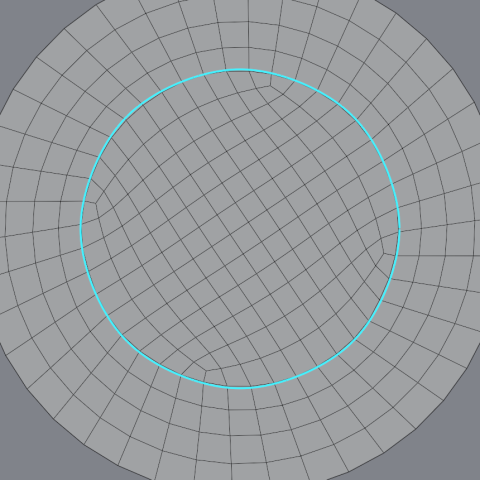
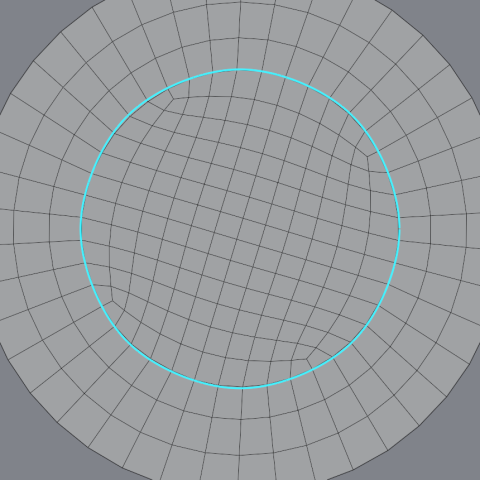
Hold K and click a tinted region to choose how it is filled. Each click changes the pin in the region; the next remesh uses it.
| Auto | Grid (#) |
Free (dashed ring) |
|---|---|---|
 |
 |
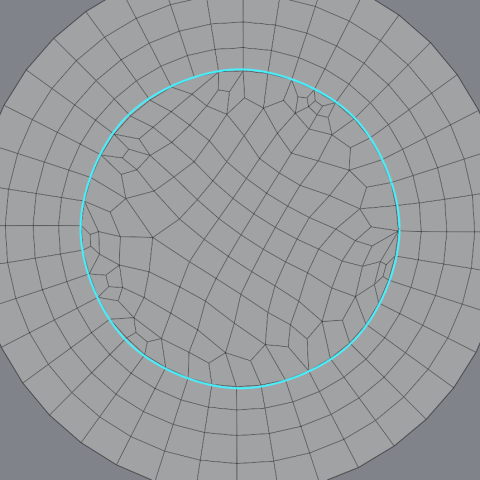 |
See Also
Putting down a guide · Points and handles · Junctions · Mirror X · Patches