Mirror X
Mode: Object Mode
Panel: Sidebar ‣ QuadGuide ‣ Mirror X (the mirror icon next to Draw)
Shortcut: M (in Draw)
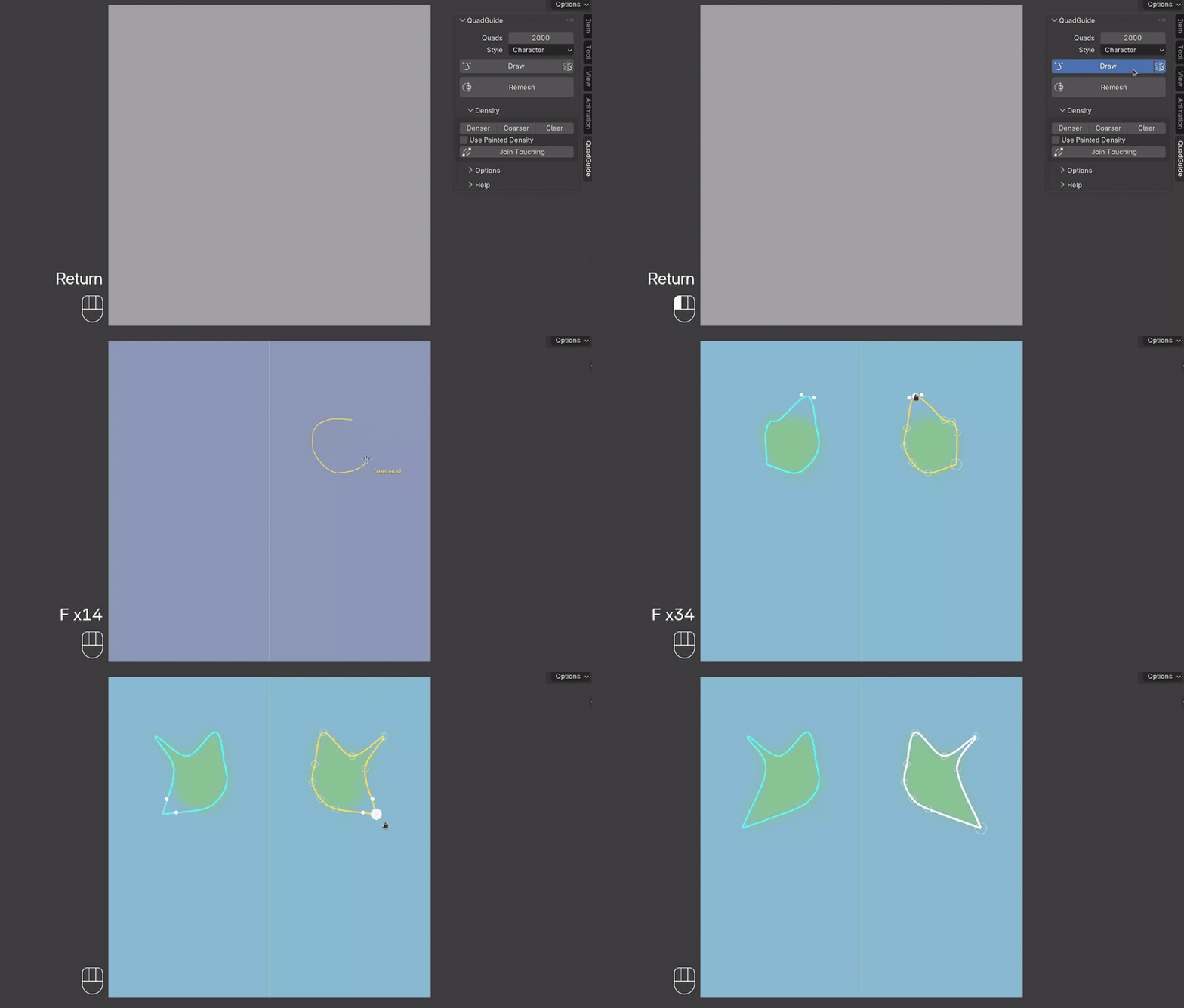
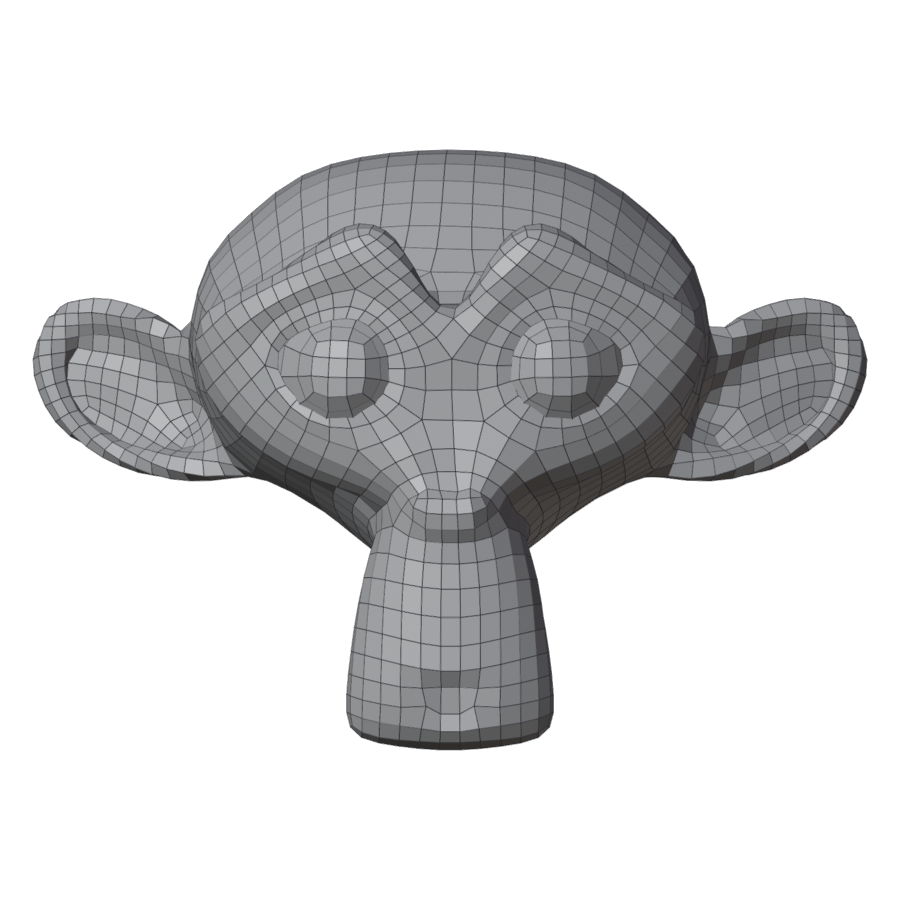
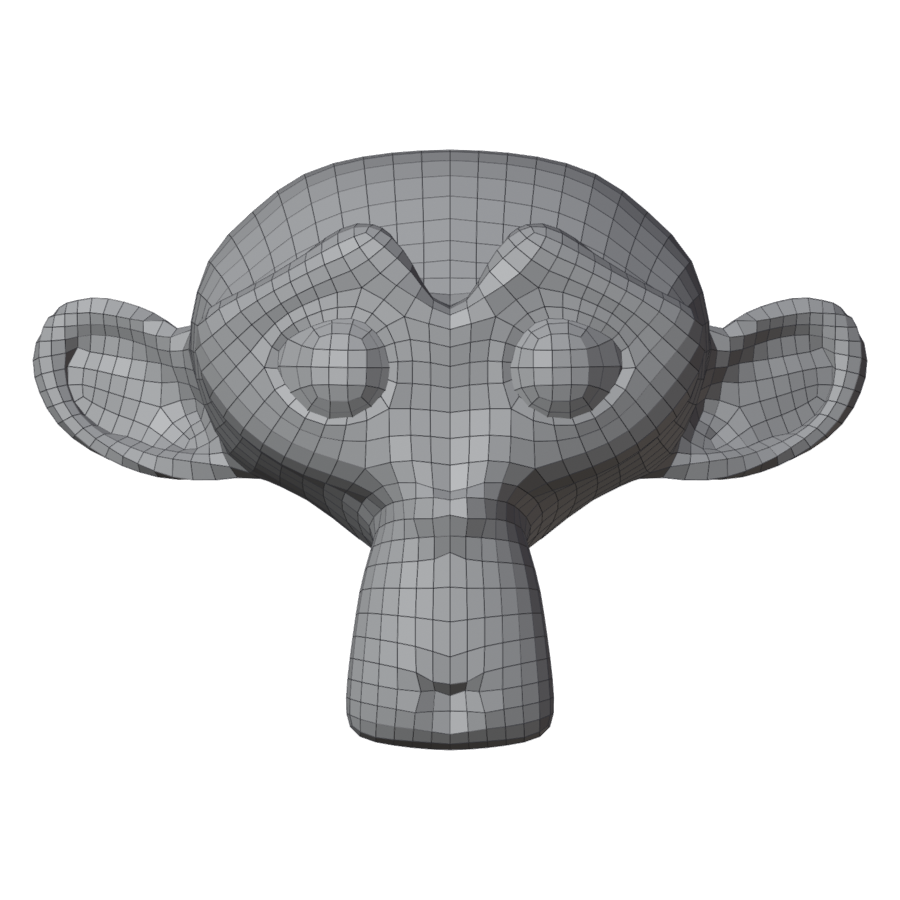
Draw one side; the other side follows. The remesh comes out symmetric, with an edge loop down the middle.
One Side Drawn
A guide on one side gets a twin that follows every edit.
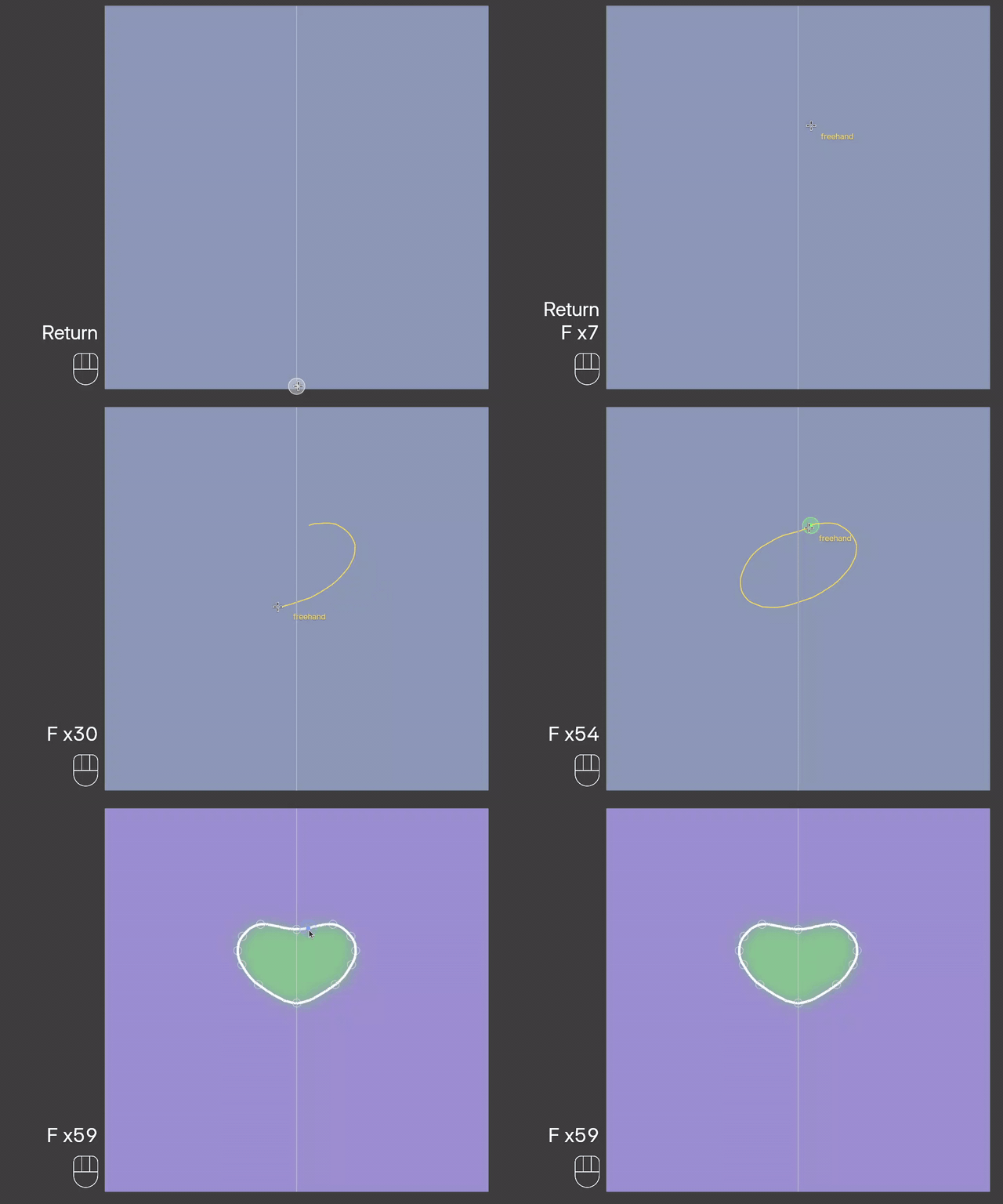
Across the Center
A guide drawn across the center is made symmetric.
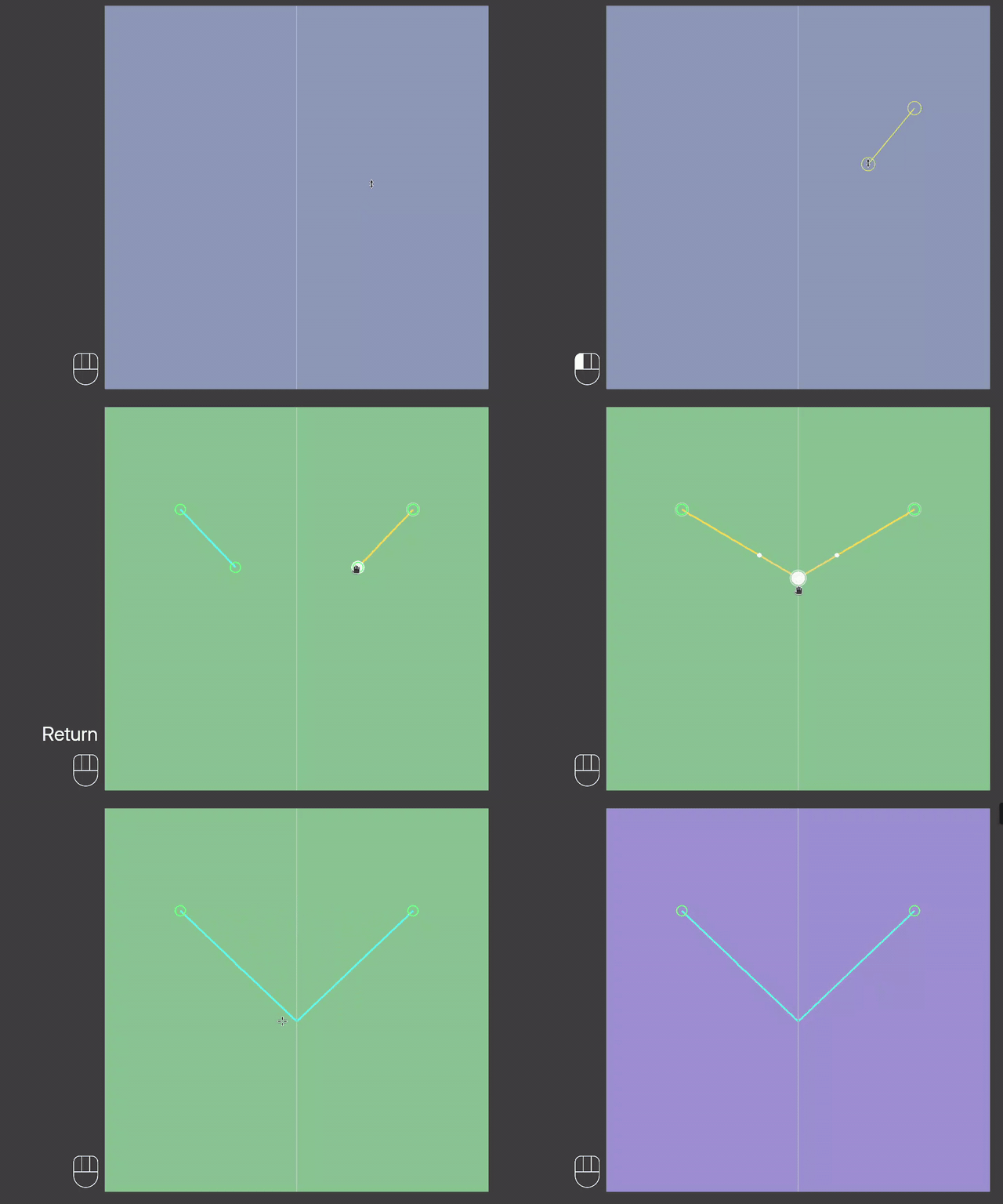
Merge on the Line
Drag an end onto the mirror line to join the guide with its twin. Ctrl and drag pulls it off again.
Remesh
| Off | On |
|---|---|
 |
 |