Options
Close Holes
Remeshes over the original's holes (open borders): each is capped in the copy the engine gets, so the result is closed. The original is not changed. For scans with gaps, or a sculpt with an open neck you want closed.
| Off | On |
|---|---|
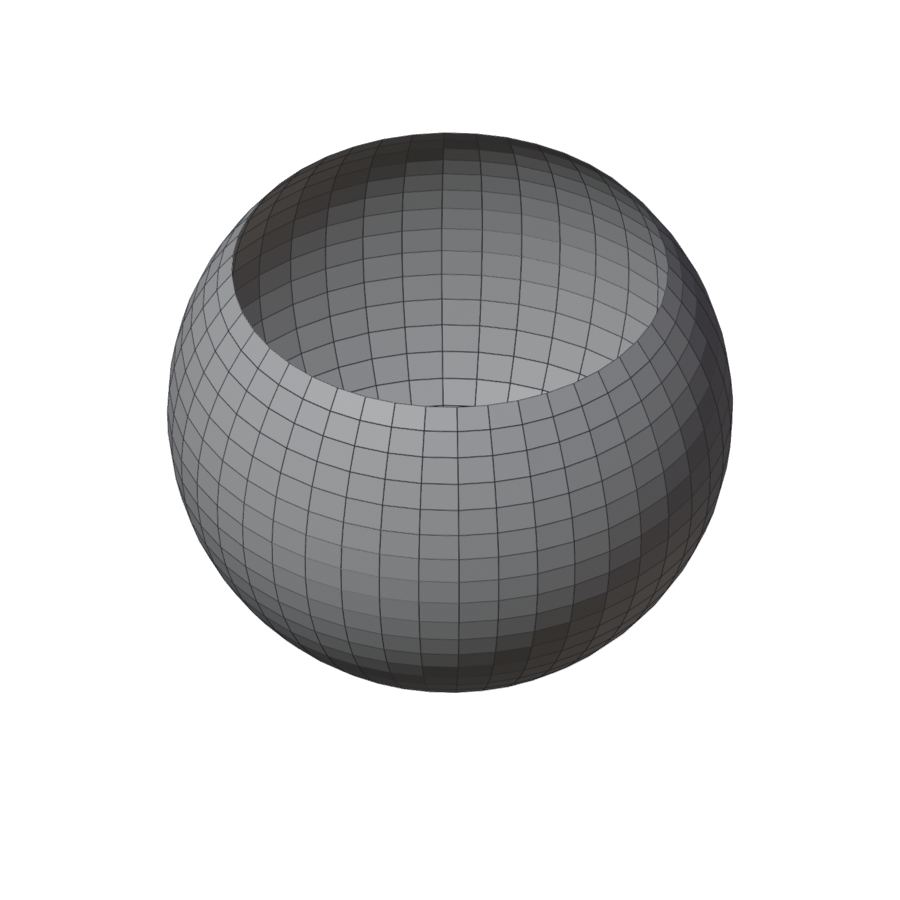 |
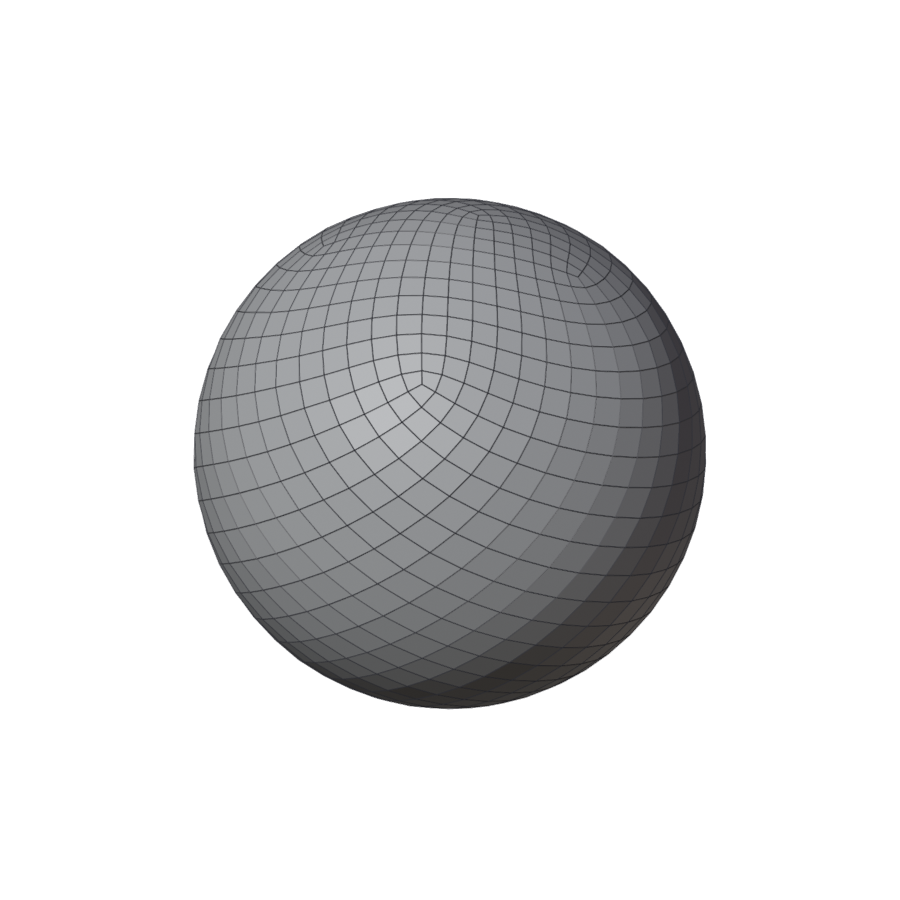 |
Keep Attributes
Carries the original's vertex groups, UV maps and colour attributes onto the result (from the nearest face, interpolated), so a rigged or painted mesh stays usable. UVs that cross a seam of the original want a re-unwrap there.
Show
Overlays in the viewport, on the result:
| Toggle | Shows |
|---|---|
| Poles | A dot on every vertex where other than four edges meet: blue 3, orange 5, red 6 or more. |
| Density | Each quad tinted by its size against the size asked: white as asked, blue smaller, red larger. |
| Verdict | The active result's one-line verdict, bottom left: clean or not, quads, poles, time. |
| Bands | The bands your guides cut the mesh into, each in its own colour, on the original before the remesh and on the result after. |
| Regions | While drawing: the regions between the guides, tinted by the patch each fills as (with Fill Between), with about how many quads each gets. |
| Sketch | While drawing, with Fill Between: the rows of quads each grid, pole patch and ring will get. |
| Advice | Where the engine had to add a line to your drawing, or found a band it fills badly. Where the fill failed is marked red even with Advice off. |
| Key Card | While drawing: the keys for what you are doing, in the viewport's corner. |
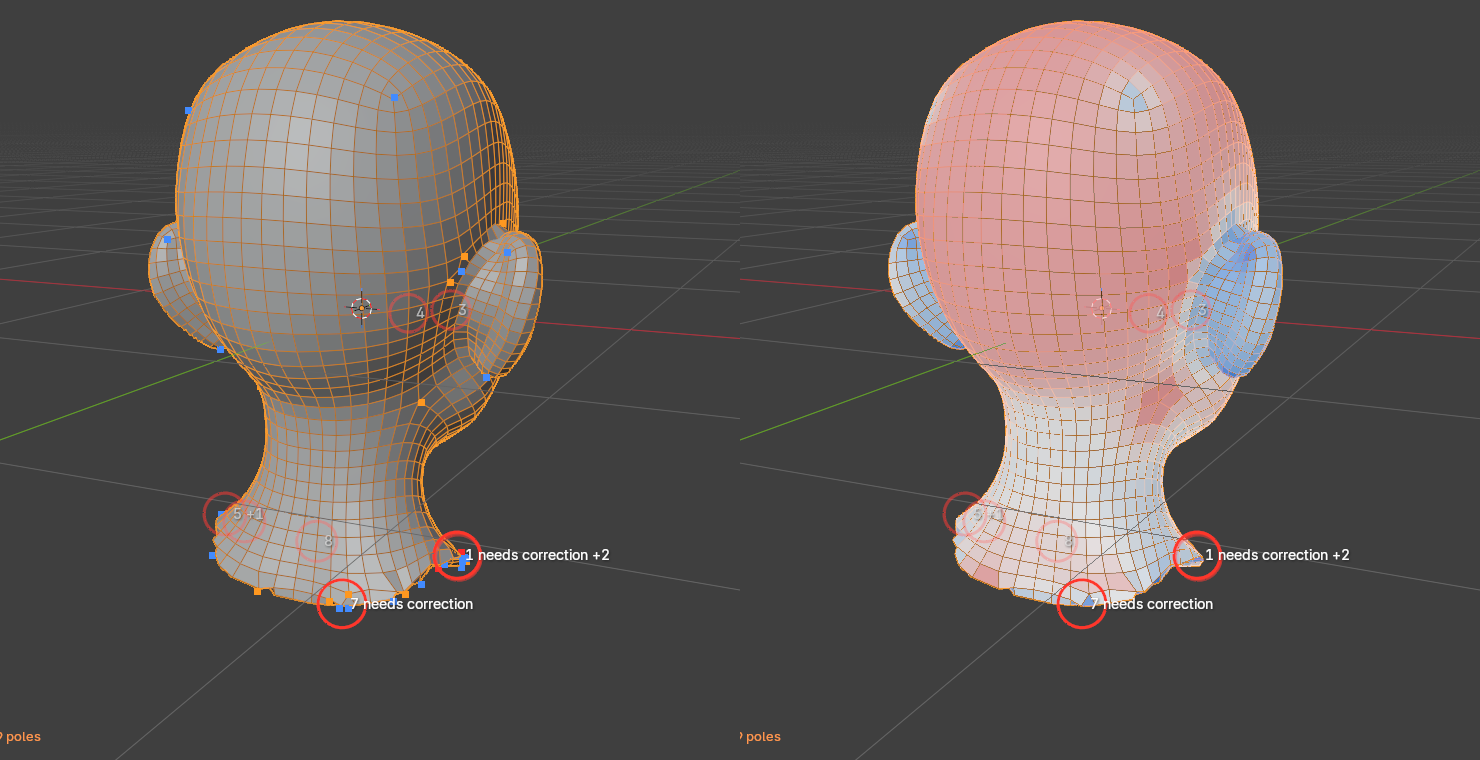
Light red on flat parts and blue on ears and fingers is the curvature adaptivity at work; a bright red patch on a detail is where to paint density.