Density
Where quads should be smaller or larger, and parts that touch.
Denser / Coarser / Clear
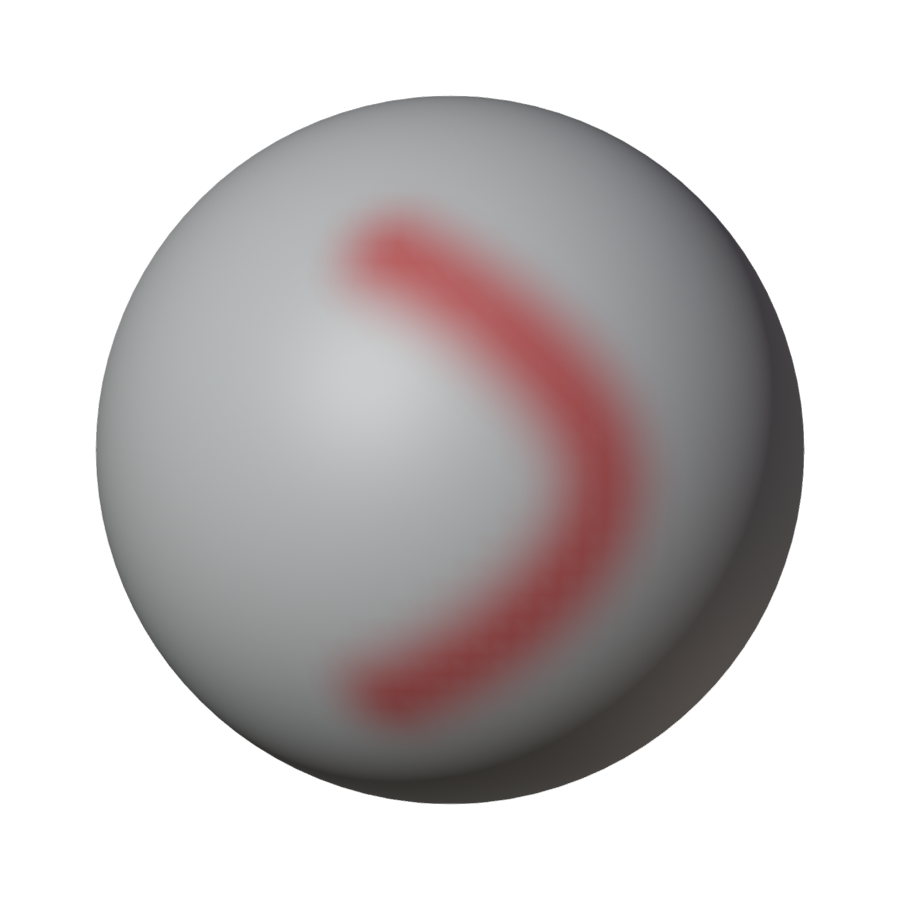
Paint the density map on the original:
- Denser paints red: smaller quads there (full red: edges a quarter as long). The quad count stays about the same, so denser quads in one place mean larger ones elsewhere: paint light red first.
- Coarser paints cyan: larger quads there (full cyan: edges four times as long).
- Clear resets the map.
- Done Painting goes back to Object Mode.
Painting turns Use Painted Density on. The brush is Blender's own Vertex Paint brush (F: size, Shift F: strength): a stroke paints a soft band, strongest in the middle.
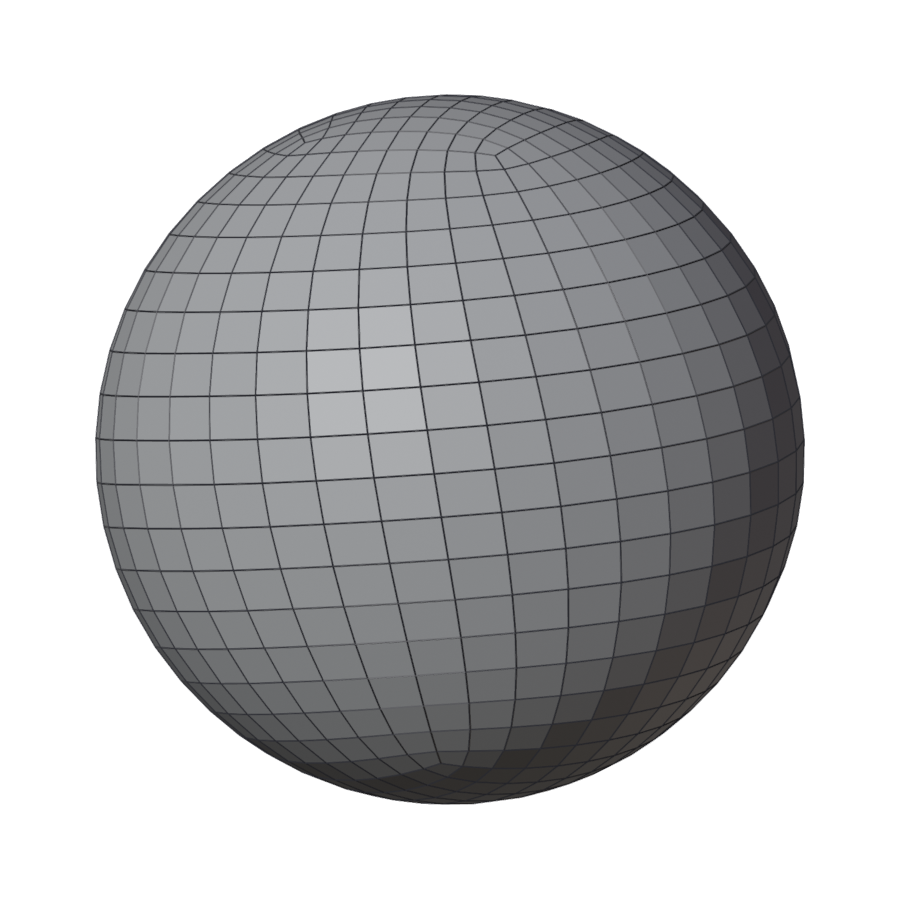
| One stroke of Denser | Without the map | With it |
|---|---|---|
 |
 |
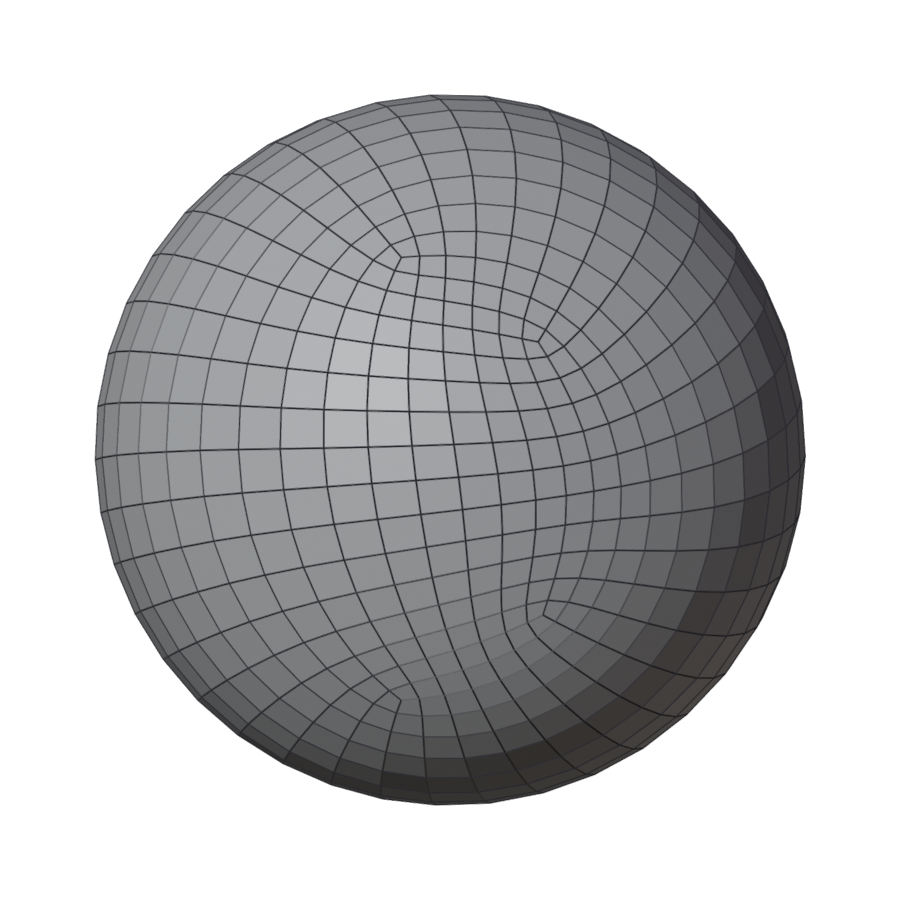 |
The quads along the stroke get smaller and the rows bend round it; the rest of the sphere gets a little coarser, as the count stays about the same.
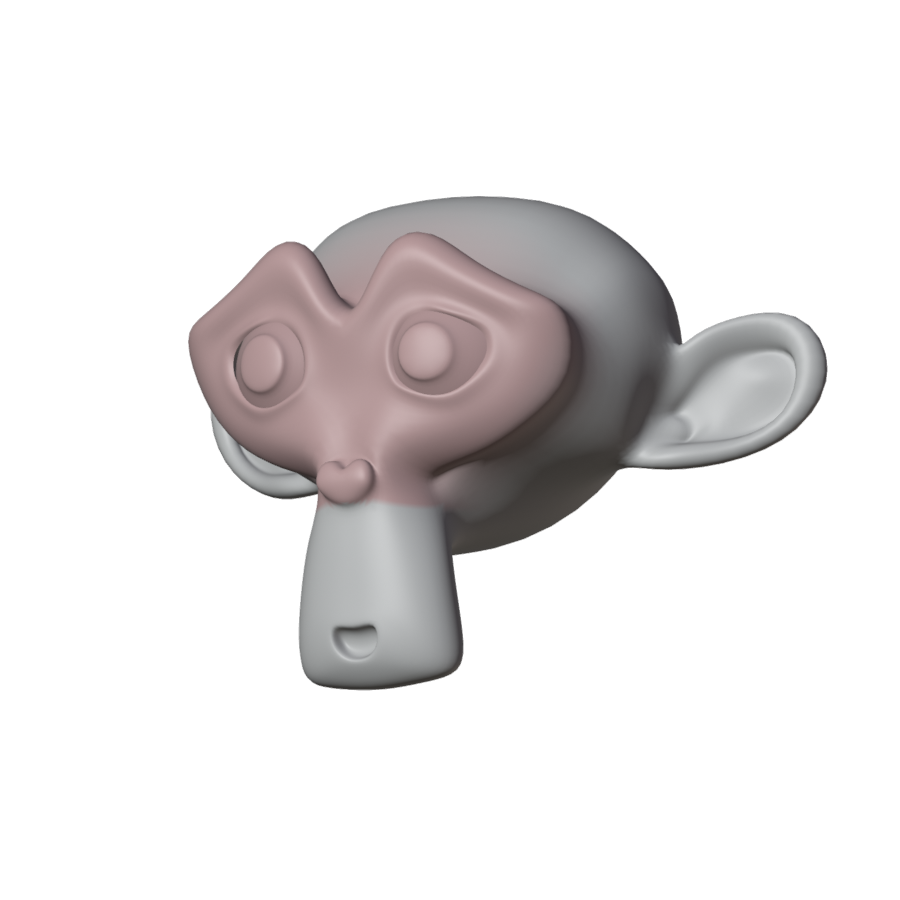
| The painted map | Without it | With it |
|---|---|---|
 |
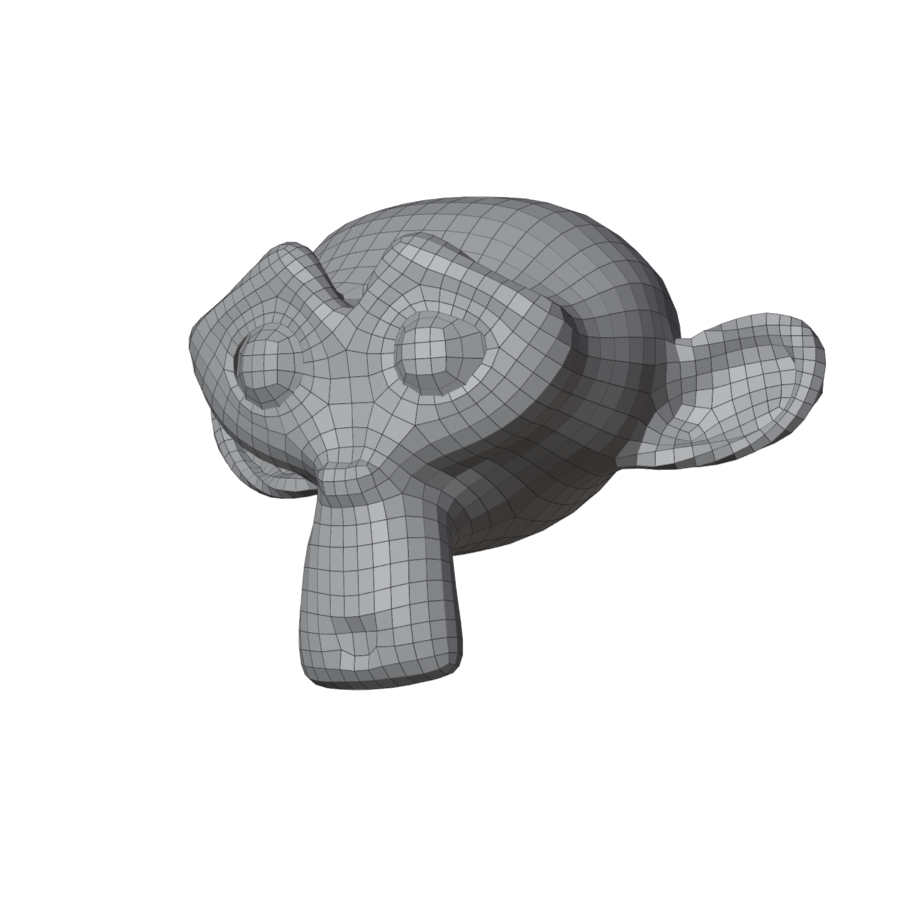 |
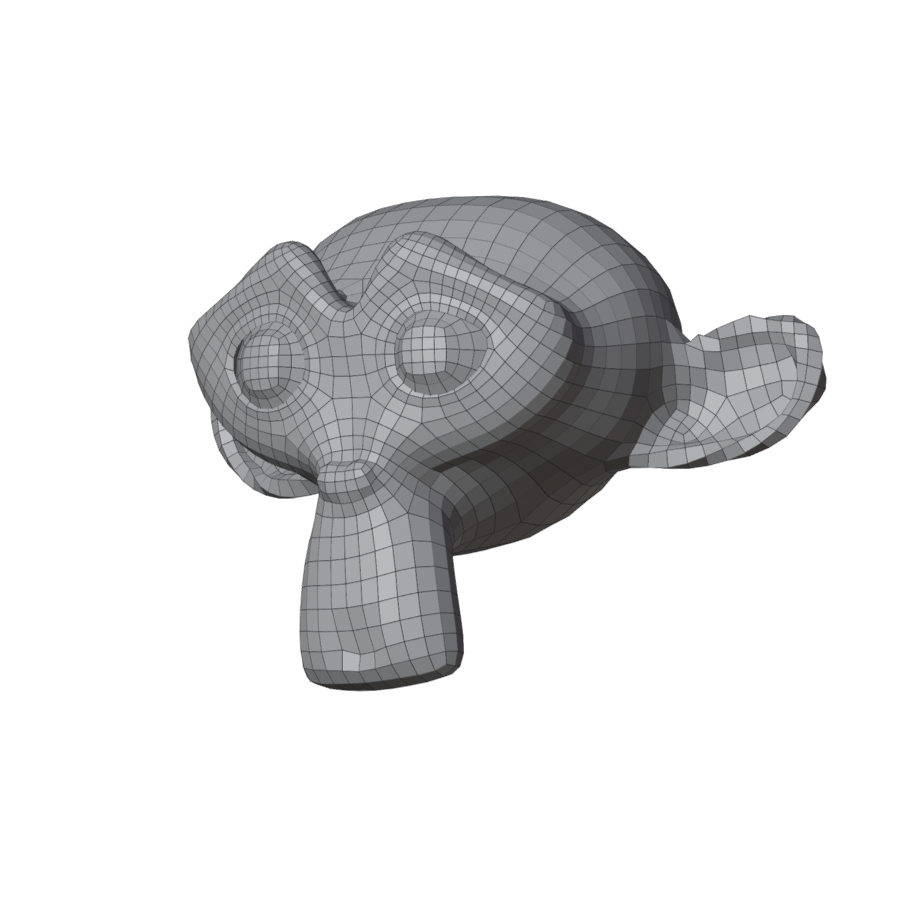 |
Use Painted Density
Uses the active colour attribute as the density map: red makes edges a quarter as long, cyan four times as long, white leaves them as they are. Off: the map is kept but ignored.
Join Touching
Where parts press together (fingers, a thumb against the palm), fuses the walls closer than half a quad before remeshing. It adds a voxel Remesh modifier to the original, half a quad in size; the original keeps its shape underneath. Unjoin takes the modifier off.
| Without | With Join Touching |
|---|---|
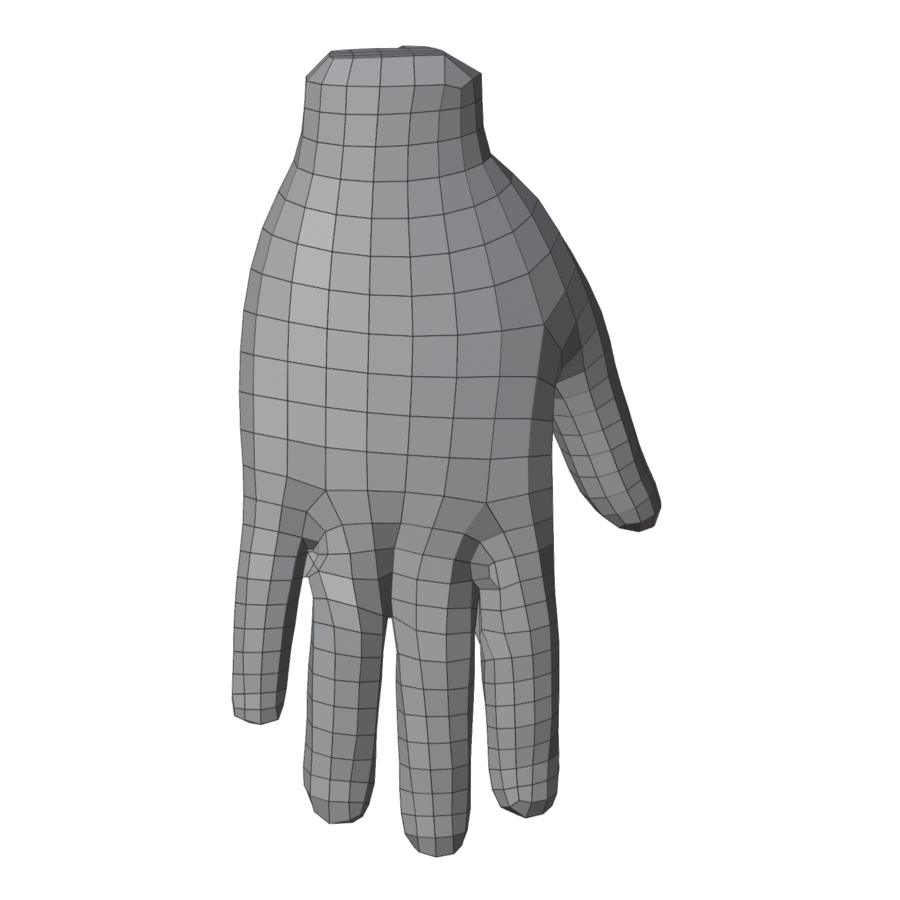 |
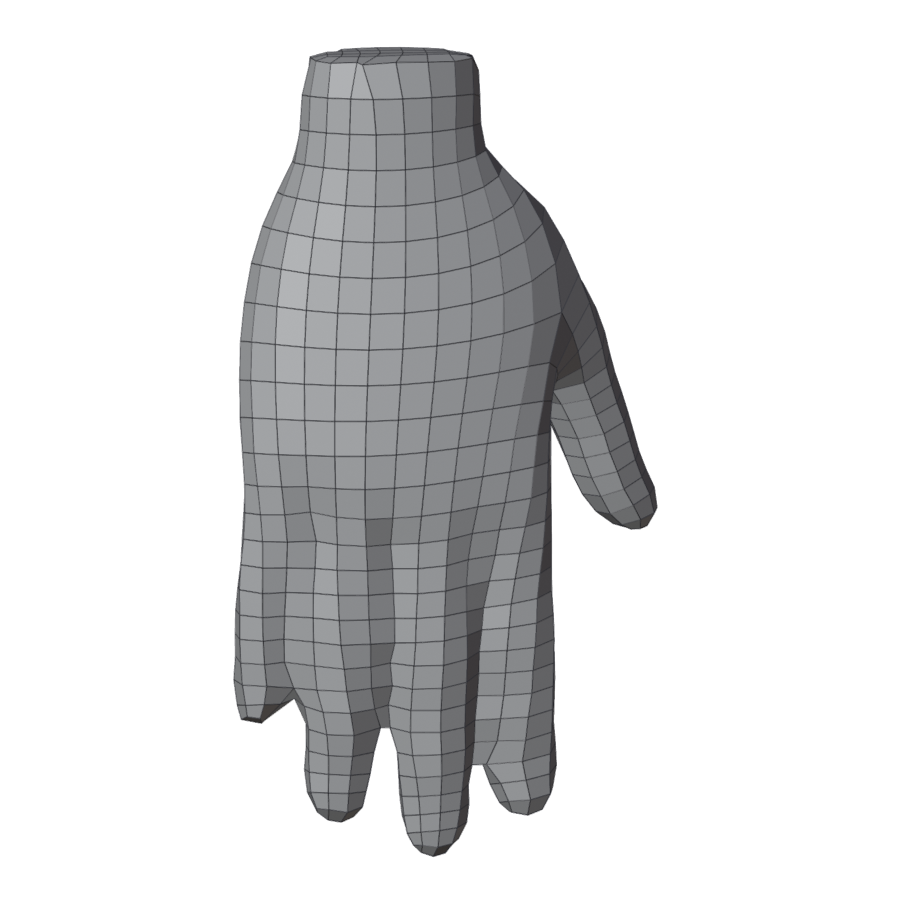 |
Joined fingers become a mitten with grooves: use it when that is what you want at this quad count, or raise Quads so the gaps get quads of their own. It refuses a mesh with open borders.